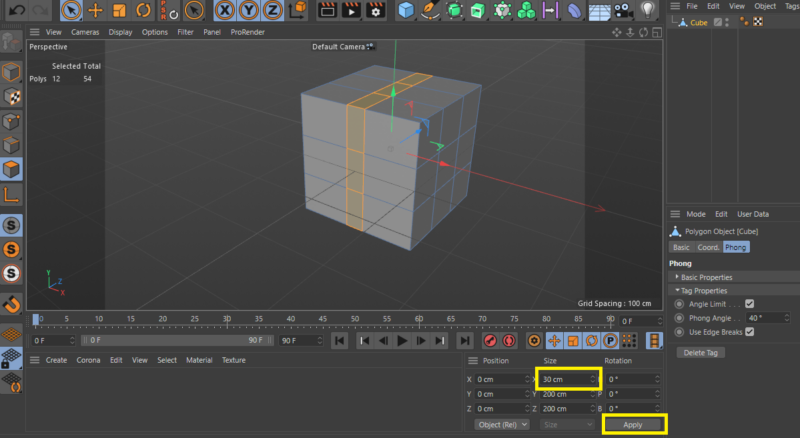
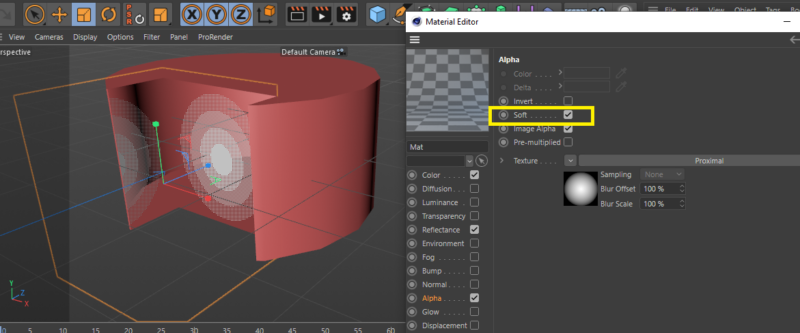
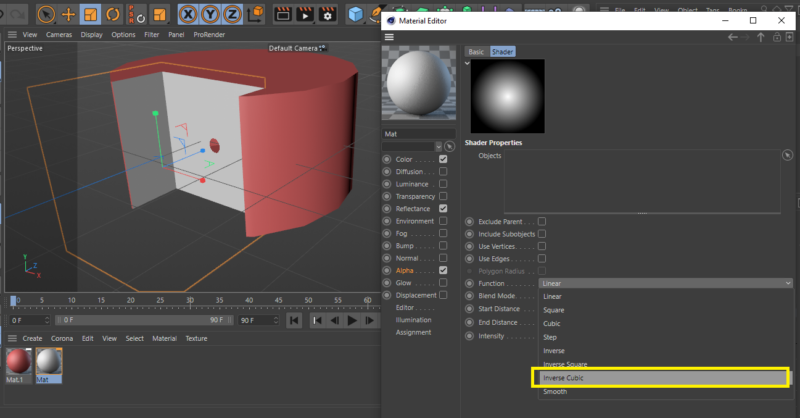
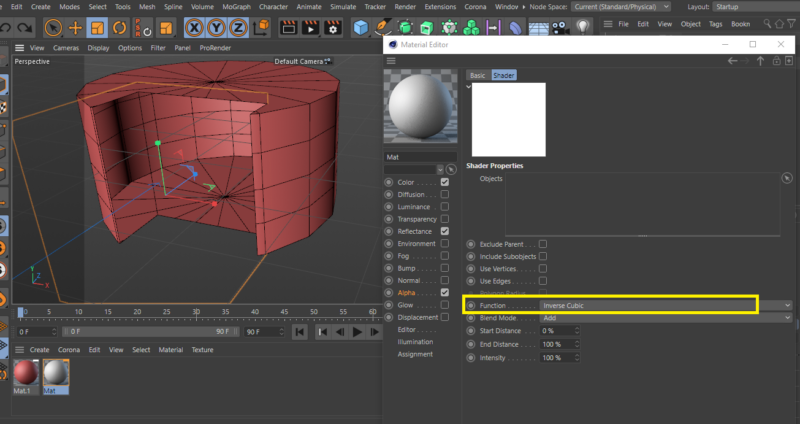
I did this using the boole property, which you try to avoid all the time 🙂
As I said, I didn’t quite understand how you wanted to accomplish this. Just when I saw that you had a problem with the sphere shape that appears when you use the approximal effect in the alpha channel, I wanted to show you how to make it a cube to help you. If you could please attach a file explaining your idea perhaps someone can complete what you are looking for. Thank you