Forum Replies Created
-

Look, this “restless” example was done manually, you can notice this because every line has the same behaviour and the amount of synchrony between actions. I thought you showed it as an example and not an exact copy. I’ve attached a project which reproduces the effect in exactly with just 3 steps.
-
I’ve set up a simple project for you. I think you can work your way from this file.
Let me know if you need more explained details about. -
just click on “H” in the color picker window, the “B” is selected that’s why the view change.
-
Thiago Macedo
May 19, 2022 at 4:41 pm in reply to: Issue with one frame with Time-Remapping function, with looping loopOut(“cycle”)probably not the best solution but for this example, you can use a workaround with the “refine hard matte” effect on the CC Particle World precomp. Set contrast above 60% and adjust the feather as you like. Use fill or tint to fix the possible glitches on alpha due to transparency inconsistencies.
-
Thiago Macedo
May 6, 2022 at 3:18 pm in reply to: How to manage duplicate files in project manager AE.if you have the same character files as your team and are sending open project updates one to another you can try a couple of things:
1 – if both teams use footage with the same names but different paths, when you replace the first file AE should be able to find others (as long names match)
2 – you can collect files instead of consolidating3 – you and your team could use a cloud service to sync files through multiple computers so paths and names stay consistent and eliminate the need to package the project to send.
4 – if you are an enterprise user you can try to work on a team project. (works in the same way as a cloud project but with better in-built tools like multiple people editing the same project)hope this can help with your issue
-
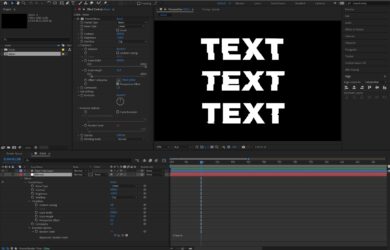
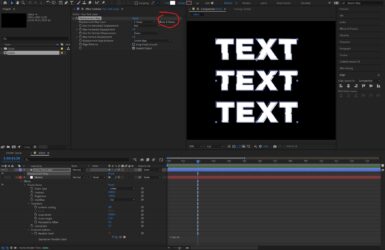
the first issue, select your text layer, open “properties” go to “more options” and change the “inter-character blending” to “overlay”
the second one, I would solve by duplicating the layer, using black and white colors on the text creating a Luma Matte layer to apply the style only on the stroke. But maybe there’s a better solution for that.
-
Thiago Macedo
May 5, 2022 at 6:15 pm in reply to: Could you explain this text animation? a thorough breakdown if possibleThis is a text preset. in AE go to Animation > Browse Presets.
it’s going to open a folder on bridge.Go to Presets / Text / Mechanical / insertText.ffx
Double click to apply it on your selected text layerthem experiment with alignment or invert keyframes
from there you just need to time well the objects on the scene.
if you don’t have bridge go to
(Your After Folder)\Support Files\Presets\Text\Mechanical\ -
I’ve just tried using soft light and worked (red solid on top)