Forum Replies Created

Page 4 of 126
  • Mads Nybo jørgensen

    May 15, 2026 at 12:41 pm in reply to: Deflickering

    Hey Jean,

    That is some serious flickering.

    First and Second pass is something I often use for Green Screen keys. But multi-layer the effect instead, and do one render out.

    1st fx layer is the main green, 2nd + is for dealing with the variations that did not get taken out by the first key – this is an old way of doing it, but sometimes works.

    With regard to DeFlicker, some of the best results I’ve ever had, was through using Re:Vision Effects DeFlicker app. One project was remove a very difficult flicker in the blacks, filmed in a miningshaft, for a feature film that went to 35mm for Cinema distribution.

    You can find it here:
    https://revisionfx.com/products/deflicker/resolve/#features

    Also, the people at Re:Vision are active on their COW forum:
    https://creativecow.net/forums/forum/revisionfx/

    Happy to run a test for you over the weekend, if that helps?

    Atb
    Mads

  • Mads Nybo jørgensen

    May 15, 2026 at 7:33 am in reply to: Foundational/global Vegas Pro problems

    Hey Dennis,

    Sorry, your experiences sounds way past painful.

    And, you are clearly doing all the right things to make it work.

    Initially there are only two things that you don’t mention, which might be relevant:

    1) In your setup, do you use external drives HDD/SSD?

    2) What is the codec of your video source files?

    Atb
    Mads

  • Hey Sam,

    You are very welcome.

    If VR is something that you’ll be doing more of, there is every good reason to make friends with the Product Marketing department at Canon.
    They may be able to help you with a loan of the kit, but that is a far stretch, and if any footage works for you to pull data from, then stick to that.

    Although this might come at cost that is a step too far, there is a number of hire possibilities for you. Found one that has an outlet in Manchester. Think of it in case of anyone asking you about where to get the kit from, if they don’t want to purchase.

    https://www.hireacamera.com/

    Screenshot attached for a quick search.

    If possible, please do come back and share your findings and experiences.

    Atb
    Mads

    PS: I’ve got a good friend based down South (London) who is specialised in 360 content, filming and production, happy to make you an introduction. Feel free to connect with me on LinkedIn, and I’ll point you in the right direction.

  • Mads Nybo jørgensen

    May 7, 2026 at 6:22 pm in reply to: Vegas Pro 23 won’t open

    Hey Mike,

    That’s annoying.

    Sounds like you need to free up space:

    What does your System > Storage > Temporary files show?

    WARNING: DO NOT “REMOVE YOUR DOWNLOADS FILES” – unless you have checked them, or backed them up to a seperate folder.

    Have you deleted render files (temporary pre-renders) for all of your projects?

    If going manual, A.I. suggests: “often found in

    C:\Users\<username>\AppData\Local\VEGAS Pro\<version>\

    or the folder defined in your project properties.”

    If you have it, could you add an external drive for you to free up space on the main drive?

    Atb
    Mads

  • Mads Nybo jørgensen

    May 7, 2026 at 10:26 am in reply to: Vegas Pro 23 won’t open

    Hey Mike,

    Great that you got it to open again.

    Would be interesting to know your machine specs?

    Although, you are sorted:
    Good idea to check how much space you have on your drive?
    Where is your Virtual memory sitting, and how much space does it take?
    Don’t know if you use CCleaner, it starts from free, but can help you clean your drive for orphan files – just make sure to make back-up of registry before cleaning it.

    Hope this helps?
    Atb
    Mads

  • Hey Sam,

    Sounds like an exciting project.

    Hopefully there will be someone here who has what you are looking for.
    I don’t, but as a recent owner of a VR headset, I am interested.

    As you haven’t told us where you are based, I apologise in advance if my suggestions are not relevant:

    1) Have you reached out to your local country Canon office? I would be surprised if Canon themselves does not have footage that you can have to work with. Best place to start is their local Product Marketing department.

    2) In UK (my base) there are a few companies that will hire the lens to you on day/weekend/weekly rate. Although this might be a bit far to go in your preperations, it might be an option.

    Hope this helps?

    Atb
    Mads

  • Hey David,

    OK, I hear you:
    “The idea is: once you already have a cut — rough or otherwise — it watches and listens to that version and returns timestamped notes on things like pacing, clarity, continuity, etc.”

    On paper, that sounds great.

    In reality, on bigger projects, my client get a Transcript with TimeCodes from me in a word.doc format. Where they can follow and make notes.

    I’ve just come off a project with a running time of 110 minutes, where most of the edit, from rushes to final master, was “paper-edit”.

    The pacing and clarity often becomes apparent during the edit and is changed on the fly as we go along.

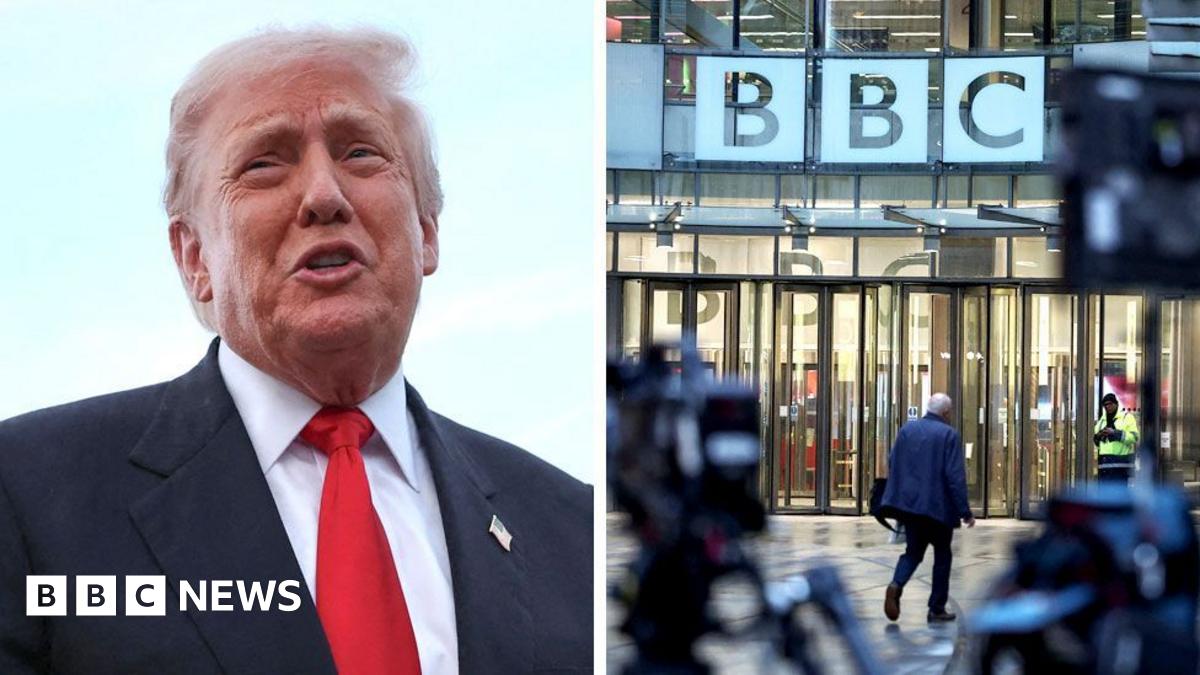
    On Continuity, there is one former Director General, and the former head of news, at the BBC that might have wished for that.

    https://www.bbc.co.uk/news/articles/c874nw4g2zzo

    If anyone ask, you heard it here first; but if there was a visual tool that could show you where the clips in a timeline was from in the rushes. And, if two similar looking and/or sounding cuts might create a potential conflict because of the content, or placement in related to other content. Then you might have a winner.

    Although, rather than in the cloud, you’ll have to be at local media server level. And the audio/video data, inside a international broadcaster, is astromically large.

    But there is the argument of having a “forensic” trace to the origin of any given clip, which both the production, the compliance producer (before publishing), music licensing and the legal department would be happy to have + any future DG in the “Line of Fire”.

    Hope this might help you to find new riches with your tool, please don’t forget me! 😁

    Atb
    Mads

  • Hey David,

    Your idea sounds interesting, and as you suggest from the outset, the A.I. will be able to speed up putting the clips in order (rough-cut). But it still requires the editor to make it flow.

    But if what you are looking for is the rough-cut itself, and changing that. Then I am not sure what I would achieve by sharing it, unless you have all the footage uploaded, so the platform can select better cuts or angles for the client and me to review?

    There is no doubt about that over the next 5-years we will experience a revolution in video editing and finishing combined with A.I. tools.

    We are already seeing Vibe-Coding coming in to play inside the NLE, and I suspect that if Adobe is smart. The “script” feature known as “After Effects Expressions” will soon be Vibe-Coding.

    Avid has already announced at NAB, that with Google, they are bringing Generative and Agentic AI into Mediacomposer. Forget Generative, and focus on Agentic inside the editor, and there is something very big happening right there:
    https://www.avid.com/press-room/2026/04/avid-and-google-bring-agentic-ai-to-media-production

    My money is on local A.I. processing, where the “Agents” are installed and processing is done locally on my machine, rather than in the cloud using Adobe style “Pay-as-you-go”, or similar A.I. tokens from other vendors. Which also reduce the need for A.I. data centers to be built.

    With Apple currently running behind the super-fast train trying to catch up on A.I. (they have paid Google $1Bn to help them get going), that market has been cornered by NVidia (Windows & Linux).

    If you can create a plug-in running inside Premiere Pro, offering up differet versions of a cut, then that might be interesting, if not fun to watch. If possible, maybe find out if you can “crack open” Premiere Pro’s media analysis .prmi files and use that info to improve the edit?
    This is something that Social Media and other short-form projects could right now benefit from.

    Just an opinion.

    All the Best
    Mads

  • Hey Nigel,

    Without seeing the actual shot, it is near impossible to give advice for your specific issue.

    The short version is that you need to isolate (add a mask) to the area that you want to change.
    Magic Mask is a good place to start.

    If you search for “Davinci magic mask neck”, you will get different results.

    But Mr Alex Tech has this video that might answer your request:
    https://youtu.be/UB7mOG9eNxg?si=-tpjtqsVwsdfSyg9

    After sorting out the mask, it becomes a question of how you want to “smooth” the skin.

    Hope that this helps?

    Atb
    Mads

    Some contents or functionalities here are not available due to your cookie preferences!

    This happens because the functionality/content marked as “Google Youtube” uses cookies that you choosed to keep disabled. In order to view this content or use this functionality, please enable cookies: click here to open your cookie preferences.

  • Hey Nigel,

    Adding to Joseph’s excellent comments, it might be worth you looking up Davinci v21 retouching, there is new tools currently in beta.

    All the Best
    Mads

Page 4 of 126

We use anonymous cookies to give you the best experience we can.
Our Privacy policy | GDPR Policy