Hi Chris,
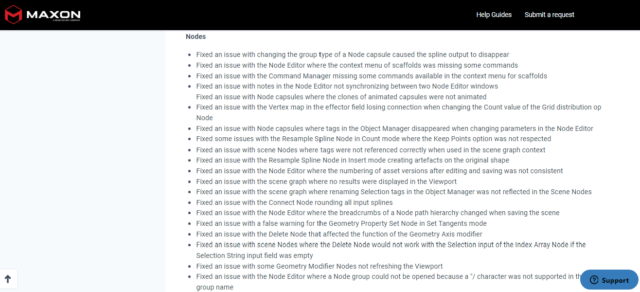
Here’s what Maxon had to say about this issue:
Note 2 – It is no longer possible to install Cinema 4D R20 under macOS 13 Ventura. MacOS has introduced higher security restrictions for older programs, that prevent the installer from running, especially if you use an Apple Silicon system.
If you have your previous Cinema 4D installed on an older macOS already, you may be able to copy and paste the entire MAXON Folder from the old Applications folder of the old macOS to the new macOS.
We cannot guarantee the stability of older software, working on new hardware architecture than it was designed for.”
As you can see, it seems that the matter is related to a fundamental problem, so you can only get around this by installing a newer version of Maxon or by downgrading to an older version of the Mac. You can also convert your files to Stl or other extensions via Internet websites.
I hope this is useful to you.