Hi Stephanie,
If I understand correctly, you want 48 frames from a video of a rotating object. Honestly i don’t think you need to bother with Posterize time or anything complicated.
Drop your video into a new composition.
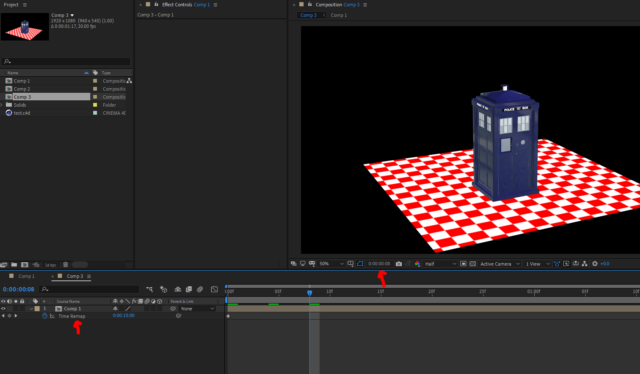
Then go to Layer > Time > Enable Time Remapping.
Two new keyframes appear on the timeline. Copy the second keyframe to your clipboard.
Then use Go To Time to set the current time indicator to 48 frames.
Highlight the Time Remapping value and paste in your copied keyframe.
So what you’ve done is speed up the video so that it runs through its entire length in just 48 frames. You can now render out of the first 48 frames of your comp and you will have evenly spaced, rotational shots.