Graham Bernard
Forum Replies Created
-

it also has a lever to give a zoom effect, but it degrades the original video.
Hi, zoom in on anything, other than a resizable Vector Graphic, and it will degrade, it’s the natural effect of zooming in, same amount of pixels over a larger area. The higher definition you go, the less apparent degradation of the Video. Or are you asking about something else?
-
Graham Bernard
December 22, 2020 at 6:12 am in reply to: Create Custom Length Preset Solid Color in Media GeneratorRich, I’ve thoroughly enjoyed this creative thread. Stunning work Edward, I’m still using Excalibur.
-
Graham Bernard
December 21, 2020 at 7:23 am in reply to: Turning off one track turns off all of themNeeding some clearer explanations. A couple of Screengrabs?
-
Graham Bernard
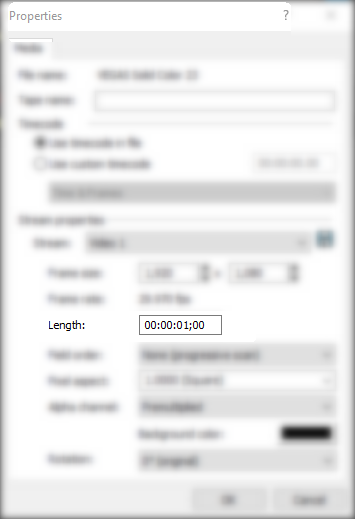
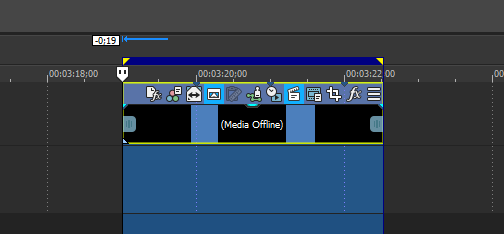
December 17, 2020 at 9:50 pm in reply to: Create Custom Length Preset Solid Color in Media GeneratorWell, after adjusting the actual Properties of the GenMed to 00:00:01;00 I’ve now got 1-second length GenMeds all along the Timeline. Can you see the 1-second Notches?

-
Graham Bernard
December 17, 2020 at 9:27 pm in reply to: Create Custom Length Preset Solid Color in Media GeneratorSo, you can’t even adjust the GenMed Length in Edit Prefs, then when you Insert a Solid Colour you get this 10 second? I’ve just repeated my approach and I’ve got it down to 1 sec, provided I’ve also set that Still Duration to 1 sec.
-
Graham Bernard
December 16, 2020 at 6:58 am in reply to: Create Custom Length Preset Solid Color in Media GeneratorI am looking for a method to create a preset as is done with other effects so that I do not have to go through these multiple steps.
Hi Rich! – Well I can repro the issue with this. I’ve tried all the settings to get a ONE Second White without success. So I thought about this for a bit and applied and what I came up with is another setting. There is an overriding with this and that’s this:
<div class=””>
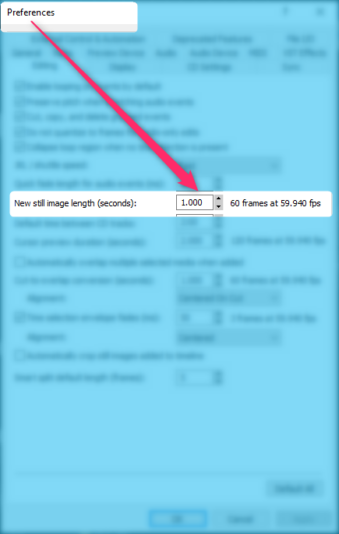
Solid Colour Inserts appear to be regarded as Stills and the Duration of Stills are set in Preferences. If I reset this to ONE Second I can get what you’re after, but then this will be true for ALL stills thereafter.
</div>
-
Graham Bernard
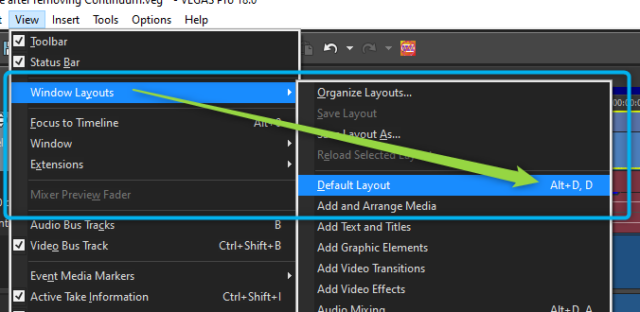
October 27, 2020 at 11:42 am in reply to: No Thumbnails image in Program Media folder Pro 18Yeah – ALT,D,D is the Windows Layouts Default:
-
Hi Steve! You’re asking a very fine question indeed. Have you asked this on the OFFICIAL VegasPro Forum?
G
-
Graham Bernard
October 24, 2020 at 7:05 am in reply to: Rendering time stopped but not because of hangLessons to learn: With Mission Critical work do segmented Renders.
1) You at least get progressive finished work.
2) Any issues will so up.
3) NLE Render work is THE most intensive work your PC will ever do.
4) ADD render times/issues to your project planning. I do. I don’t expect to be able to Create and then go forward to render. You’ve already said it’s a complex FX-rich project.
5) Be aware of the restrictions of your PC. Are you running VP18 on an i5? I’ve got SSDs and an i9 MONSTA, and I’m aware of the need to not allow my creativity to over-step my Setup. If I do, and why not, ?, then I employ “conservative” progressive workflow-renders.
Do you require any further suggestions?
-
Graham Bernard
October 22, 2020 at 7:37 am in reply to: Crashing on a powerful pc (I really don’t get it)Do you have your GPU activated?