Forum Replies Created

Page 7 of 13
  • Yoan Boisjoli

    September 3, 2024 at 5:28 pm in reply to: Expression doesn’t work with keyframes

    Haven’t had time to test it out but try this instead:

    C = comp(“Binny_Front_FULL”);

    ctrl = C.layer(“Brazo L”).transform.rotation;

    L = C.layer(thisComp.name);

    remappedTime = L.timeRemap.value;

    ctrl.valueAtTime(remappedTime);

  • Yoan Boisjoli

    August 19, 2024 at 11:58 am in reply to: overshoot expression bug

    Hi Boaz, is it possible that the expression engine wasn’t set to JavaScript in the project settings?

  • Yoan Boisjoli

    August 16, 2024 at 5:31 pm in reply to: Wiggle only positive values two dimensions

    Can’t test it right now but I think something like this could work:

    w = wiggle(3, .02);

    d = w – value;

    [value[0] + Math.abs(d[0]), value[1] + Math.abs(d[1])]

  • Yoan Boisjoli

    August 16, 2024 at 11:48 am in reply to: Need to round to the nearest .05 decimal.

    Hi Lauren!

    Yeah I was about to write this expression:

    sliderValue = effect(“Slider Control”)(“Slider”);

    roundedValue = Math.round(sliderValue / 0.05) * 0.05;

    roundedValue.toFixed(2);

    Hehe hope everything worked out for you.

  • Yoan Boisjoli

    March 8, 2024 at 3:32 pm in reply to: 3D Position to Angle

    This might be due to how After Effects interpolates angles, especially if the Light_POS layer’s movement is primarily along one axis. If look[1] (pitch) works better than look[2] (yaw), it suggests the movement’s impact on rotation is more predictable along that axis.

    To address sudden directional changes, consider using a smoothing expression like smooth() on the resulting angle, and if necessary, refine your setup or calculation logic to better align with the specific dynamics of your scene.

  • Yoan Boisjoli

    March 8, 2024 at 2:56 pm in reply to: After Effects mogrt force curly quotes

    I know you said you tried the replace function but here’s another way using the same function. Let me know if it works:

    var originalText = thisLayer.text.sourceText;

    var replacedText = originalText

    .replace(/”/g, “\u201C$&\u201D”) // Replaces all straight double quotes with curly double quotes

    .replace(/’/g, “\u2018$&\u2019”); // Replaces all straight single quotes with curly single quotes

    replacedText;

  • Yoan Boisjoli

    March 8, 2024 at 2:49 pm in reply to: 3D Position to Angle

    Based on your expression, it looks like you’re attempting to calculate the angle directly, but you’re facing issues with the 3D array result. You need to convert this 3D rotation into a 2D angle. Here’s a more direct approach:

    L = thisComp.layer(“Light_POS”);

    a = fromWorld(L.toWorld(L.anchorPoint));

    look = lookAt([0,0,0], a);

    // Extracting the Z rotation for 2D use

    angle = look[2];

    This will give you the z-component of the rotation, which is typically what you need for a 2D rotation effect in After Effects. If you need a different angle (like a pitch or roll for a specific effect), you would use the corresponding component of the array (look[0] for pitch or look[1] for roll).

    If you’re trying to use this angle for a specific property that requires a different format or range (for example, some effects might use radians instead of degrees, or you might be looking to adjust the angle range), please provide more details about the effect you’re targeting. This would allow for a more tailored solution.

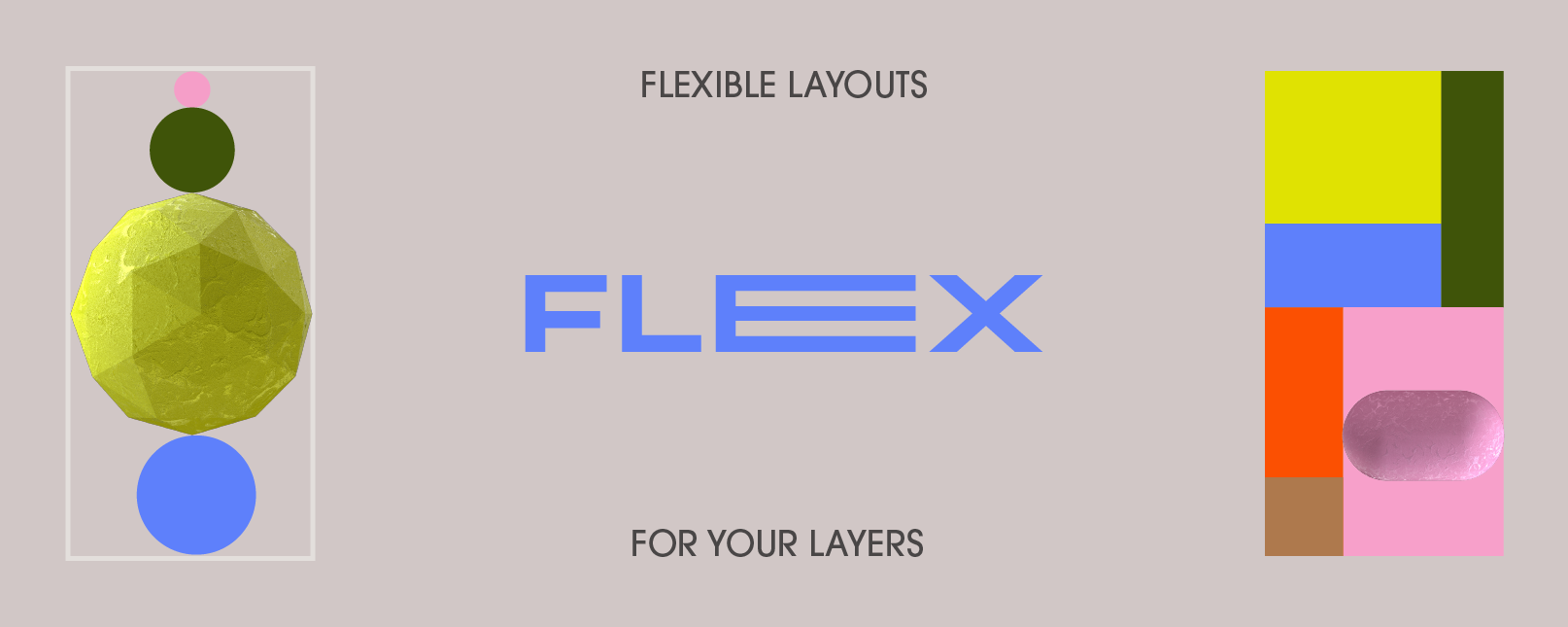
  • I can’t see the gif in action from my phone (only a thumbnail) but it seems like something similar to what the script “Flex” offers. Here’s the link:

    http://aescripts.com/flex/

    If not, let us know and we can figure it out!

  • Here’s an improved version of your script that ensures the functionality you’re seeking. This script checks if the interval is already running and toggles it accordingly. Additionally, I’ve added comments for clarity:

    // Define a variable to hold the interval ID outside of your button click handler to maintain its scope

    var intervalId = null;

    onoffButton.onClick = function() {

    // Check if the interval is already running

    if (intervalId) {

    // If it is, clear the interval to stop the alerts and reset the intervalId

    clearInterval(intervalId);

    intervalId = null;

    onoffButton.text = “On”; // Change the button text back to “On”

    } else {

    // If not running, start the interval to show alerts every 20 seconds

    intervalId = setInterval(function() {

    alert(“my alert”); // Show the alert

    }, 20000); // 20000 milliseconds = 20 seconds

    onoffButton.text = “Off”; // Change the button text to “Off”

    }

    };

    Make sure you have declared onoffButton properly as part of your Script UI, and it’s within the same scope as intervalId to ensure they can interact as expected. If you’re still encountering issues, verify the following:

    1. Script UI Context: Ensure your Script UI setup (including the button creation and event listener attachment) is done correctly and that the script is running in an appropriate context where UI elements are active and can interact with user input.

    2. Global Scope: The intervalId must be accessible within the scope of the onClick function. If it’s not declared at a higher level (outside of any function or conditional block), the onClick function might not be able to access or modify its value.

    3. Testing Environment: Test your script in a fresh After Effects environment to ensure that no other scripts or conditions are interfering with its execution.

    If everything is set up correctly and you’re still facing issues, consider simplifying your test (e.g., reducing the interval time to see immediate effects) and make sure your After Effects version supports the JavaScript features you’re using. Adobe has been updating their JavaScript engine in recent versions, so ensuring compatibility is always a good step.

  • Yoan Boisjoli

    October 25, 2023 at 12:43 am in reply to: Style a single word in a text layer?

    I’ve made a feature request here. If you think this would be useful, I invite you to vote for it.

    https://community.adobe.com/t5/after-effects-ideas/multiple-text-styles-via-expressions-on-a-single-text-layer/idi-p/13751614#M2027

Page 7 of 13

We use anonymous cookies to give you the best experience we can.
Our Privacy policy | GDPR Policy