

Activity › Forums › Adobe After Effects Expressions › Expression to push and scale object in different directions?
-
Expression to push and scale object in different directions?
Posted by Shane Brown on March 7, 2024 at 11:00 pmHello, I’m looking for some advice on a method to replicate the attached gif. Basically I want to know how can I have one object affect the position and scale of a neighboring object.
 Shane Brown replied 2 years, 6 months ago 3 Members · 5 Replies
 -
5 Replies

-

Yoan Boisjoli
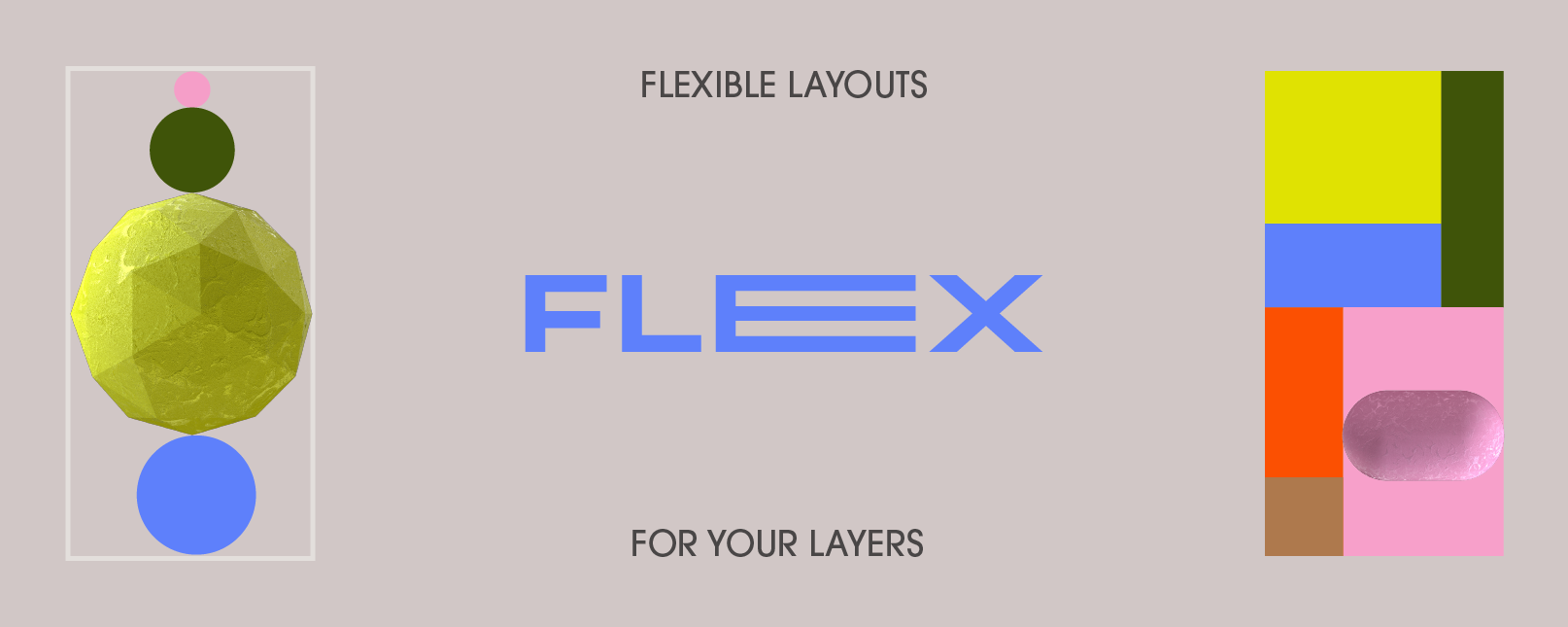
March 8, 2024 at 3:17 amI can’t see the gif in action from my phone (only a thumbnail) but it seems like something similar to what the script “Flex” offers. Here’s the link:
If not, let us know and we can figure it out!
-

Tom Morton
March 8, 2024 at 11:10 amposition and scale properties for all objects are natively changeable via expressions, what have you tried so far?
-
Tom Morton
March 8, 2024 at 11:13 amHad to download to view, wouldn’t be mega complicated to do this using expressions if you’re familiar with them. If you’re not, I suggest watching some tutorials or doing a course on them first maybe, this will help you find the best way of doing it.
-

Shane Brown
March 11, 2024 at 3:38 amThank you very much for this recommendation – I’m going to look into this!
-
Shane Brown
March 11, 2024 at 3:43 amHi Tom, I’m very new to expressions so I’m still trying to learn what I can about them while actively practicing. I actually got pretty close by using GPT to help.
I set the anchor point of the pink shape to the bottom right corner and the grey shape to the top left corner and then added expressions to the position properties of each shape.
For the pink shape I added this expression:
var blackBox = thisComp.layer(“Black Box”);
var blackBoxPosition = blackBox.transform.position;
var blackBoxScale = blackBox.transform.scale[0] / 100;
var xOffset = (blackBox.width / 2 * blackBoxScale) + (thisLayer.width / 2 * blackBoxScale);
var yOffset = (blackBox.height / 2 * blackBoxScale) + (thisLayer.height / 2 * blackBoxScale);
[blackBoxPosition[0] – xOffset, blackBoxPosition[1] – yOffset];
And for the grey, this one:
var blackBox = thisComp.layer(“Black Box”);
var blackBoxPosition = blackBox.transform.position;
var blackBoxScale = blackBox.transform.scale[0] / 100;
var xOffset = (blackBox.width / 2 * blackBoxScale) + (thisLayer.width / 2 * blackBoxScale);
var yOffset = (blackBox.height / 2 * blackBoxScale) + (thisLayer.height / 2 * blackBoxScale);
[blackBoxPosition[0] + xOffset, blackBoxPosition[1] + yOffset];
Reply to this Discussion! Login or Sign Up