Hi Randy! It looks like the links got broken in the COW’s migration last year. I dug through my archives and found this for you.
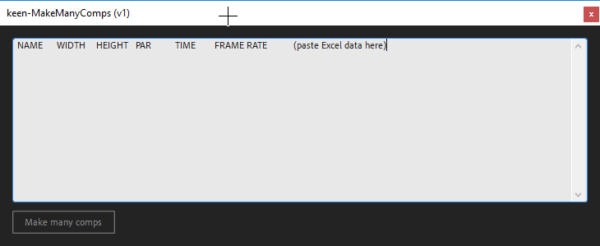
When you run the script in Ae, it will open a window with a set of column headers, ready to copy and paste to Excel. Left to right, it’s Comp Name, Comp Width (in pixels), Comp Height (in pixels), Comp Pixel Aspect Ratio (make this 1 for square pixels unless you know specifically you need something different), Time (in seconds), and Frame Rate (in frames per second).
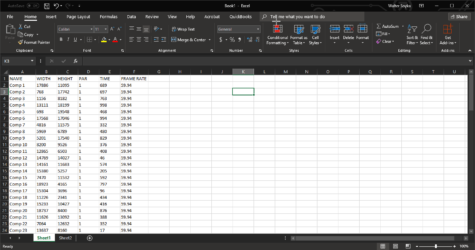
In Excel, create and fill in the data for each comp you want to make, one per row. Select all and copy.
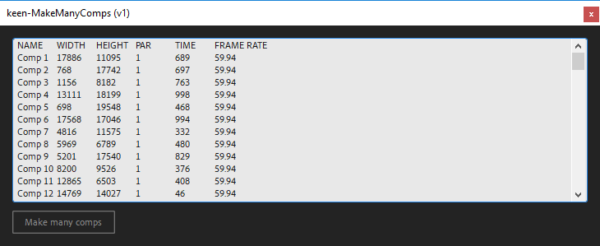
Back in the script, clear out the text entry box and paste your Excel data (including the column headers). Hit the “Make Many Comps” button and you’re all set.