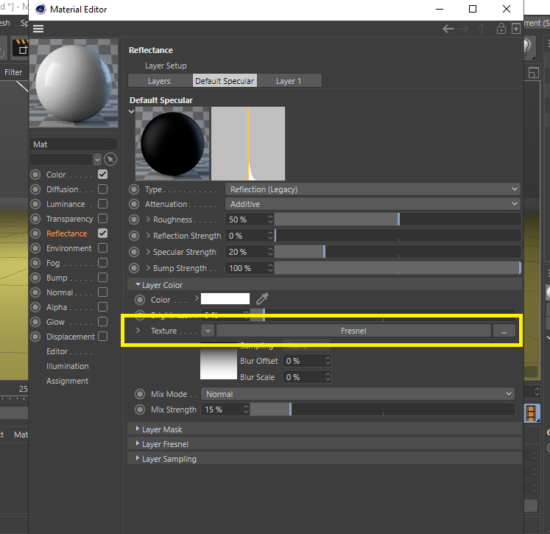
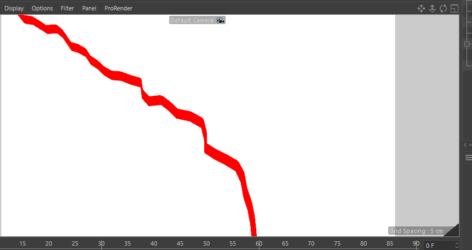
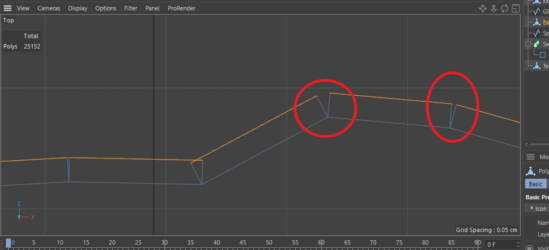
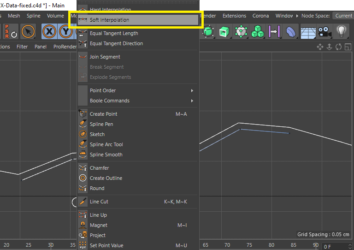
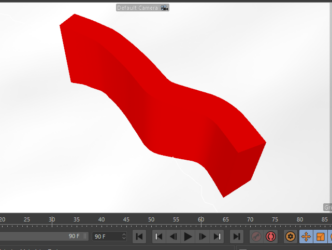
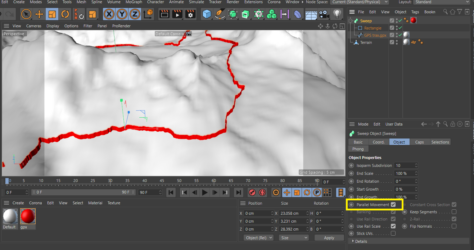
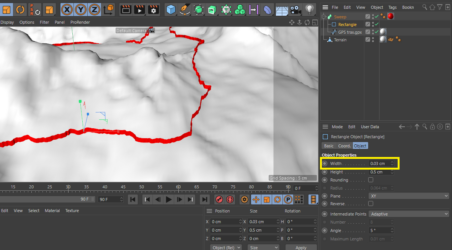
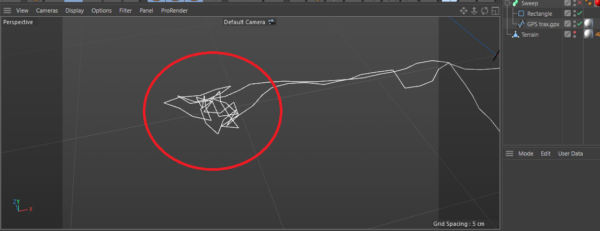
Yes, the reason for this is using the “Parallel Movement” because it did not work in the usual way with Sweep. I also tried to do this with Extrude, but there were still cracks at the corners due to my inability to make the Spline interpolation soft because it seems to be imported from another program. You can do this perfectly. If you draw a path in the cinema parallel to the track, but when you want to apply the path to the Terrain using the Surface tool, that also does not work because the Terrain model is also imported from another program. I tried to do the same work on other programs such as AutoCAD and ArchiCAD, but to no avail. If you can do the sweep in the original application in which the model and path were created, that will be better, or perhaps you should change Some options during the export process so that it works better in cinema.
I hope this helps you.