

Activity › Forums › Maxon Cinema 4D › Sweep Spline GPX on Map
-
Sweep Spline GPX on Map
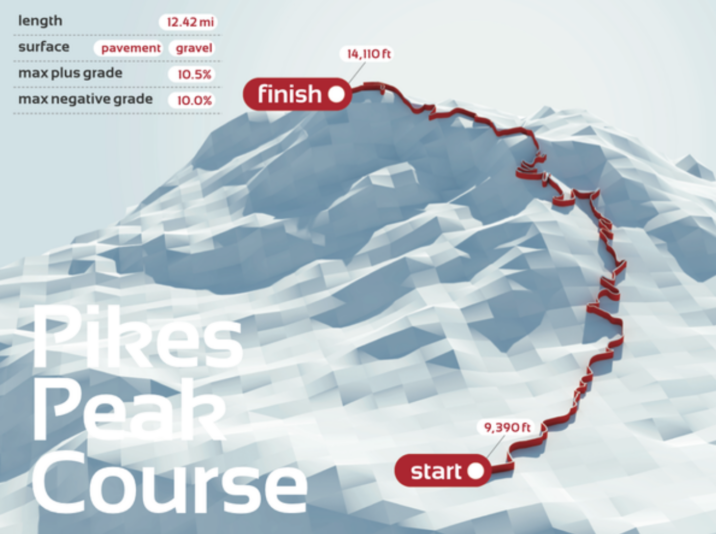
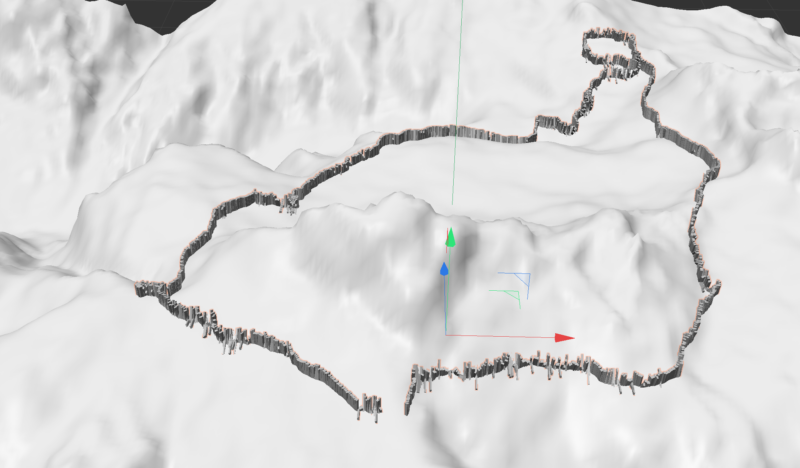
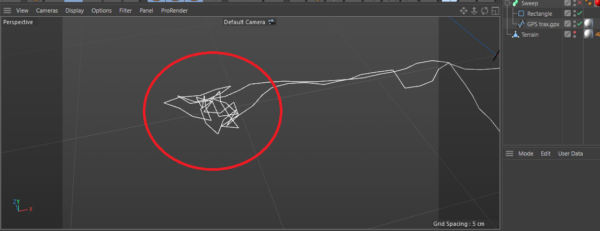
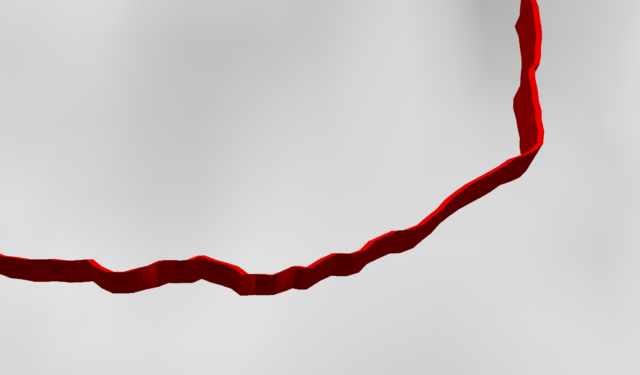
Posted by Andy Corleone on January 15, 2024 at 12:16 pmHi, I’m trying to recreate a track coming from GPX data to create something similar to red line in the map in the picture: unfortunally the result is not as smooth when I use Sweep. What I’m doing wrong of ifthere is a better way to create this?
 Kouraib Abdmalek replied 2 years, 8 months ago 2 Members · 6 Replies
 -
6 Replies
-

Kouraib Abdmalek
January 15, 2024 at 1:48 pmHi Andy,
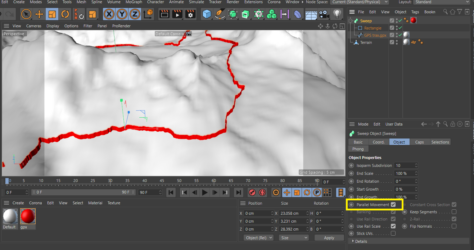
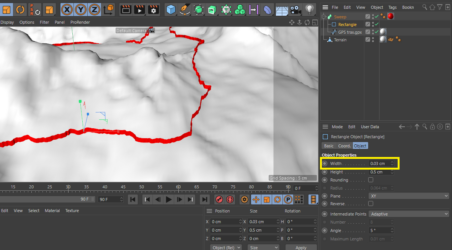
All you have to do is check the Parallel Movement option and change the width of the rectangle to match the zigzags in the GPS Trax, as in the attached screenshots, especially since there are knots in some points of the Spline. I also fixed that in the file, which you will find in the attachments.
Thanks!
-

Andy Corleone
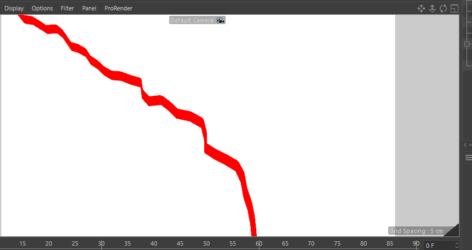
January 15, 2024 at 1:55 pmHI Kouraib, Thanks so much for you reply. If you notice the with of the line is not constant along the track. please note image attached. Do you know a way to fix this?
-
Kouraib Abdmalek
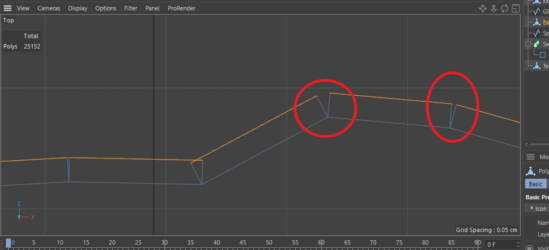
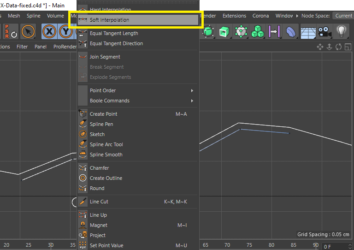
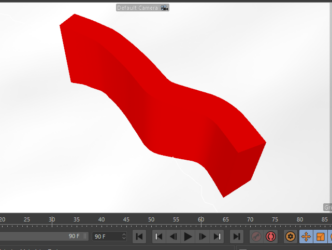
January 16, 2024 at 10:04 amYes, the reason for this is using the “Parallel Movement” because it did not work in the usual way with Sweep. I also tried to do this with Extrude, but there were still cracks at the corners due to my inability to make the Spline interpolation soft because it seems to be imported from another program. You can do this perfectly. If you draw a path in the cinema parallel to the track, but when you want to apply the path to the Terrain using the Surface tool, that also does not work because the Terrain model is also imported from another program. I tried to do the same work on other programs such as AutoCAD and ArchiCAD, but to no avail. If you can do the sweep in the original application in which the model and path were created, that will be better, or perhaps you should change Some options during the export process so that it works better in cinema.
I hope this helps you.


Reply to this Discussion! Login or Sign Up