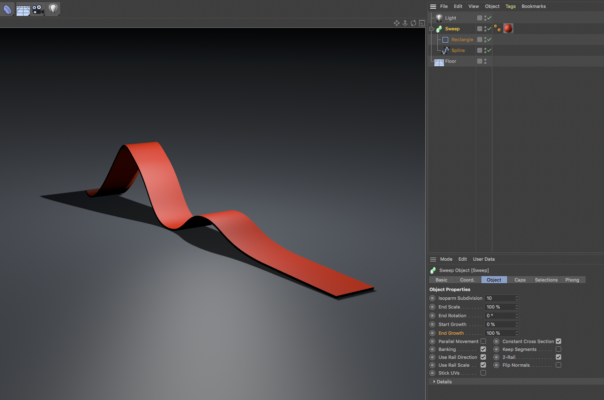
“i have a small follow-up question.
the way i see i cant have 2 colors on the sweep extruder (i would like for the bottom to be a different colour).”
There are selections for sweep objects, but I think because they are used predominantly for setting different colors for the caps and bevels of text there doesn’t seem to be one which would isolate the top or bottom as you would like (at least not one I could quickly find). So, the next option would be to use a spline wrap deformer on a cube that has been given the dimensions of the carpet (see example project below). Make the cube editable so that the bottom polygons could be given a selection tag to use with a second color. Because of the way that splines are applied with the spline wrap deformer you may need to select the Axis of the deformer to -X (or whatever is applicable for your own setup) so that the selected polygons appear on the bottom of your carpet (as I did with my example). Hope this helps.