Forum Replies Created
-

Michael Halliday
December 14, 2020 at 4:28 pm in reply to: Basic Organisation – folders within Events…Thank you Joe, exactly right! Don’t know how I designated “by reel” but “none” got rid of it for sure…that has changed my life for the moment!
Thanks again,
Mike

-
Michael Halliday
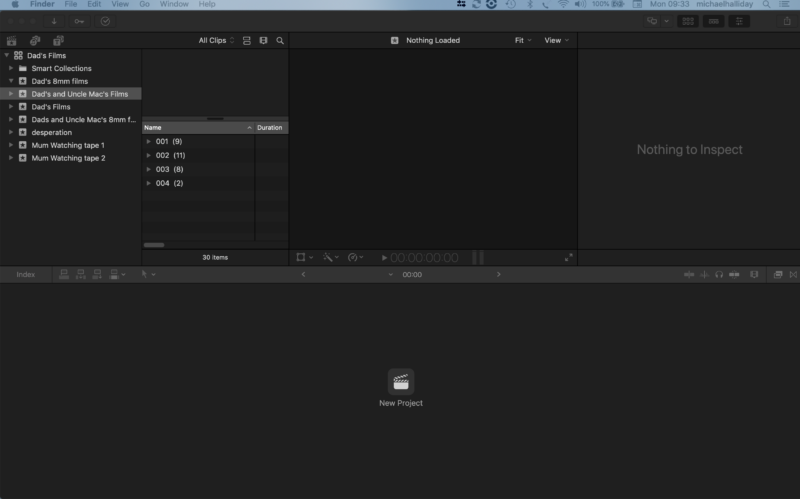
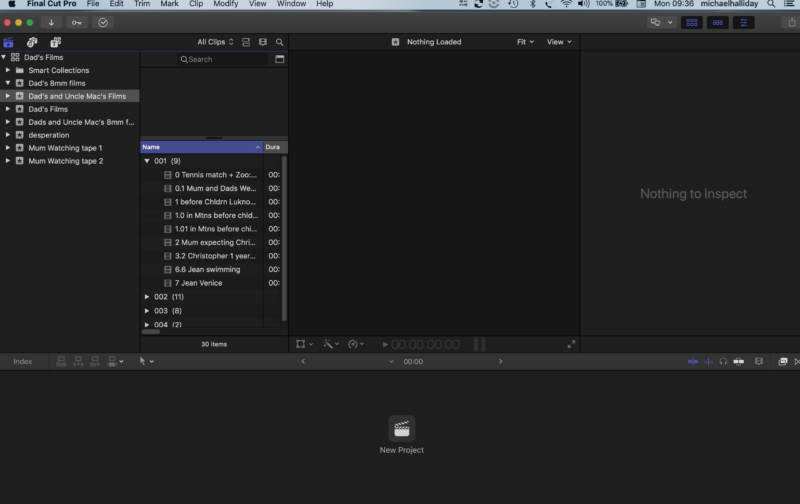
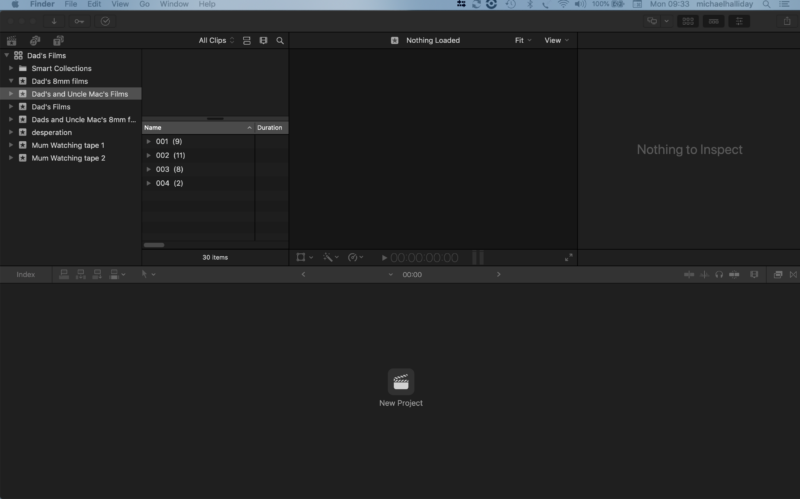
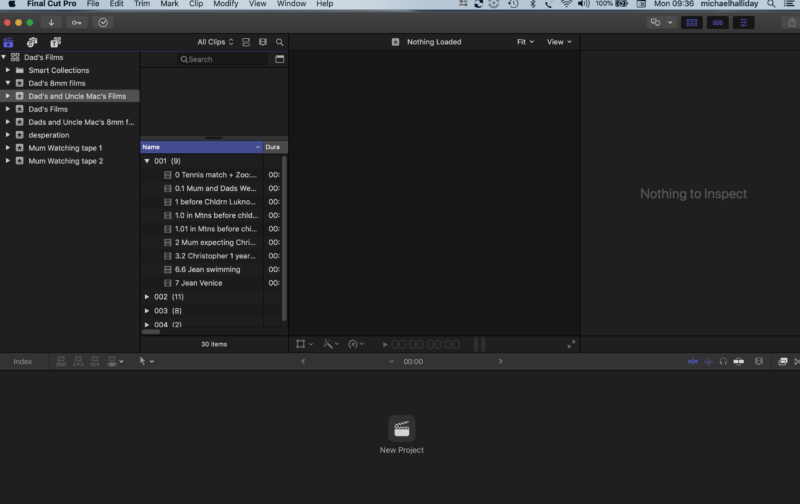
December 14, 2020 at 9:41 am in reply to: Basic Organisation – folders within Events…Hi there Jeremy, they seem to be folders… I have not made any attempt to invoke key words…and none of the sorting options in the browser makes a difference. You can see that I had several attempts to move the files around in order to try and remove the ‘folders’…
-
Michael Halliday
October 12, 2020 at 10:34 am in reply to: How to slip sync and cut audio of a ‘sync’ clip without cutting the pictureHi there Jeremy, Thanks so much for your tip…I think I tried you method and have got it to work a few times now, with modifications:
1. Hit Shift + 3 / audio only – from the timeline menu (otherwise I bring pic and sound in with the edit despite the audio only step later…and I can’t get rid of the pic without doing away with the sound)
2. On the first frame of the section you want to work with hit Shift + F (match frame?)
3. Hit command + 2 (audio only?)
4. Hit Q to connect audio only clip to the main story line (drops in underneath the orig. audio role)
5. Keep the original audio in place – just pull down the level to mute it – since if not the sound you are cutting on the role below gets sucked up into any gaps which you can’t then move it from – However this is not problem at all and acts as a reference and sync check. So now you have a cuttable audio track(role?) below the original sound in the time line which you can cut and pull around as you like in a totally non linear way…and at the same time, enjoy FCPs own sync relationship with the attachment aspect to the main clip…
So that is were I am at at the moment with cutting sound. I have spotted that you just pull the sound tracks past each other in order to get at the extensions…which FCP shows as separate tracks/roles.
Still to work out exactly what I am doing(!) but ‘parrot fashion’ as in the above steps seems to work so that is a relief!
Thanks again,
Michael
-
Michael Halliday
October 8, 2020 at 3:00 pm in reply to: How to slip sync and cut audio of a ‘sync’ clip without cutting the pictureHi Mark, just read your tip… seems like an elegant little work around…let me try it and get back to you…
Regards,
Mike
-
Michael Halliday
October 7, 2020 at 6:48 pm in reply to: How to slip sync and cut audio of a ‘sync’ clip without cutting the pictureHi there Jeremy, thanks for your thoughts. I played around all afternoon with loads of ways of trying to allow the sound to be manipulated separately from the video…expand audio, expand audio components, Edit – Lift from Main story line and delete pic, leaving a slug and the sound, (couldn’t make work)
In the end this apple site suggested the route I used which allowed me to edit the sound without touching the picture…
https://www.apple.com/final-cut-pro/docs/Final_Cut_Pro_X_for_Final_Cut_Pro_7_Editors.pdf
page 15:
-
As in Final Cut Pro 7, you can deliberately move audio out of sync in Final Cut Pro X if you wish. Control-click the clip and choose Open in Timeline from the shortcut menu to open the clip in its own Timeline. Then slip audio with sample-level accuracy.
….Except the option is now just “open clip” from the top clip menu…is not in the timeline one. So then you have the clip in a kind of parallel universe on its own, where you are able to make cuts in the sound and pull it around…so that for instance, you could cut dialogue without affecting the picture… Then I am not quite sure of the process yet but I clicked on the left chevron to the left of the name in the top of the time line (as a wild guess!) and was presented with the clip in the timeline at the end of the edit, with the cuts in the sound made but no cut lines visible in the wave form line, as if FCP had created a new clip according to the cuts…
So that was the most reasonable work around I could find.
Another peculiarity I have found was that you can’t pull the audio across the cut for a sound mix on the same line… but I found that ‘expand audio’ from the time line clip menu put the sound on two tracs (like you would have had to have done on 16mm) and then was able to allow the overlaps to be pulled out to make a mix….
Any improvements on both these work arounds gratefully received…
Best regards,
Michael
-
-
Michael Halliday
October 7, 2020 at 1:26 pm in reply to: How to slip sync and cut audio of a ‘sync’ clip without cutting the picture…I’m finding that even when I detach the audio I still can’t manipulate it (cut or move it) independently of the picture….
-
Michael Halliday
October 7, 2020 at 1:23 pm in reply to: How to slip sync and cut audio of a ‘sync’ clip without cutting the pictureHi there Joe, thanks; yes I came across that one…but is not quite what I am trying to do. Imagine a similar shot to the one he deals with but much longer. You want to cut several of those underwater breaths out over the shot, and then butt all the remaining sound segments, up to each other – thus slipping sync within one clip, to get the smooth bubbles sound…can fcpx do that?
Regards,
Michael
-
Hi there Joe and Terry, just to say thanks for the advice…I downloaded the trial version of FCPX and had a go at editing some of my own footage and as soon as I could see how easily it played on the X software I was hooked… with FCP7 I remember it was like pulling teeth to get MP4 files to work…so once I had got the project to use my media from it’s external drive location and could see my edit would play in the time line – with the software working out the correct sequence settings which was very nice, I went on to the apple website and bought a copy! Am now working my way through Izzy’s tutorial. Am sure I will have some questions in the future but in the mean time, very exited to have something that seems to be so well adapted to the mac platform and accessible.
Cheers,
Mike
-
Thanks Joe, so I’ll stay put with Mojave for a while then.
-
Hi Joe, here’s another quick question if I may try you… I am currently running Mojave 10.14.6 on my macbook pro. Would you say stick with Mojave for FCP or upgrade to the next OS…? I think I was reading here that the next OS is not so good with FCP…any thoughts on that…?
Regards,
Mike Halliday