Forum Replies Created

Page 53 of 126
  • Mads Nybo jørgensen

    April 25, 2024 at 2:23 pm in reply to: Removing Beard Stubble

    Hey Robert,

    Don’t use it often, but happy to run a test for you using BorisFX Beauty studio:
    https://borisfx.com/products/continuum-filters/beauty-studio-filter-in-continuum/

    Atb
    Mads

  • Hey Anthony,

    No worries.

    Just before I go any further, there are much smarter people around here than me who can solve this.
    My initial thought is to use a wipe type effect, or mirror.

    But doing a quick search, there are plenty of tutorials out there including this one which offers you much more control + a bit of “fun”:
    https://motiondesign.school/blog/unfold-effect-with-cc-cylinder/

    It can also be purchased as an effect:
    https://aesweets.com/fold/
    https://motionarray.com/after-effects-templates/posters-in-space-the-sequel-2324489/?q=Fold

    This one looks fairly simple to do in AE. Multiple layers cropped. Then animated around a rotation point that gives you the feeling of opening or closing the “page”.

    https://motionarray.com/after-effects-templates/folding-slideshow-39949/?q=Fold

    Hope this helps.

    Atb
    Mads

  • Hey Anthony,

    There are plenty of AE projects that you can purchase and modify off the shelf, without having to think too hard about it.

    My go to, currently, is Motion Array:
    But in top search for “book” you get these templates:
    https://motionarray.com/after-effects-templates/3d-book-opener-540931/?q=book
    https://motionarray.com/after-effects-templates/turn-the-page-slideshow-832452/?q=book
    https://motionarray.com/after-effects-templates/fast-magazine-promo-936895/?q=book

    Over on Envato, you have a load of the same:
    https://elements.envato.com/constructor-of-the-book-VPDMHS4

    It is fair to assume that if you get the After Effects Project file, that you can modify that to match your needs.

    No doubt that you can look for plugins and presets, but then you are starting for scratch.

    Alternative could be that you get the camera out and film and actual book. It will look more natural, but also open up a whole other set of problems + time consuming work.

    Hope that this helps.

    Atb
    Mads

  • Mads Nybo jørgensen

    April 22, 2024 at 9:23 pm in reply to: Preparing clips for VFX

    Hey Robert,

    What Hector says is very good advice.

    I would add to that:

    You may want to consider sending “edl” with the original camera files.
    Maybe even to a new sequence with only VFX shots in, that has a “sync-blop” front and end, to make sure that everything stays in sync.

    If you have done reframing etc in the edit, send a MP4 file (with BITC) for the vfx to use as a reference.

    If vfx do want to work on your edited version, remove all colour grade effects etc, and do the highest resolution out for them – make sure that there are NO proxies than sneaks in to that work-flow.

    Finally:

    Ask your vfx what they prefer?

    What software are they using?

    Will they stick “to time”, or do they have the option to make it longer or shorter?

    VFX is an artform in itself, with no wrong or right answers, until you ge to the final QC of the project…

    Atb
    Mads

  • Mads Nybo jørgensen

    April 22, 2024 at 9:11 pm in reply to: Best Audio Noise Reduction Software

    Hey David,

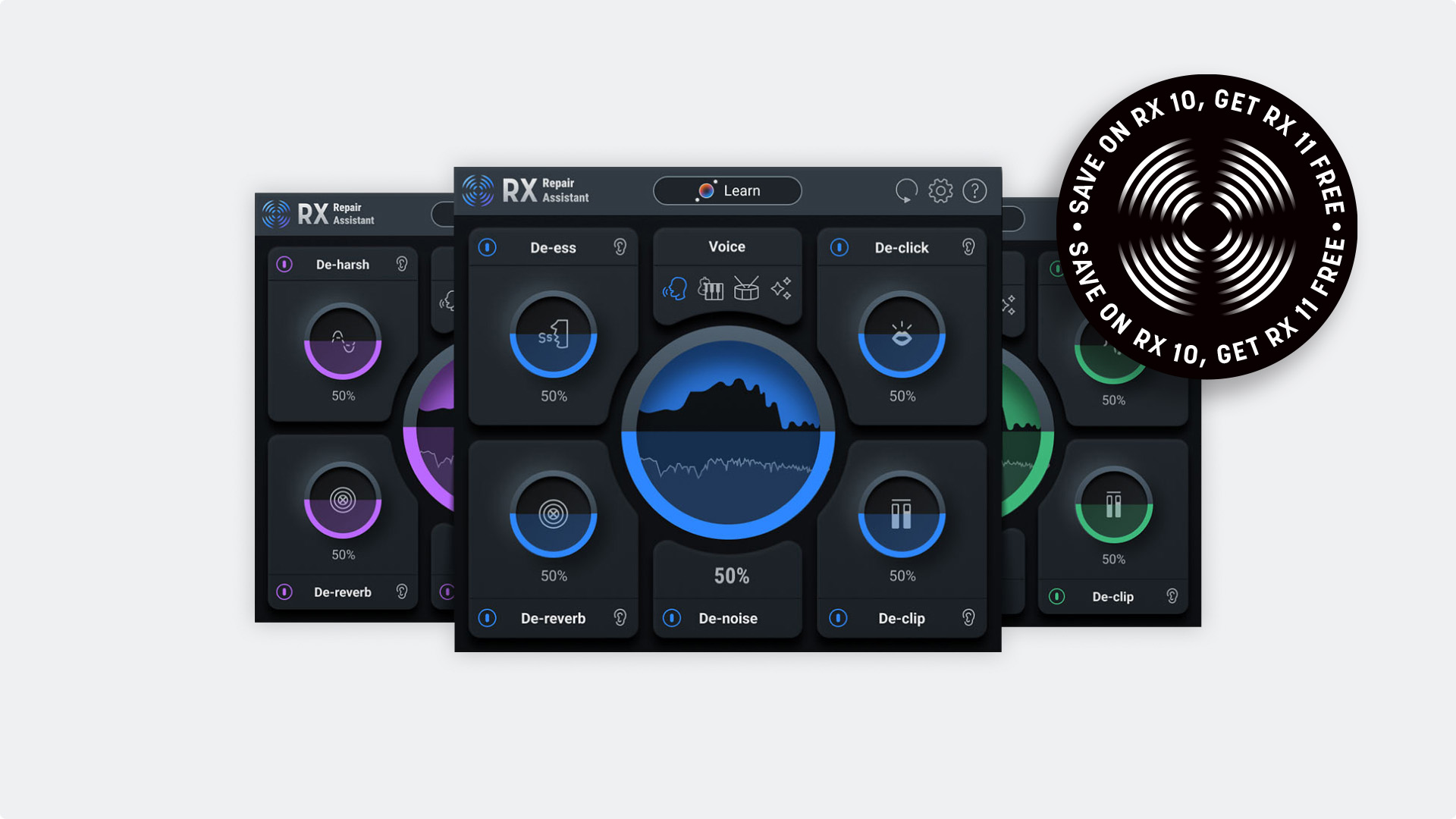
    For many years Izotope has been my go to. Got their “everything suite” last year.
    It really depends on what you are looking for?
    And although FCPX, Davinci and Adobe PPro are introducing A.I. into audio noise reduction, they all come with their own set of problems.

    But at half price at £ 47.50 you can not go wrong with the entry level plugin from Izotope:

    http://www.izotope.com/en/shop/rx-elements/
    The complete view of their packages are here:
    http://www.izotope.com/en/products/rx.html

    Last year I sweetened a radio program Voice Over, and using Standard/Advanced version, with one drop of effect onto track, it removed all the microphone “pops”.

    As said, if it is just noise reduction, Izotope Elements will serve you well – sometimes to a point where you have to drop noise back in to hear a bit of traffic in background etc.

    Atb
    Mads

  • Hej Ulf,

    Thank you – happy to help (also thank you to Brie for the recoignition).

    “Still have the problem with the DV-stream
    containing time code breaks that make WinDV freeze”

    Do you actually need the Time-Code?

    Just checked, and it appears that WinDV will not allow manual continoues recording (Ignore Timecode breaks and everything else – just be stupid and record everything). You could try and switch off remote control on your device, to see if that will allow “manual” recording using WinDV?

    But as you also have Premiere, I am guessing that it is an older version of PPro on Windows 7.
    Is there a reason for why you do not use Premiere to capture the DV video?

    As Adobe in its age of insanity have discontinued support for tape capture (don’t worry folks, Blackmagic has got you covered). I used the Wayback machine to find (recent) settings, which you may have a version of on your installed Premiere. Or at least will give get you started to find a solution.

    https://web.archive.org/web/20181203201941/https://helpx.adobe.com/uk/premiere-pro/using/capturing-digitizing.html

    I did a Copy and Paste from that stored page:

    Disable device control

    1. Open the Device Control Preferences dialog box by doing one of the following:

      • Choose Edit > Preferences > Device Control (Windows) or Premiere Pro > Preferences > Device Control (Mac OS).

      • In the Capture panel, click Settings.

    2. From the Devices menu, choose None.

    3. Click OK.

    Note:

    When device control is disabled, start playback on the device manually.

    Capture without device control

    If you do not have a device that Premiere Pro controls, you can capture video manually. You manually operate both the playback device controls and the Capture panel controls in Premiere Pro.

    Note:

    Preview HDV footage on an external TV monitor, or, if the source is a camcorder, on the camcorder viewfinder while shuttling, logging, and capturing on Mac OS. The preview pane in the Capture panel shows the words Previewing On Camera.

    1. Make sure that the deck or camcorder is properly connected to your computer.

    2. Choose File > Capture.

    3. (Mac OS) If a QuickTime Capture Settings dialog box opens, choose video and audio settings appropriate to your project.

      These settings are preserved for the project, but you can set them again for each new project.

    4. In the Setup area of the Logging pane, choose your media type from the Capture menu.

    5. Use the controls on the deck or camcorder to move the videotape to a point several seconds before the frame where you want to begin capturing.

    6. Press the Play button on the deck or camcorder, and then click the red Record button in the Capture panel.

    7. Record a few seconds beyond the end of the footage you need, to provide room for editing. Press the Esc key to stop recording.

      When the Save Captured File dialog box appears, enter logging data and click OK. The new file is listed in the Project panel and is saved to the disk location specified in the Settings pane of the Capture panel.

    Do let us know if this is helpful, or not. 😀

    Atb
    Mads

  • Mads Nybo jørgensen

    April 22, 2024 at 1:46 pm in reply to: New Build For Video Editing PC

    Hey Matt,

    I am a fan of NVidia cards – in my latest laptop I am running a RTX 3500 ADA card. But the cards that you are looking at appears to be more for the gamer community?

    Currently you can get a <b _ngcontent-oqb-c23=”” kuitext=”” itemprop=”name” data-testid=”kui-text”>NVIDIA RTX 2000 Ada Generation card for under $ 700.00.
    We have still got to “feel” the full power of ADA and how it is integrated in to software.
    But worth following the development of.
    https://www.nvidia.com/en-gb/industries/media-and-entertainment/

  • Mads Nybo jørgensen

    April 22, 2024 at 8:30 am in reply to: New Build For Video Editing PC

    Adding to Rob’s point, you get Resolve Studio (paid for version) included for free if you buy hardware, such as the Davinci Resolve Speed Editor:
    https://www.blackmagicdesign.com/products/davinciresolve/techspecs/W-DRE-13

    And, don’t forget Davinci includes Fusion, an alternative to AE.
    https://www.blackmagicdesign.com/products/davinciresolve/fusion

    Not selling BlackMagic products, but Adobe has made it clear in their actions and UK Government filing, that they prefer to put money into Adobe Express. Whilst they have already shut down the Cloud element in Creative Cloud for Freelancers, SME’s and Student single user subscriptions.
    (Only by highlighting this, Adobe may which to revert their decision, and/or replace their CEO, as the company has run out of fresh ideas in their R&D…)

    Suddenly makes the alternatives attractive.

    Atb
    Mads

  • Mads Nybo jørgensen

    April 22, 2024 at 2:34 am in reply to: New Build For Video Editing PC

    If you can afford Gen5, by all means go for it. But money might be better spent on seperate SSD’s for Media. Keeping in mind that we will soon see 8TB drives come down in price (and physical size).

    If you have not done it, You should also consider beefing your RAM up to a minimum of 128GB.

    Atb
    Mads

  • Mads Nybo jørgensen

    April 22, 2024 at 2:05 am in reply to: New Build For Video Editing PC

    Hey Matt,

    There is no top-end as to how much money you can spend on a new system.

    The better question is for what your main purpose is: PPro with nice to have AE. Or, intending to go full in with AE?
    From that you got to work out your ROI – Is the investment for your own projects/learning. Or, do you have paying clients?

    And, no matter what you buy today, it will discounted and/or out of date tomorrow.

    I know that this doesn’t answer your specific answer. But high-speed SSD will not hurt. Although I doubt that when editing, that you will notice any difference between 7,000 and 11,500.

    Atb
    Mads

Page 53 of 126

We use anonymous cookies to give you the best experience we can.
Our Privacy policy | GDPR Policy