

Activity › Forums › Adobe After Effects › Looking for an effect that will unfold like a book
-
Looking for an effect that will unfold like a book
Posted by Anthony Sneed on April 25, 2024 at 8:08 amHey I’m wondering if there’s an effect that will take a piece of footage and basically fold and unfold it like a opening a book?
I want it to have a hard crease not rounded like book pages. (I’m not making a book animation)
For example, we’re in a top shot on the footage and then the effect essentially folds down the middle so it’s as if the sides are rising up towards camera while the center of the footage would be a stationary, hard, vertical line. The end of the animation would end up with just two very, very, slim lines next to each other until they meet and form one line (or even disappear).
Anthony Sneed replied 2 years, 4 months ago 4 Members · 8 Replies -
8 Replies
-

Mads Nybo jørgensen
April 25, 2024 at 8:32 amHey Anthony,
There are plenty of AE projects that you can purchase and modify off the shelf, without having to think too hard about it.
My go to, currently, is Motion Array:
But in top search for “book” you get these templates:
https://motionarray.com/after-effects-templates/3d-book-opener-540931/?q=book
https://motionarray.com/after-effects-templates/turn-the-page-slideshow-832452/?q=book
https://motionarray.com/after-effects-templates/fast-magazine-promo-936895/?q=bookOver on Envato, you have a load of the same:
https://elements.envato.com/constructor-of-the-book-VPDMHS4It is fair to assume that if you get the After Effects Project file, that you can modify that to match your needs.
No doubt that you can look for plugins and presets, but then you are starting for scratch.
Alternative could be that you get the camera out and film and actual book. It will look more natural, but also open up a whole other set of problems + time consuming work.
Hope that this helps.
Atb
Mads
motionarray.com
3D Book Opener - After Effects Templates | Motion Array
Download 3D Book Opener, Templates by Beside. Discover Motion Array’s collection of After Effects templates for all your creative projects.
-

Anthony Sneed
April 25, 2024 at 10:11 amThanks for your help Mads.
I should have been clearer. I’m not actually looking to make it like a book at all. In fact, forget I said “book”. I basically want the footage to fold in half. I want it to start flat and then fold down the middle so that you can no longer see it.
(the pages fold upwards towards camera)
I would assume AE has something in the effects that can do this.
-

Andy Kiernan
April 25, 2024 at 10:41 ammaybe you can precomp the image and mask it in half, move anchor point to centre, duplicate, invert mask (now you have two layers making up the whole image), then make both 3d layers and you can rotate both in opposite directions to ‘fold’ it up (with a camera in relevant position)
-
Mads Nybo jørgensen
April 25, 2024 at 10:44 amHey Anthony,
No worries.
Just before I go any further, there are much smarter people around here than me who can solve this.
My initial thought is to use a wipe type effect, or mirror.But doing a quick search, there are plenty of tutorials out there including this one which offers you much more control + a bit of “fun”:
https://motiondesign.school/blog/unfold-effect-with-cc-cylinder/It can also be purchased as an effect:
https://aesweets.com/fold/
https://motionarray.com/after-effects-templates/posters-in-space-the-sequel-2324489/?q=FoldThis one looks fairly simple to do in AE. Multiple layers cropped. Then animated around a rotation point that gives you the feeling of opening or closing the “page”.
https://motionarray.com/after-effects-templates/folding-slideshow-39949/?q=Fold
Hope this helps.
Atb
Mads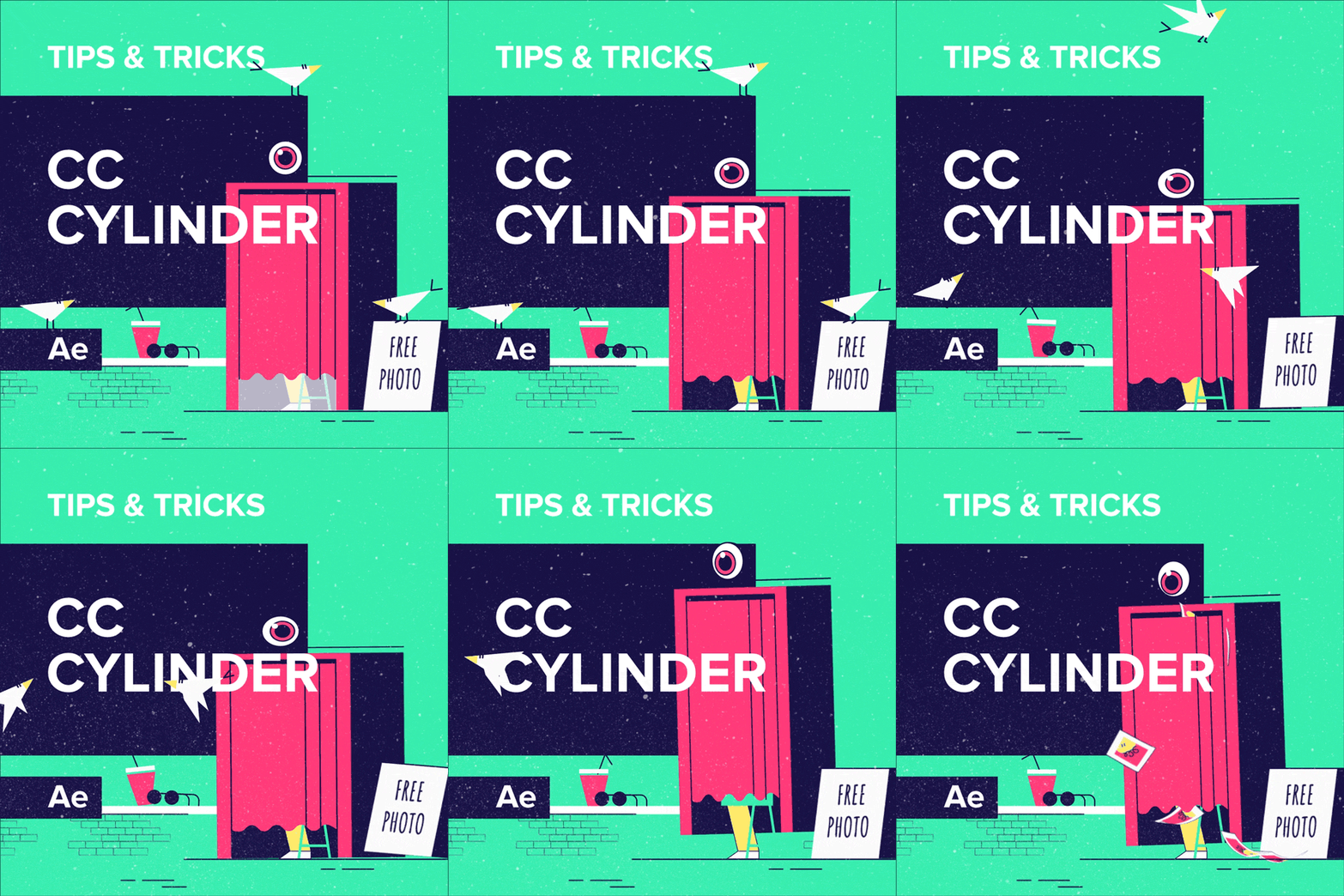
motiondesign.school
Unfold Effect with CC Cylinder in After Effects - Motion Design School
We've prepared a great way to create an unfold 3d effect. We will simulate the effect of folding paper with the CC Cylinder effect.
-
Anthony Sneed
April 25, 2024 at 10:49 amYes that would work, but isn’t there something much easier in one of the perspective or distort effects?
-
Anthony Sneed
April 25, 2024 at 11:05 amThank you so much for your thoughtful response. I’m checking those links now.
-

Filip Vandueren
April 25, 2024 at 11:27 amThe easiest method I can think of using only effects and not 3D-layers, while keeping it on a single layer is this:
- Hit ctl/cmd-Shift-N to add a new mask to your layer
- then hit ctl/cmd-Shift-M to numerically set the shape of the mask to be:
Left= 0, Right= 50% of Source (the left page) - Do the same to create a second mask but make the second mask:
Left= 50%, Right= 100% of Source (the right page) - Add the effect Obsolete > Basic 3D.
- In the timeline, reveal the effect, and next to Compositing Options, hit the + sign to add an effects mask reference. (it’ll automatically select Mask 1)
- Duplicate The Effect, and in the 2nd instance of the effect, change the effects Mask reference to “Mask 2”.
- Animate the swivel of the first effect form -90 to 0, and the second one from 90 to 0.
- Optionally; also animate the Distance to Image paramater.
-
Anthony Sneed
April 25, 2024 at 2:02 pmThese are great and would easily do the job.
Thank you!
Watching this I got a little inspired and was wondering if there’s a flip book effect? Like the kind where they print a scene from a movie on each page and as you flip it the scene plays?
That would be very cool since I’m actually printing mine out on paper and rescanning it anyways
Reply to this Discussion! Login or Sign Up