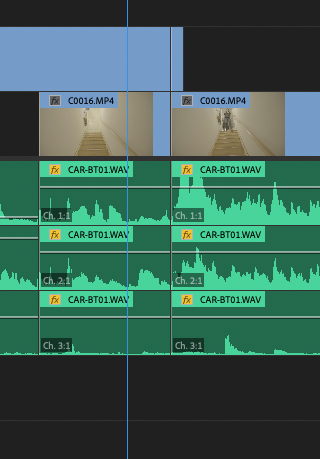
I know this is very old, but I found it while I was seeking the same answer. Here’s how:
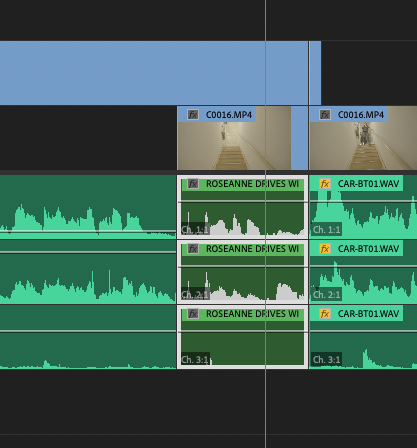
Select your audio clips and LINK them (to each other)
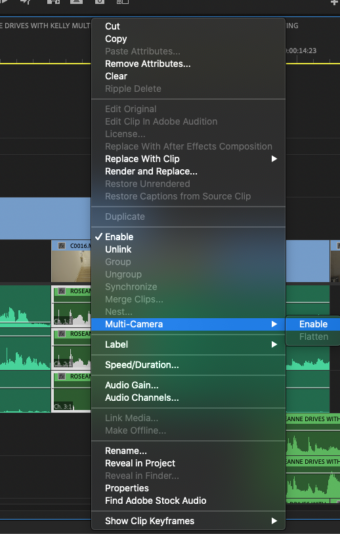
Keep them selected, right click, and choose MULTICAM->ENABLE
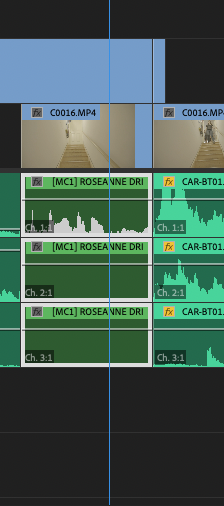
The waveforms on the lower tracks may disappear, but you may ignore this.
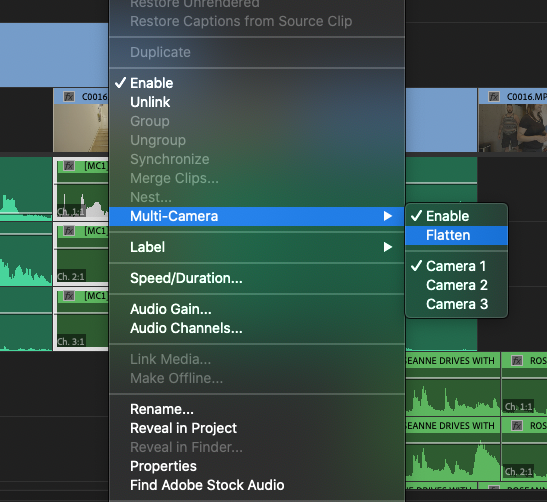
Right click again, and the option to flatten is there!
Once flat, the waveforms for all tracks re-emerge.