

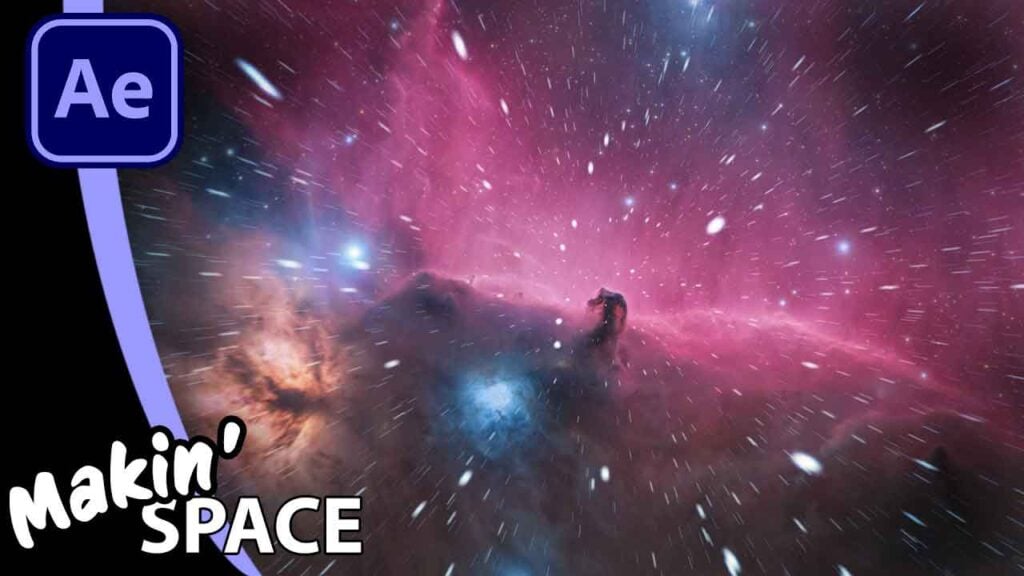
Give Your Astrophotography REAL Depth – After Effects Tutorial

In this tutorial, I talk you through the full workflow for taking a static astrophotography image and turning it into a cinematic fly-through using After Effects. We’ll be collaborating with the expertise of astrophotographer Alex Linde to bridge the gap between photography and motion graphics. What you’ll learn:
- Star Removal: How to use StarNet++ (and alternatives like StarXTerminator) to prep your image for 3D depth.
- Camera Rigging: Setting up a 2-node camera with a Null Object for smooth, professional movement.
- Parallax Backgrounds: Creating a distant starfield that reacts realistically to camera movement.
- 3D Particle Stars: Using CC Particle World and a clever expression to generate thousands of static stars you can actually fly through.
Can’t see this video? Click here! If you are in Safari, hover over “Safari” in your menu, click “settings for creativecow.net” and toggle the “Auto-Play” to “Allow All Auto-Play”.
Get ShiveringCactus VFX as phone cases, T-shirts, mugs
Links and Resources
- StarNet++
- Alex’s Work
- Download the 3D Starfields project
- Bonus: Free step-by-step PDF
Enjoying the news? Sign up for the Creative COW Newsletter!
Sign up for the Creative COW newsletter and get weekly updates on industry news, forum highlights, jobs, inspirational tutorials, tips, burning questions, and more! Receive bulletins from the largest, longest-running community dedicated to supporting professionals working in film, video, and audio.
Enter your email address, and your first and last name below!


Responses