

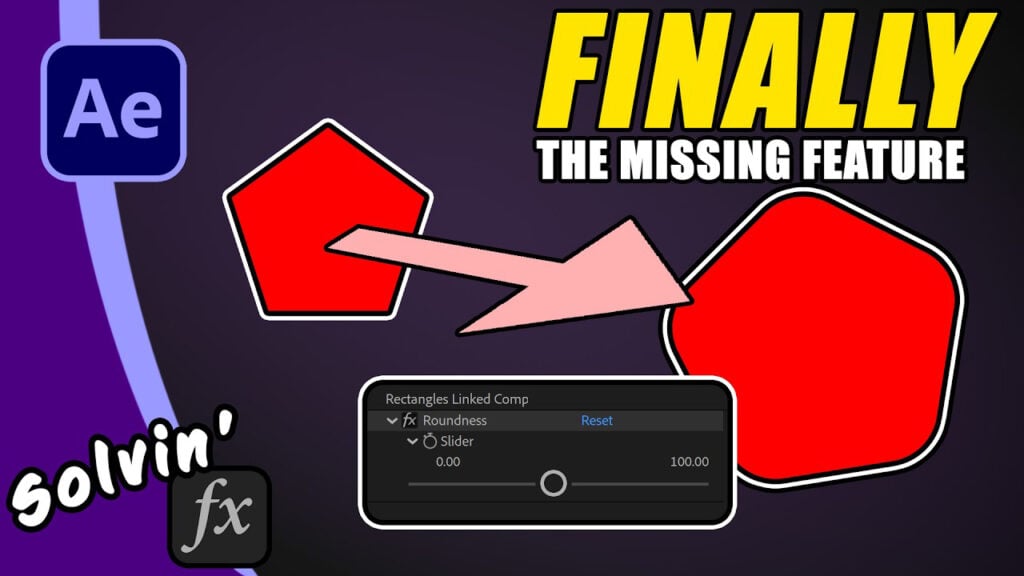
Add rounded corners to mask in After Effects

Ever wished you could smoothly round the corners of a Mask Path like you can with a Shape Layer? Now you can with a simple slider.
This video is in 2 parts. In the first minute or so, I show the script in action. Just draw a mask on your layer, then run the script and adjust the roundness value. And that’s all you need!
But, if you’re curious how I did it, I then talk you through the code, breaking down each element so you can gain an understanding as to what’s possible when you mix path points, the Kappa constant and createPath();
Can’t see this video? Click here!
Download the script and preset here
Enjoying the news? Sign up for the Creative COW Newsletter!
Sign up for the Creative COW newsletter and get weekly updates on industry news, forum highlights, jobs, inspirational tutorials, tips, burning questions, and more! Receive bulletins from the largest, longest-running community dedicated to supporting professionals working in film, video, and audio.
Enter your email address, and your first and last name below!


Responses