

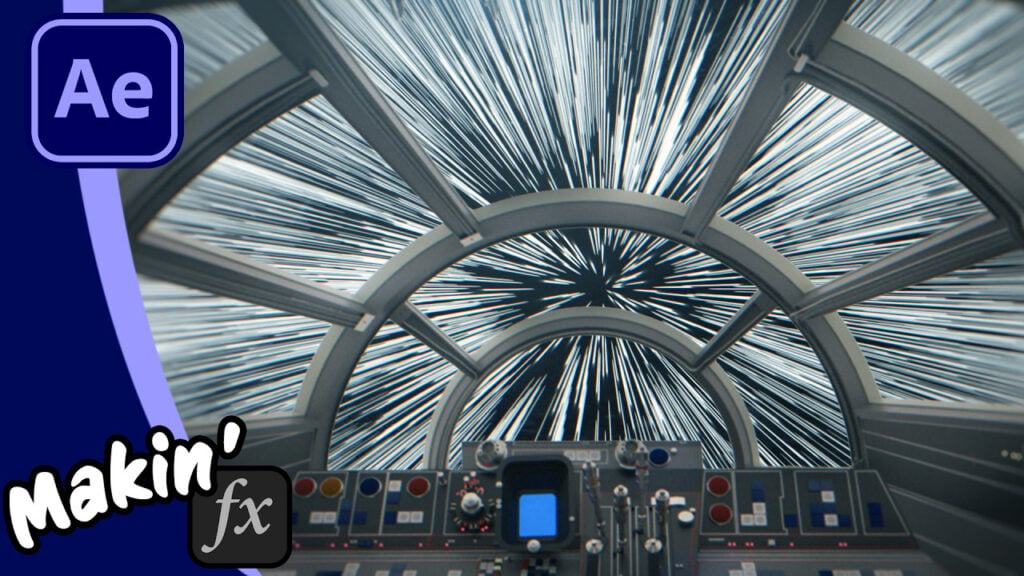
Star Wars Hyperspeed Tutorial: The No-Echo Method in After Effects

The Echo Effect to create long streaks is normally the way you’d recreate the jump to lightspeed, but I think I’ve found a better, more controllable way. And also, the Hyperspace tunnel can be done entirely in AE with no plugins!
When I was researching the VFX History of Slitscan, I realized that the “standard” After Effects tutorials for Star Wars hyperspace are often slow and hard to art-direct. In this tutorial, I throw out the old methods and use Shape Layer Repeaters to create perfectly controlled star streaks.
I also dive into the NEW 3D Parametric Mesh tools in After Effects (v26) to recreate the iconic “blue tin foil” hyperspace tunnel using a free Adobe Substance material.
In this video, you’ll learn:
- How to use a repeater on a shape layer.
- How to create a star field from a single line.
- Building a 3D Hyperspace tunnel using a Cylinder Mesh and Substance Materials.
- How to handle the “Flash to White” transition and deceleration.
Can’t see this video? Click here!
If you want to know more about SlitScan, check out my VFX History episode.
Bonus: Free step-by-step PDF.
Responses