Forum Replies Created

Page 2 of 2
  • Simon Lucas

    October 22, 2025 at 11:25 am in reply to: Varying line thickness (artbitrarily) in Sketch Material

    I’ve gone back to Sketch & Toon with better results than I was getting with Hair Material.

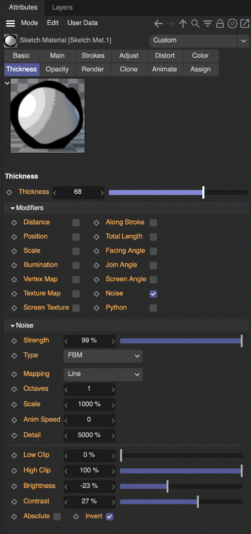
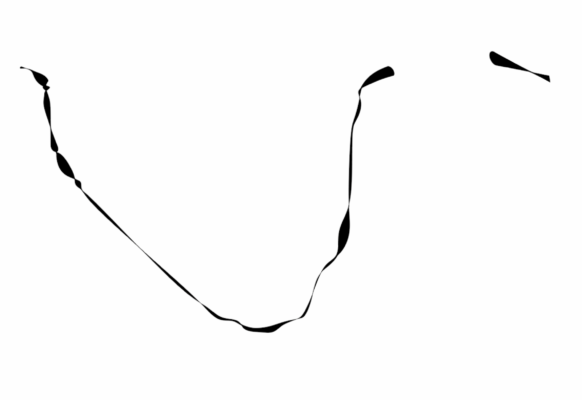
    Some playing around and some very extreme settings. I’m not sure I totally understand how this works, but I include the property settings for anyone interested.

    It’s quite close to my manually created mock-up further back, although I’d like to try and further increase the difference between thick and thin.

  • Simon Lucas

    October 21, 2025 at 11:48 am in reply to: Varying line thickness (artbitrarily) in Sketch Material

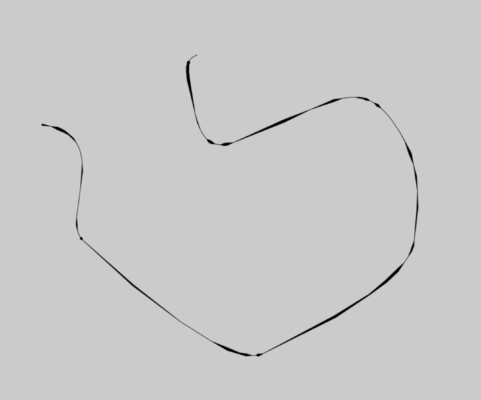
    Well here’s what I have. The ‘blobbing’ is a bit angular. But it’s a start.

  • Simon Lucas

    October 21, 2025 at 11:44 am in reply to: Varying line thickness (artbitrarily) in Sketch Material

    100 splines made by particle paths, might be the problem. Labour intensive.

    I’m looking at Hair now. It has noise applied to thickness/texture. I’m finding it hard working through the options to get the same effect, but I’ll give it a go.

  • Simon Lucas

    October 21, 2025 at 11:16 am in reply to: Varying line thickness (artbitrarily) in Sketch Material

    Yes – I dont think that will work. I need to render splines made by particles using the Tracer. And the rest of the objects in the scene will need to be rendered using Sketch and Toon.

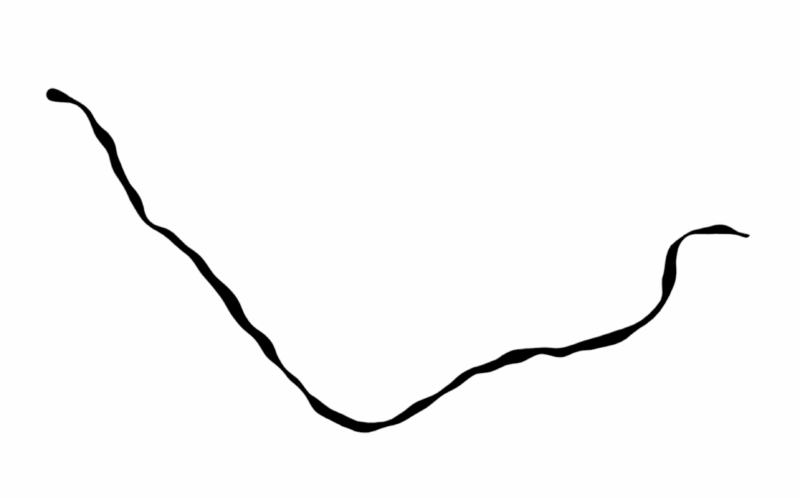
    Here’s an image to show the kind of effect I need. (I roughed this up with splines and sweep and displacement.)

  • Hi Kouraib

    thank-you. Yes that’s much closer to what I need. I’ll have a play with it.

    I suppose my main question will be – can this be applied to splines generated by Tracer object?

    Best

    Simon

  • Rumination. Maybe this can be approached more easily in xpresso nodes that operate on the material’s thickeness property.

    Q. But how could I change the line thickness as a function of a position over its total length?

  • Simon Lucas

    May 30, 2025 at 10:18 am in reply to: Reset Bind Pose not working in my project

    That’s correct. All work done directly in C4d.

  • Simon Lucas

    May 28, 2025 at 12:17 pm in reply to: Reset Bind Pose not working in my project

    Kouraib, thank-you for your reply. I get that the changes made by exporting and reimporting to-from Mixamo may have been a factor, but it does not explain why one c4d project works and the other does not – before Mixamo is even involved.

    regards, simon

  • Simon Lucas

    May 28, 2025 at 10:58 am in reply to: Reset Bind Pose not working in my project

    I have since worked out the missing step in my figure project, was to export the figure to Mixamo, and after setting a walk animation there, putting the figure back in c4d, where the reset bind-pose now worked.

    This does not explain why it worked in a simple project but not with a more complex figure project in c4d – before the application of Mixamo – but at least I can now achieve my figure animation objectives.

  • I can see that using a large disk as the ground, and positioning the particle emitter outside to the rear of the scene, it will give the effect I need. I just need to find a way to scale up, the now distant emitter, so the clouds look like the ones in the test picture.

Page 2 of 2

We use anonymous cookies to give you the best experience we can.
Our Privacy policy | GDPR Policy