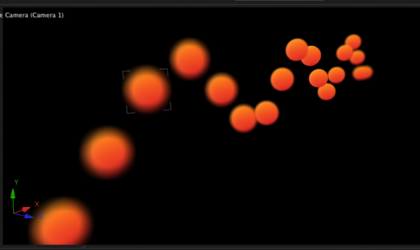
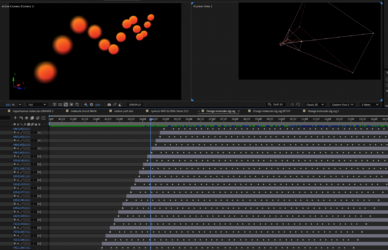
This works great for my object – I’m now unsure how to replicate and offset so that I have a stream of objects following the path. I’d previously duplicated and offset each layer (and thus positions) by ten frames, but here all the objects stick to the same null position despite offsetting the layer?
It appears in the final Quicktime render. But it’s inconsistent, not always shifting despite exactly the same text effect being used. It’s driving me nuts. (As is the way FCP is messing up my audio levels keyframes, but that’s another post).
I already have a few audio tracks laid out for the main dialogue. Is there not a simple way to select a group of clips in the bin and strip the audio off or disable it in a setting?