Forum Replies Created

Page 75 of 277
  • Filip Vandueren

    September 16, 2020 at 2:06 pm in reply to: Object Move speed according to the path curvature

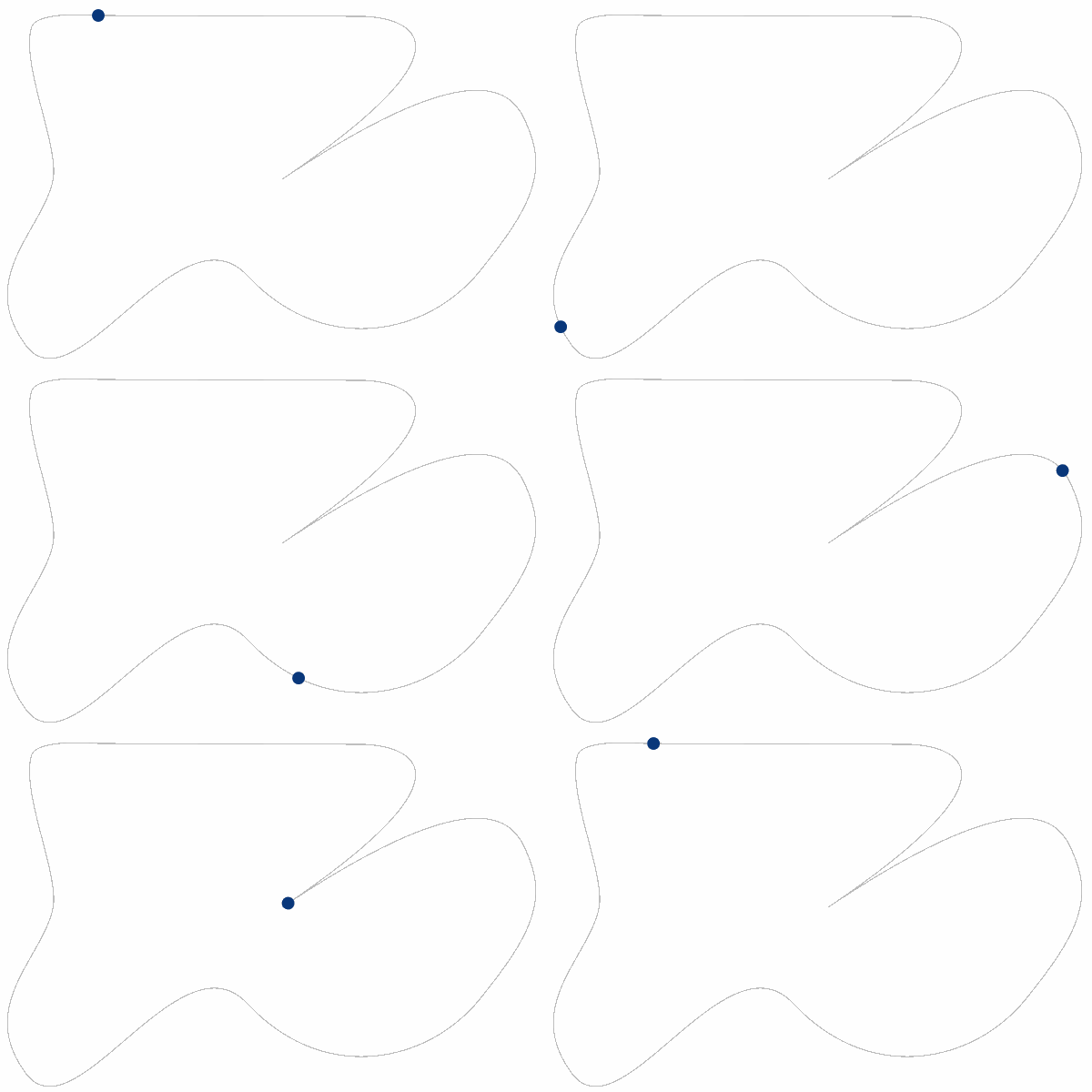
    Yes, you can change the path at any time and the array will recalculate, but you cannot keyframe it.

    If you keyframe it, you cannot use posterizeTime(0) and things will get slower again (though not as slow as the first version)

  • Filip Vandueren

    September 16, 2020 at 1:47 pm in reply to: Object Move speed according to the path curvature

    The heavy calculatio has to be done once, so if you have many many samples, then After Effects may be unresponsive for a time, but once those values on the text-layers are cached, you’re fine.

    although: posterizeTime(0) is a new function, in older versions of after effects it might calculate more often. I would then use my script to convert the calculation of the text-layer to 1 keyframe: https://we.tl/t-ZVNS5Lj0c9

  • Filip Vandueren

    September 16, 2020 at 1:43 pm in reply to: Object Move speed according to the path curvature

    I didn’t look at the github code in detail, but we have to work with the limitation of expressions: every frame you have to recalculate everything, because the layer does not know where the dot was 1 frame ago.

    One approach to speed things up: calculate the curvature of the path once, store it in an array and lookup/interpolate from the array.

    You would need one text-layer per shape to store the array. This can be achieved with an expression on the sourceText, the layer should be hidden from view.

    posterizeTime(0); // only calculate once
    p=thisComp.layer("Shape Layer 1").content("Shape 1").content("Path 1").path;
    function curviness(path, pos_on_path, width, samples) {
    var c = 0;
    for (i=0; i<=width/2; i+=width/samples/2) {
    c+=length(
    p.normalOnPath((1+pos_on_path-i/8)%1),
    p.normalOnPath((pos_on_path+i)%1)
    );
    }
    return Math.pow(c/samples/2,0.2);
    }
    num=250; // number of samples along the path, more is better for larger or more complex paths
    curves=[];
    for (j=0; j<num; j++) {
    curves.push(curviness(p, j/num, 0.08, 30) );
    }
    JSON.stringify(curves);


    Then the layers that need to move on the path can use this code for position:

    // get the pre-calculated curves
    a=eval(thisComp.layer("shape 1 array").text.sourceText);
    p=thisComp.layer("Shape Layer 1").content("Shape 1").content("Path 1").path;
    function lookup(t) {
    t%=1;
    b=t*a.length;
    sample1 = a[Math.floor(b)];
    sample2 = a[Math.floor((b+1)%a.length)];
    return linear(b%1,0,1,sample1, sample2);
    }
    // speeds in percentage of path per second.
    minSpeed = 0.2;
    maxSpeed = 50;
    travel = 0;
    for (t=0; t<time; t+=thisComp.frameDuration) {
    curve = lookup(travel);
    travel+=linear(curve, 0, 1, maxSpeed, minSpeed)/100*thisComp.frameDuration;
    }
    travel%=1;
    thisComp.layer("Shape Layer 1").toComp(p.pointOnPath(travel));

    Rendering 20 seconds with this pre-calculated method took 16seconds, faster than realtime.

    The previous version takes 20-30 minutes for 20 seconds!, keeps getting slower and slower.

  • Filip Vandueren

    September 16, 2020 at 11:18 am in reply to: Object Move speed according to the path curvature

    An expression like below works, but it can be slow to compute (has to iterate over every past frame)

    I’ve tweaked the curviness determination function such that it looks 8 times further forwards than backwards, this mimics a race driver: going slower into a curve, but accelerating as soon as the curve is behind us.

    the Math.pow( ,0.2) is also arbitrary: it slopes the difference between 0 curviness and 1 curviness by a power of 1/5, sort of like a gamma.

    <pre class=””>

    p=thisComp.layer(“Shape Layer 1”).content(“Shape 1”).content(“Path 1”).path;

    function curviness(path, pos_on_path, width, samples) {

    var c = 0;

    for (i=0; i<=width/2; i+=width/samples/2) {

    c+=length(

    p.normalOnPath((1+pos_on_path-i/8)%1),

    p.normalOnPath((pos_on_path+i)%1)

    );

    }

    return Math.pow(c/samples/2,0.2);

    }

    // speeds in percentage of path per second.

    minSpeed = 2;

    maxSpeed = 50;

    travel = 0;

    for (t=0; t<time; t+=thisComp.frameDuration) {

    curve = curviness(p, travel, 0.06, 8);

    travel+=linear(curve, 0, 1, maxSpeed, minSpeed)/100*thisComp.frameDuration;

    }

    travel%=1;

    thisComp.layer(“Shape Layer 1”).toComp(p.pointOnPath(travel));

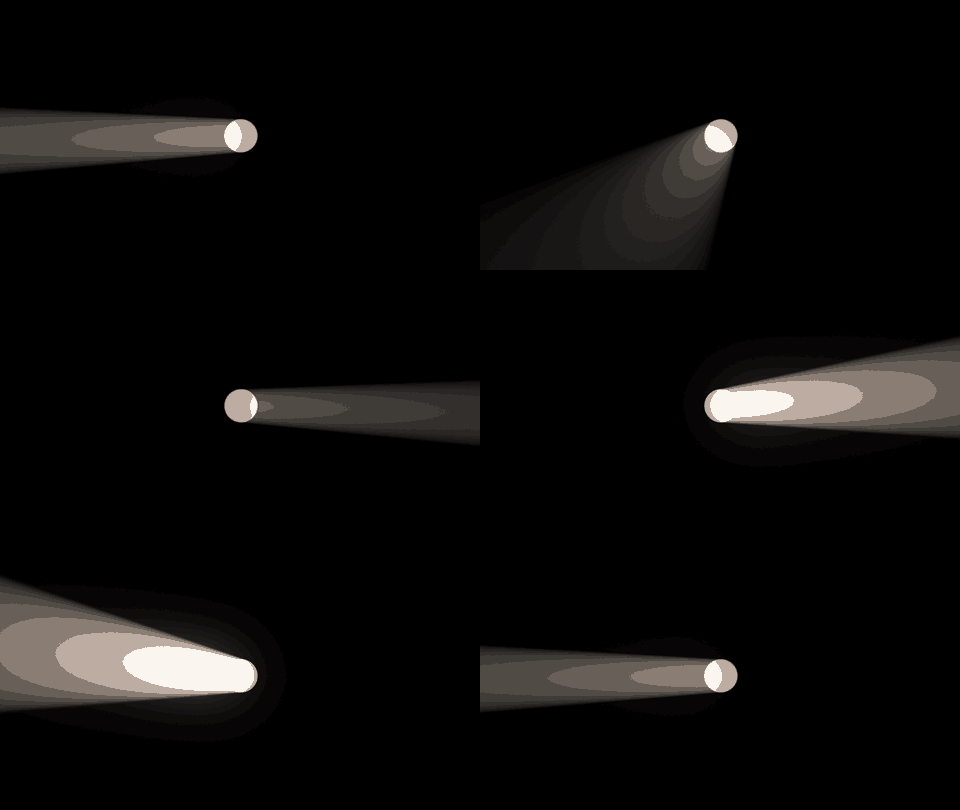
  • you’ll have to create some distance between your radial blur center and the ball of light.

    For example like this:

    create a 3D null at the centre of the comp.

    create a 2D super-white circle in the center of the comp.

    make an adjustment layer with CC Radial Blur and give the centre this expression:

    l=thisComp.layer("Null 1"); l.toComp([500,0]);

    Now if you rotate the Null, the center of the Radial blur will not be from the anchorPoint of the Null, but from a point 500 pixels away: this point will appear to circle in 3D, shining the light to different directions.

    Of course it’s just a 2D illusion, not actual 3D raytracing, so it is hard to get a sense of shining forward vs shining backward. The only way to do sell is by looking a bit from the top or the bottom, a,d/or animate the brightness of the shapelayer.

    See example

  • Filip Vandueren

    September 15, 2020 at 6:42 pm in reply to: Link shapes with expressions

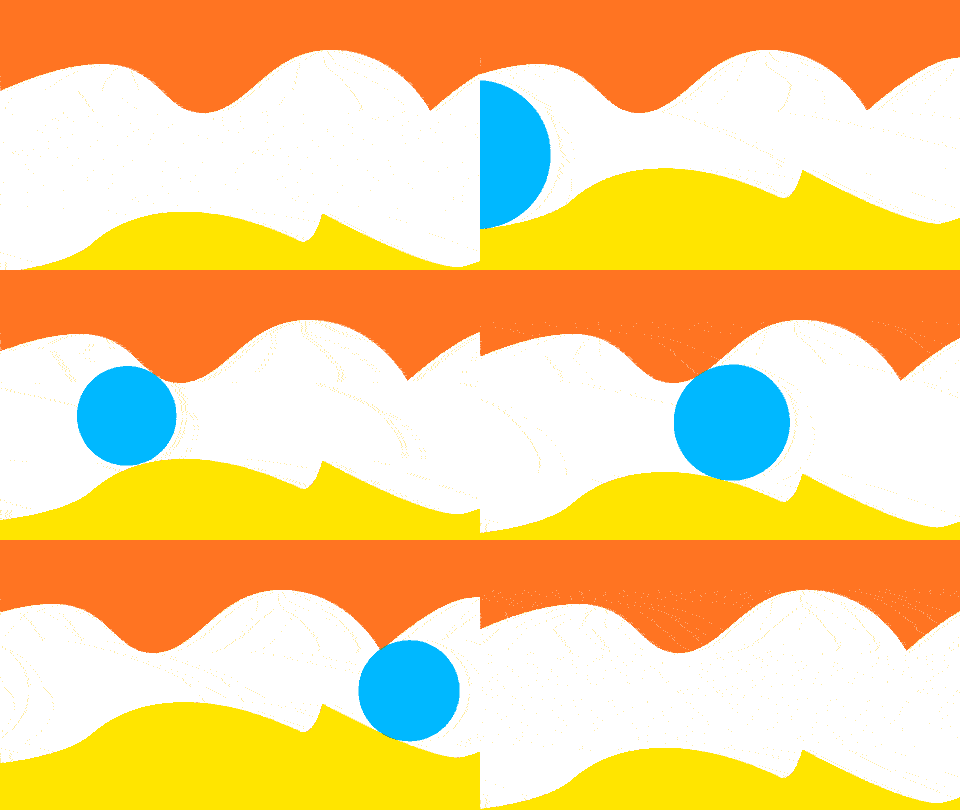
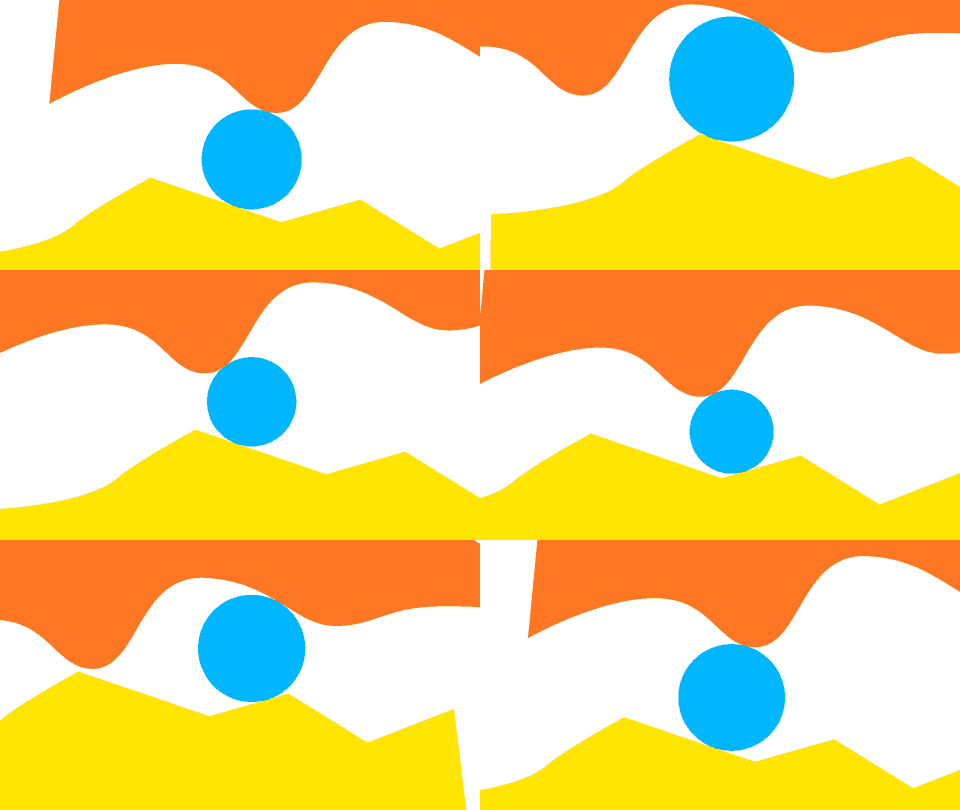
    Put some time in this today.

    I got it not perfect, but pretty damn close 🙂

    The thing is that there is no method to find the point on a Path that is nearest to another point, and that’s what we need for precision.

    Ì wrote a function that recursively approximates/guesses the nearest point on the paths for the current Ball-position (a Null Object actually).

    Then the best position for the Y value of the Null is approximated, one where the nearest point on the ceiling and the nearest point on the floor are equally far apart.

    It works best if you try to place the null on a spot that is already kind of equidistant between floor and ceiling. So, that can take some tweaking, just a few keyframes though.

    To get it perfect, more recursions of the recursion were necessary and that just calculated way to slow (about a second per frame, just for the expression), and I thought that wasn’t worth it.

    Here is the project: https://we.tl/t-nQsRsPrTev

  • Filip Vandueren

    September 15, 2020 at 9:02 am in reply to: Breaking up text into even lines

    BTW, your example only copies the font-face from your reference layer, if you want to copy all of the styles (font, color, tracking, leading,…) from your reference at once:

    comp(“00 Color Control”).layer(“Headline Text Font Style”).text.sourceText.style.setText(output);

    You simply copy the whole style (wich also includes the text of the roginal) and then set a new Text (keeping all the styles)

  • Filip Vandueren

    September 15, 2020 at 8:56 am in reply to: Breaking up text into even lines

    The last line of my expression (instead of just ‘output’) would become:

    style.setFont(comp(“00 Color Control”).layer(“Headline Text Font Style”).text.sourceText.style.font).setText(output);
  • What was your working space ?

  • Filip Vandueren

    September 14, 2020 at 11:38 am in reply to: Link shapes with expressions

    How are shape A and B created ? Is it a wiggle Paths, or a deliberate design that we need to conform to ?

Page 75 of 277

We use anonymous cookies to give you the best experience we can.
Our Privacy policy | GDPR Policy