

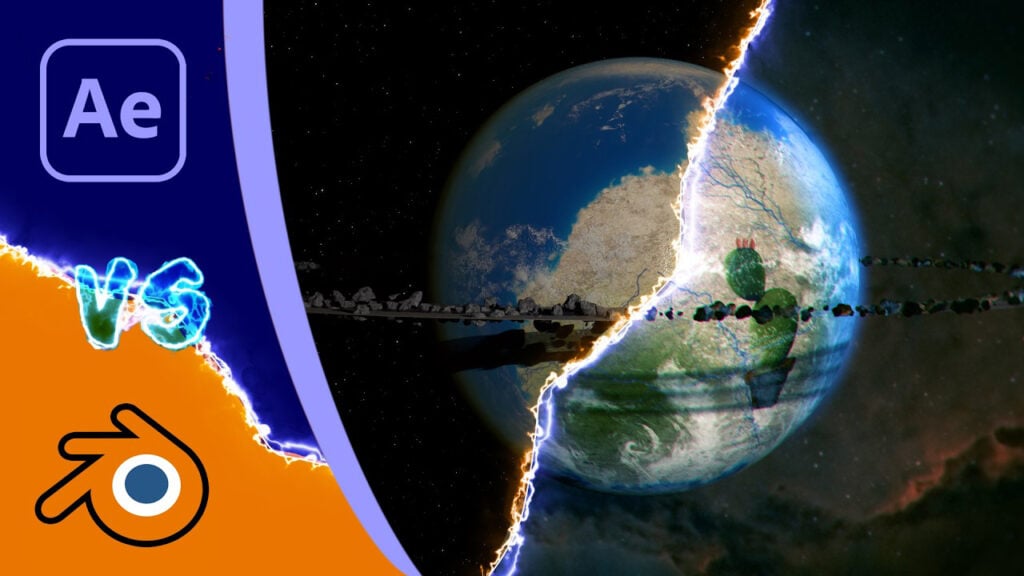
Blender vs After Effects: Realistic planet in Blender

How to create a planet in Blender and how that compares to ones you can make in After Effects. This tutorial shows how to create a realistic 3D planet using Blender, starting from a simple sphere and adding textures and rings.
This Review / Tutorial is slightly different to my usual videos. After publishing many tutorials on how to create planets in After Effects, whether directly or using Video Copilot Orb Orb or MaxonVFX Cinema4D Lite, I thought it was time to tackle Blender.

In the main part of this video, I show how to create and texture a sphere, including how to use the Shading Node editor and how to change a Height or Bump map into a Normal map to add displacement. Then I go on to show how to create clouds, atmosphere. Once they are complete, I then add a rocky ring and then a “regular” thin ring band, like you might see on Saturn.
Once the tutorial is done, I bring up similar planets made in each of the different ways. These are also shared below with some of my thoughts on the process.
Can’t see this video? Click here! If you are in Safari, hover over “Safari” in your menu, click “settings for creativecow.net” and toggle the “Auto-Play” to “Allow All Auto-Play”.
Enjoying the news? Sign up for the Creative COW Newsletter!
Sign up for the Creative COW newsletter and get weekly updates on industry news, forum highlights, jobs, inspirational tutorials, tips, burning questions, and more! Receive bulletins from the largest, longest-running community dedicated to supporting professionals working in film, video, and audio.
Enter your email address, and your first and last name below!


Responses