

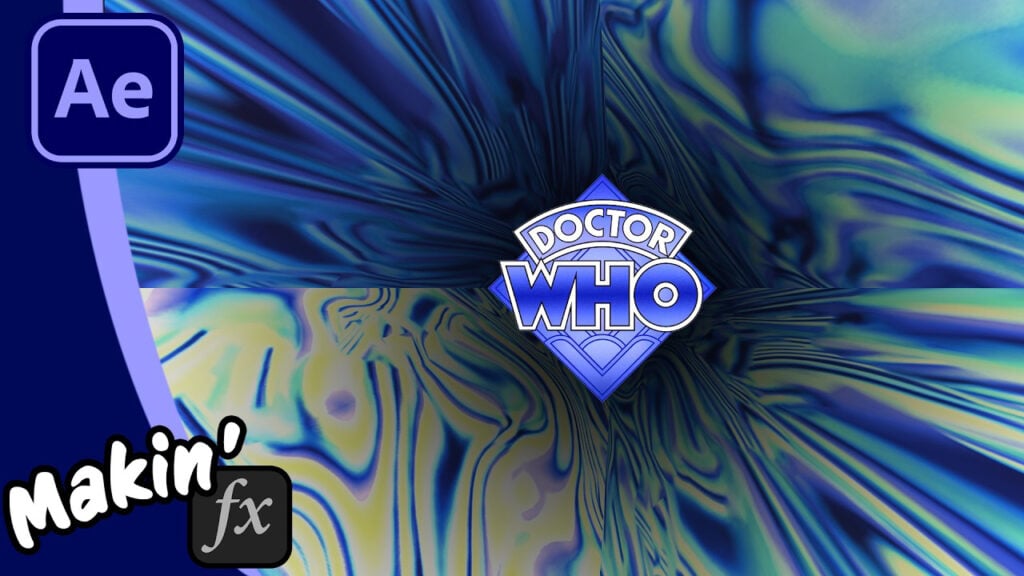
Recreating the 1974 Doctor Who Time Tunnel in After Effects

The “Time Tunnel” from Doctor Who titles is one of the most recognizable pieces of VFX history. While the original was created using physical slitscan photography, today we can achieve that legendary look digitally.
In this tutorial, I’m breaking down how to recreate the classic vortex with any shape or logo with two different methods:
- Method 1: Maxon C4D Lite (Included with AE)* – I show how to take an image and convert it to a spline using the Vectorizer tool, then extrude this into a tunnel before applying a texture.
- Method 2: Video Copilot Element 3D* – If you have a copy of this fantastic 3D plugin, you can use After Effects’ own auto-trace to get your shape then extrude it and add textures in Element.
Bonus: Free step-by-step PDF
Can’t see this video? Click here!
Enjoying the news? Sign up for the Creative COW Newsletter!
Sign up for the Creative COW newsletter and get weekly updates on industry news, forum highlights, jobs, inspirational tutorials, tips, burning questions, and more! Receive bulletins from the largest, longest-running community dedicated to supporting professionals working in film, video, and audio.
Enter your email address, and your first and last name below!


Responses