

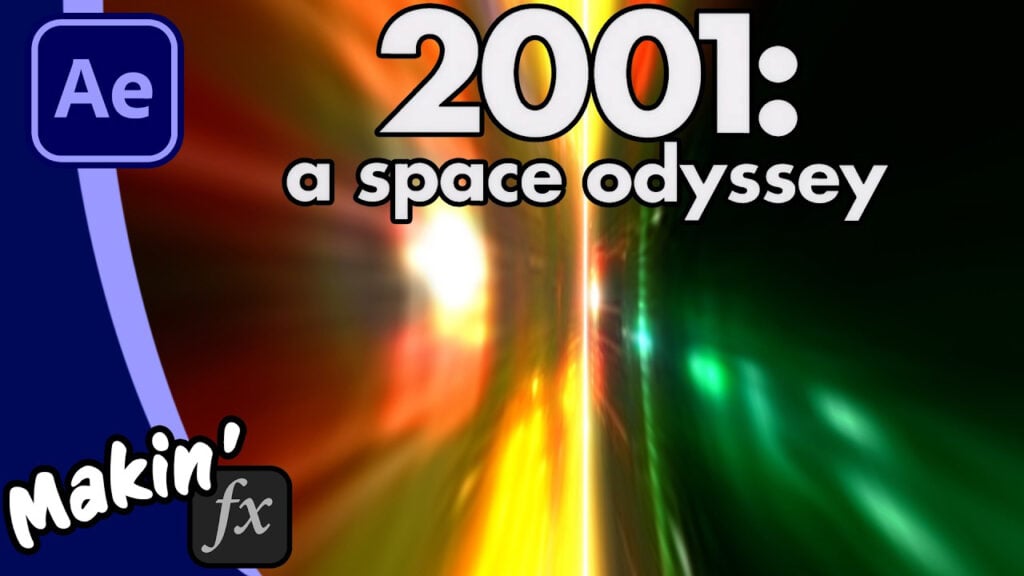
Recreating Doug Trumbull’s Slitscan VFX – After Effects Mastery

In this After Effects tutorial, I’m diving into the legendary slitscan effect. While Doug Trumbull used a massive mechnical righ and long-exposure photography to create the “Ultimate Trip”, I’ll show you how to build the same look much more easily using Essential Graphics, the Offset effect and 3D layers. In this video, you’ll learn:
- How to use the Offset effect with a simple expression for continuous motion.
- How to use Essential Graphics to control the speed and images
- 3D layers to create two infinite plains.
Expression used: X = effect(“Speed”)(“Slider”)*time+effect(“Nudge”)(“Slider”); Y = value[1]; [X,Y]
Watch my VFX History episode here for the full story on Doug Trumbull and the evolution of Slitscan.
Can’t see this video? Click here!
Enjoying the news? Sign up for the Creative COW Newsletter!
Sign up for the Creative COW newsletter and get weekly updates on industry news, forum highlights, jobs, inspirational tutorials, tips, burning questions, and more! Receive bulletins from the largest, longest-running community dedicated to supporting professionals working in film, video, and audio.
Enter your email address, and your first and last name below!


Responses