

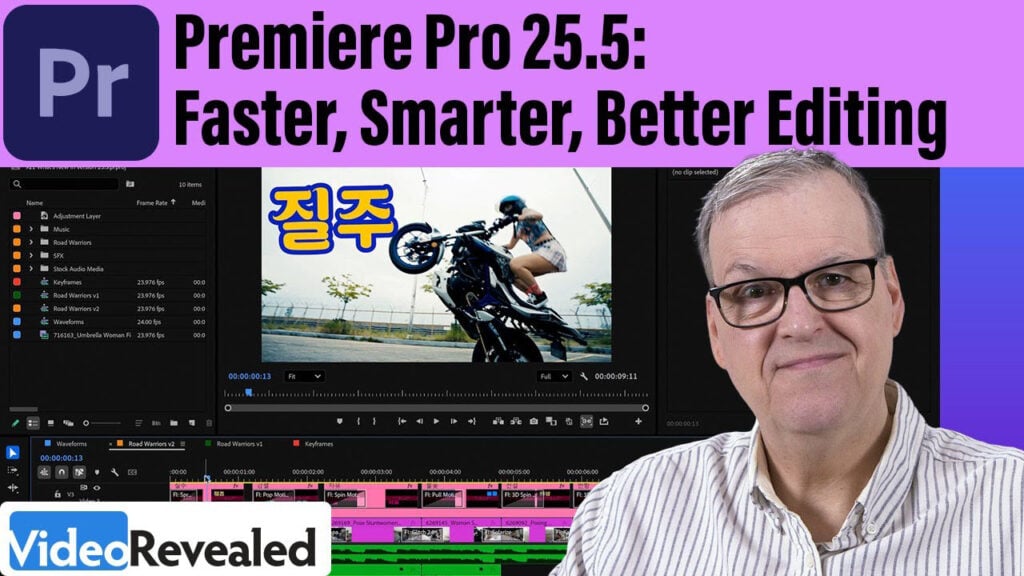
Premiere Pro 25.5: Faster, Smarter, Better Editing

Whether you’re crafting cinematic masterpieces or cranking out content on the fly, this walkthrough is your backstage pass to everything new in Premiere Pro 25.5., including…
- Blazing-fast performance upgrades
- Streamlined waveform workflows for audio precision
- Enhanced keyframe control with no surprises
- Shortcut for muting and soloing audio
…and so much more to supercharge your creativity!

Can’t see this video? Click here! If you are in Safari, hover over “Safari” in your menu, click “settings for creativecow.net” and toggle the “Auto-Play” to “Allow All Auto-Play”.
Enjoying the news? Sign up for the Creative COW Newsletter!
Sign up for the Creative COW newsletter and get weekly updates on industry news, forum highlights, jobs, inspirational tutorials, tips, burning questions, and more! Receive bulletins from the largest, longest-running community dedicated to supporting professionals working in film, video, and audio.
Enter your email address, and your first and last name below!

Responses