

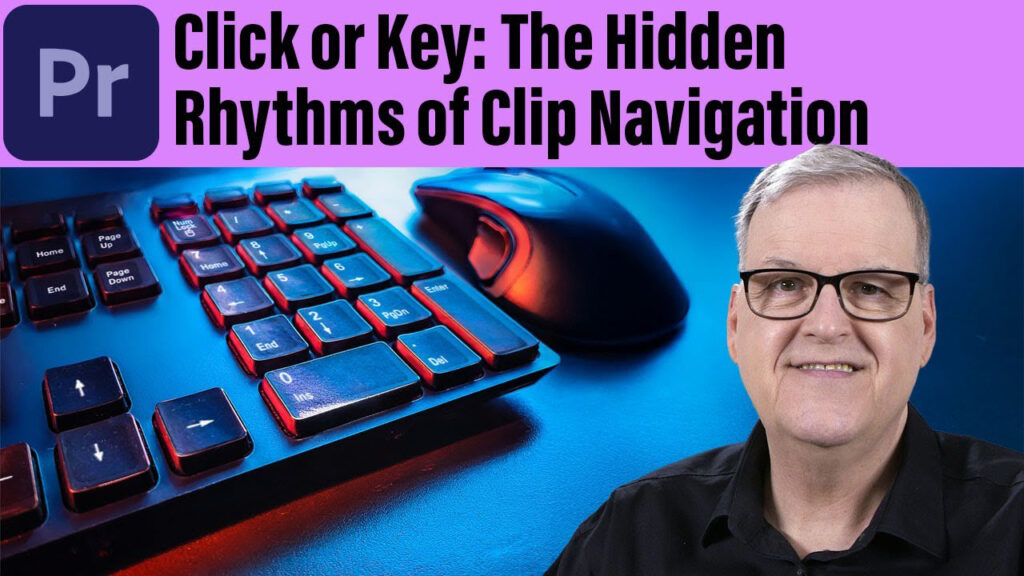
Click or Key: The Hidden Rhythms of Clip Navigation

This tutorial showcases the various effective methods for navigating the Premiere Pro Timeline and how your navigation experience is influenced by Track Targeting. Additionally, it highlights a significant update and provides tips on achieving professional-level smooth navigation in the Effects Control panel.

Can’t see this video? Click here! If you are in Safari, hover over “Safari” in your menu, click “settings for creativecow.net” and toggle the “Auto-Play” to “Allow All Auto-Play”.
Enjoying the news? Sign up for the Creative COW Newsletter!
Sign up for the Creative COW newsletter and get weekly updates on industry news, forum highlights, jobs, inspirational tutorials, tips, burning questions, and more! Receive bulletins from the largest, longest-running community dedicated to supporting professionals working in film, video, and audio.
Enter your email address, and your first and last name below!

Responses