Hello Kouraib,
Sure ok, let’s just review quickly: I would like to find a way to cut into a model in C4D so view inside it, but I don’t want to change geometry. The reason for this is that I only want to be able to see inside for the purpose of showing the viewer what is happening. For the purpose of the animation, I’d like to show the cut happening, ie, show the shole product then slowly cut into it.
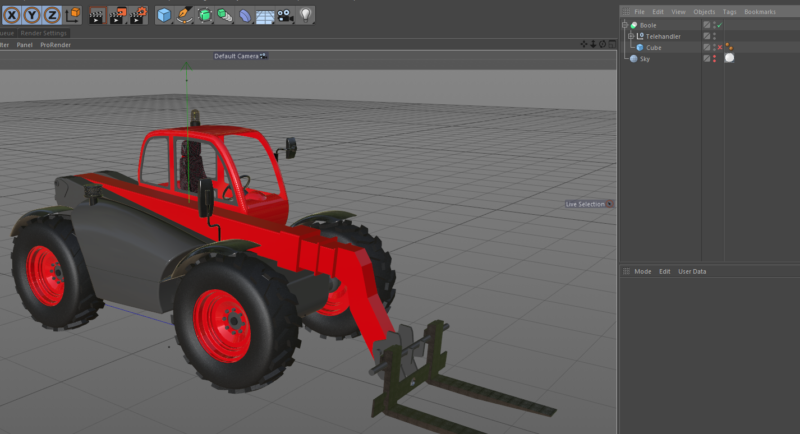
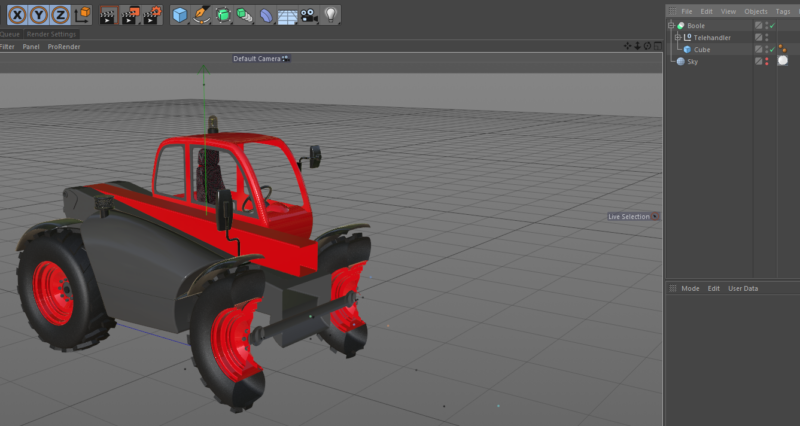
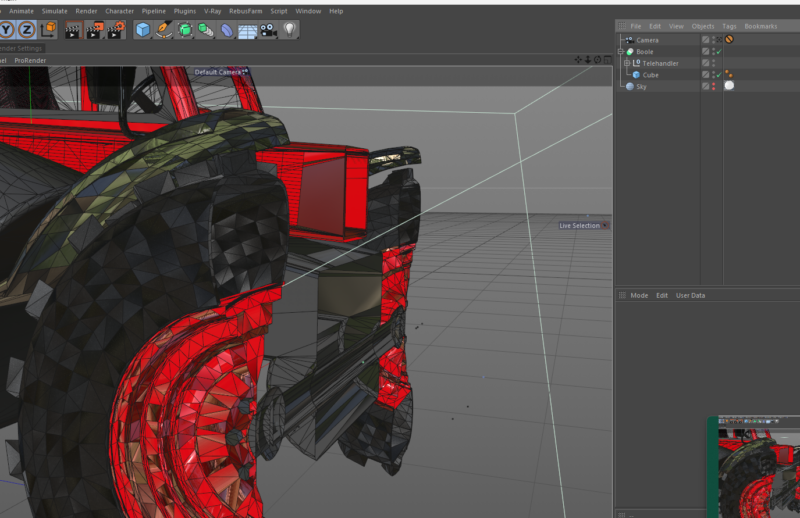
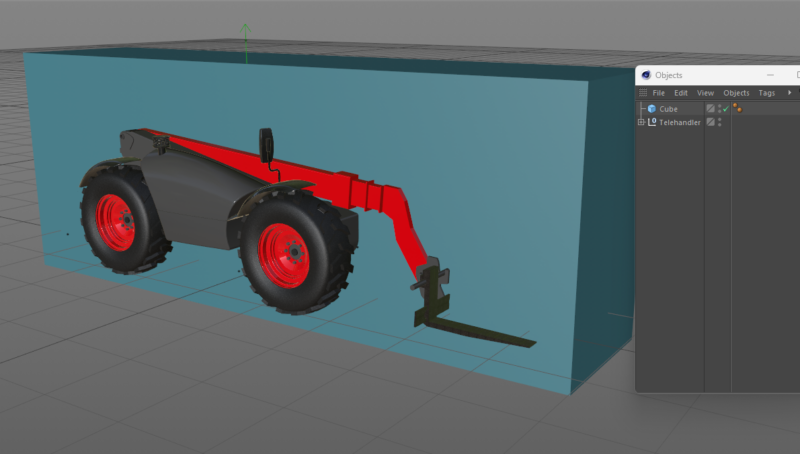
The most common method is to use a Boole. This is very easy, but it creates new geometry and on complex models this can lead to a lot of complications. The new geometry can upset UV maps, create polygons in unusual areas and so on. On a static boole, these can be fixed with some extra work, but it makes it difficult to have a “moving” boole where you animate intersecting object slowly cutting into a product.
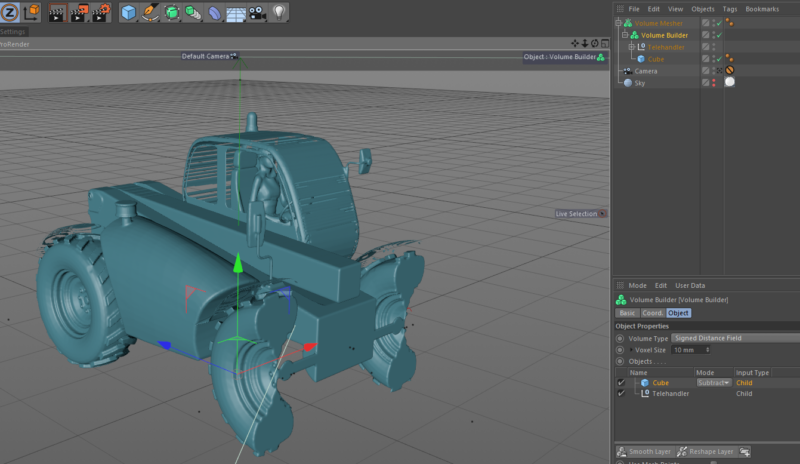
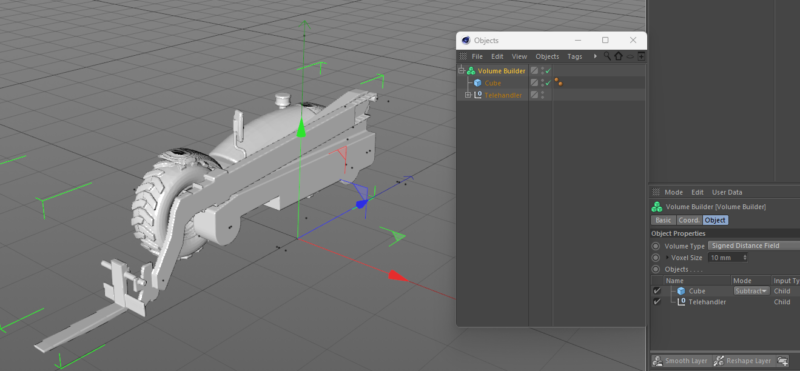
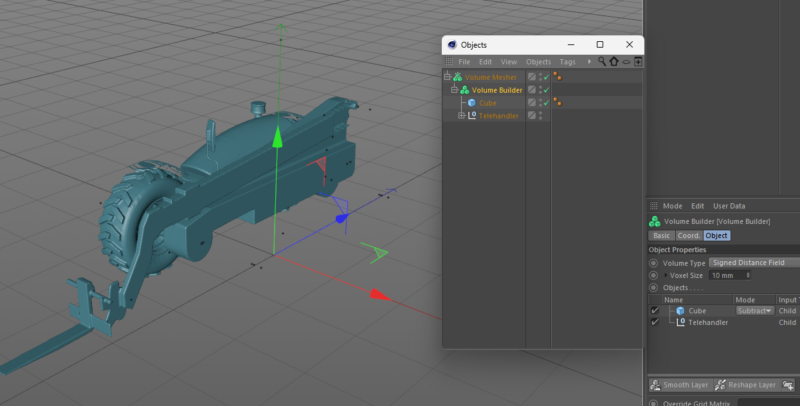
A second method here is to use the Volume Mesher + builder. However this has to be done per object, and can’t be applied to a group / null object containing children as you will lose all UV maps. Also as the purpose of the volume mesher is to create new volumes, you can lose interior detail. I’ve found that to keep details accurate, you have to lower the voxels which hugely slows down the calculating time to build that. Again, changing the geometry leads to a slow down in production time using this method. This method also closes any holes, whereas I want to keep them open so we can see inside the product and show the working parts inside.
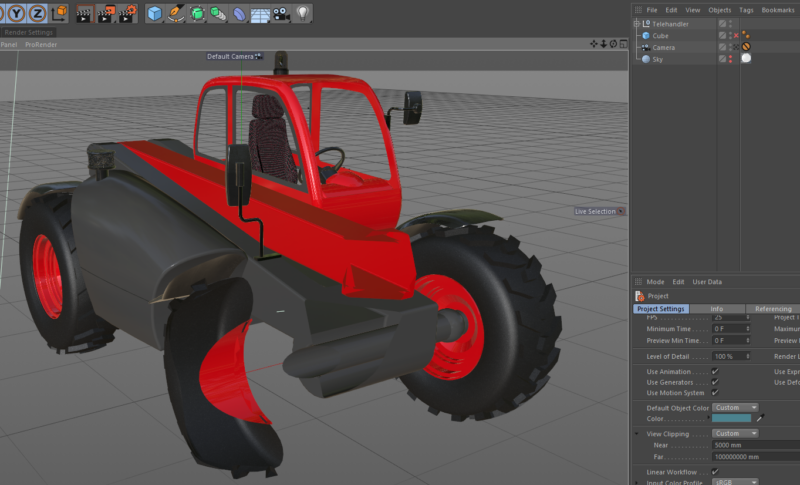
A third method suggested here is to use viewport clipping. This is the best yet in terms of performance but offers no flexibility. You can only clip the product at 90 degrees to the viewing angle, so you can’t cut a product and then rotate around the cut. However, this method is fast and keeps the geometry, UV’s and materials all the same.
I guess I want to have my cake and eat it, so I’m still looking for an improvement on the above. I’ve got 2 additional methods to offer but they’re not perfect:
Fourth, I’ve come up with the idea of using fields in the alpha channel to make a material invisible wherever the field is. I can link a cube field to a vertex map in the alpha channel to make the material transparent wherever the cube field is moved to. Works perfectly and it’s fast, but you can’t apply vertex maps to a group or null, only to a polygon object or mesh.
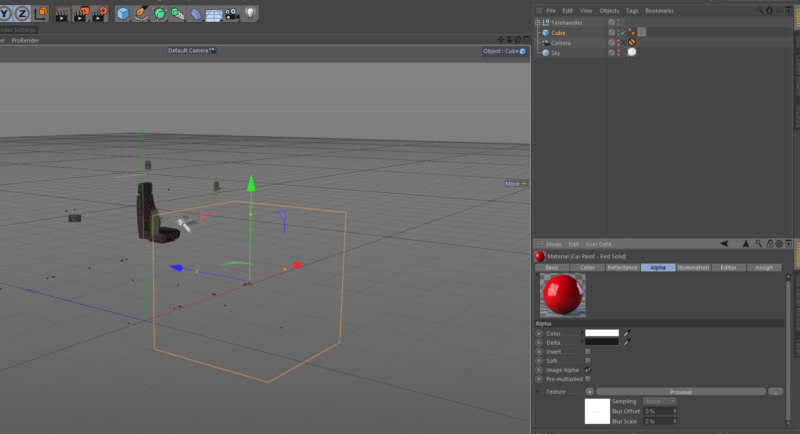
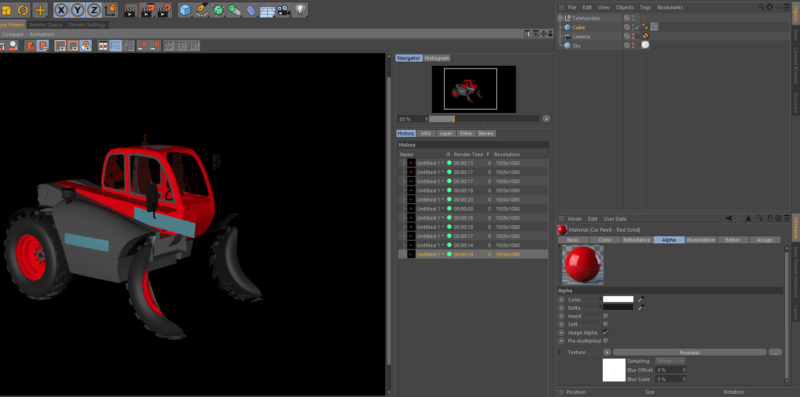
So I’m onto my fifth option. This is to use the proximal effect in the alpha channel to make any part of a material transparent. This is the best option yet, it works well, it’s global for all objects that have the material applied. However, with the proximal effect, you’re limited to a spherical shape from the point you select. So I have set a cube as the object and it will use the centre of it for the proximal point, but it has to be a distance from this point so it’s always a sphere. This works well for me, but I would just very much like to be able to use a flat shape cutaway like a cube for this, but I don’t think there’s a way to use the proximal effect based on a volume or field, and this is what I really want.
So right now I’m trying to find a way to use a cube shape in the alpha channel to make a material transparent wherever the cube is. This is the ultimate as it will let me cut away a product with no geometry change. This will result in clean edges, no extra polygons and accurate cutaways, and it should be very fast to calculate – but I’m just not sure how to do it yet.