Have you tried turning the resolution down to half or thirds? I had the same issue and turned it down now I have no problems. I gotten used to looking at it in half and third resolution.
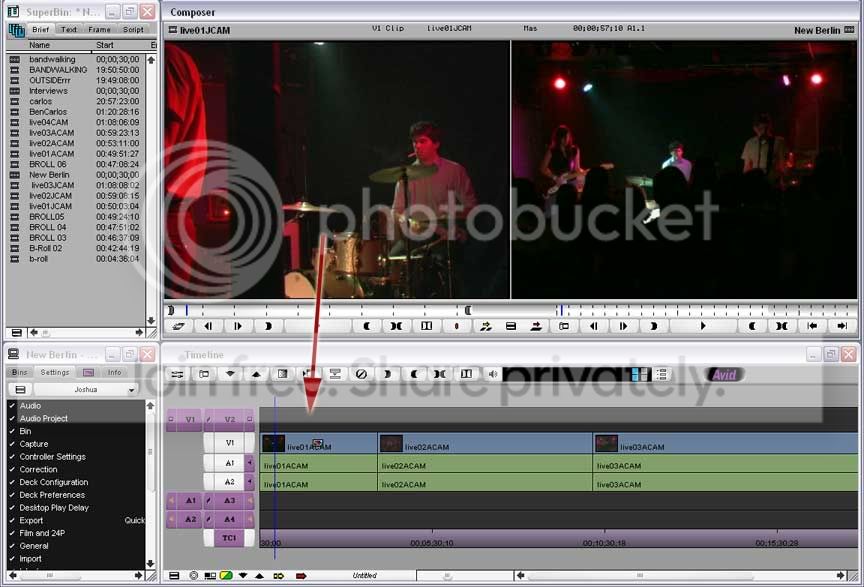
Jon, I did that and AvidXPRO still forces me to drag from the source to V1 even though I’m holding my cursor over V2 on the timeline. Here’s a screen shot of what you wanted me to do right?
Kevin, Thanks for replying. I’ve done that and it still moves the video and audio to V1A1A2. Is there a way to create a Patch V2? I think that will work.
I did that and it kind of works, but the result I get is it removes the clip after the curser, or play head. Is there anyway to just split the track without removing any of the track? Thanks.