Hi, Thanks for your interest.
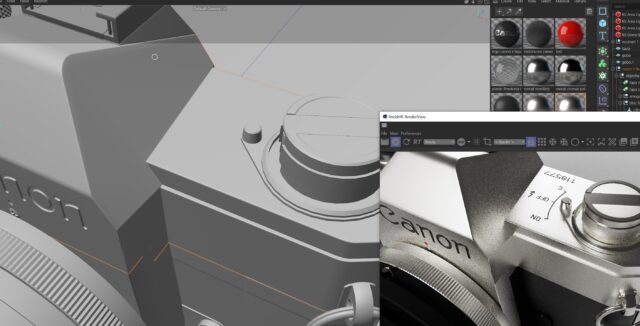
Well, I’m using Redshift materials, and there isn’t a normalizer tool… but your suggestion has led me to find a tutorial about C4D’s own normalizer (interesting tool!), and there they talk about the gamma for the normal map, and this has reminded me about color spaces in maps… and voila!
It seems that setting the texture node color space to “auto” doesn’t work, and it needs to be manually set to raw / linear. Now it looks much better.
Thanks anyway for your time!