Francesco Barese
Forum Replies Created
-

Francesco Barese
February 1, 2021 at 2:27 pm in reply to: Does AE support SVG glyph font format? (suggest alternative if not?)thank you very much. i appreciate it! will give it a go
-
while we’re at it…in the reference picture i posted it seems like theres another light source involved (its especially noticeable when you look at a smaller version of the pic). but it gives it a nice 3d effect. what do you think it is guys? should i just mess around with cc light rays?
-
thank you very much! adding posterize worked flawlessly!
much appreciated
-
Francesco Barese
December 3, 2020 at 10:05 pm in reply to: need help with a project (tight schedule)but how can i keep the stroke of the sides of (lets say) a rectangle from getting stretched if im resizing it only on one axis? i would like the stroke to always be 4px no mater how i stretch or resize the shape. is there a way to do that?

-
thank you, i will study this to master the sliders for the control. very appreciated !
-
oh my god, thats amazing.thank you its exactly what i needed.
im exploring the project file to see whats under the hood and try to replicate it on my own.
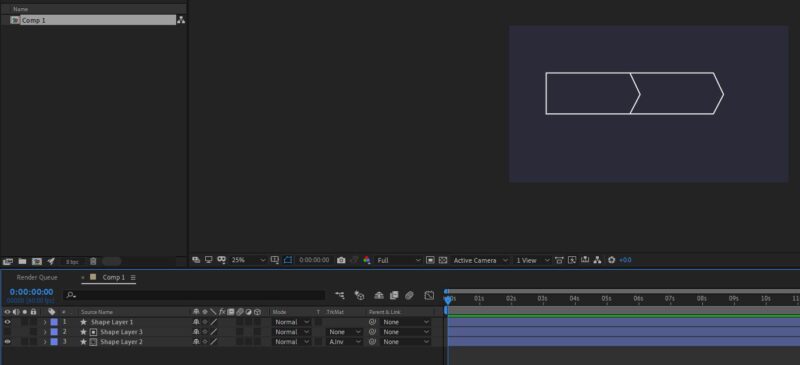
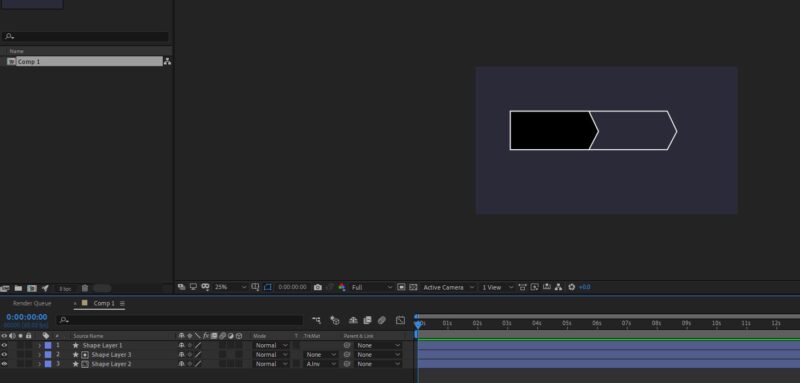
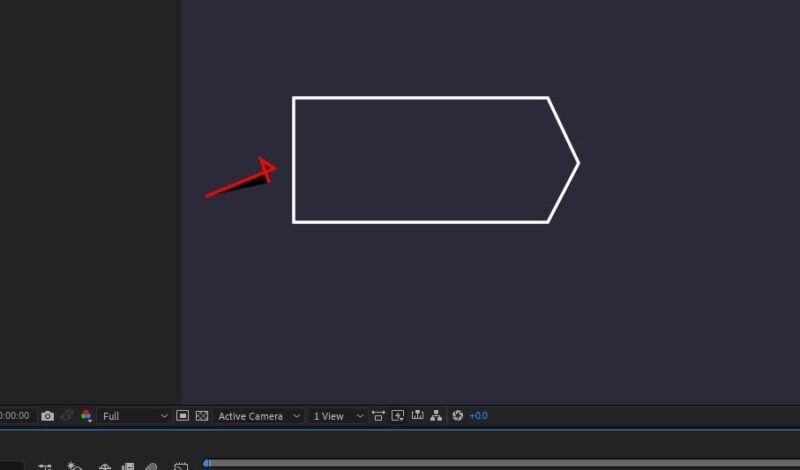
for some reason it just didnt click in my head to make it pointy on the right and indented on the left. your solution is very elegant in its complexity. thank you again!
-
i see them on my end. trying again now. can you see?
-
oh ok ,wow.that sounds good.im gonna give it a go tomorrow.see what happens
thank you very much
-
thank you.
i thought about moving the object manually by the smallest possible increment and add a keyframe for each one of them.but that is way more trouble than it would be worth.not doablejust out of curiosity.what exactly would happen if i increase the fps to 120 but render in 60?would it be slightly better?slightly worse?or would i be exactly back at square 1?
-
i already did motion blur (it just wasnt in the video i posted.but i did try it and still wasnt smooth as butter).
im giving it another try.but,what did you mean by “apply both motion blur toggles – on the layer/comp itself and above the layers at comp setting handles”?i know how to apply it from the settings handle but how do i also apply on “the layer/comp itself”?you mean dropping the force motion blur and pixel motion blur effects onto the comp?