Collin Alexander
Forum Replies Created
-

Brendan,
I too was bringing audio from many different formats into the project. That may be the original culprit. You may be able to solve it by identifying exactly which piece of media is corrupted (according to FCP).
Try this:
Restart your computer.
Open the bad project. DON’T play it, this will trigger the problem.
Make a new project, and a new sequence, with the correct settings.
Copy a few objects from the bad project, paste them into the new one. Play it, see if you have the problem. If not, save the new project.
Copy and paste a few more objects. Play it, and save it if you still don’t hear the problem.See if you can hone in on exactly which clip triggers the problem. Then you can try deleting that clip from your bad project, SAVE AS a different name.
I’m having this problem on a Mac Book Pro, playing the same project on a Quad Core works fine. Also, at one point I became convinced that the problem was related to a particular FILE NAME. I had a version that was working good, then saved it as the old file name, and it immediately began having the problem. When I saved the good one with a new name, it would work fine (until something else triggered the problem).
It is quite odd.
-
A complete re-install of FCP, firmware update, does not solve the problem.
Oh dear this is horrendous.
-
Yes, I take a 48K AIF file, it plays correctly in Finder, Logic, Streamclip, and Soundtrack. The file itself is fine.
I put that file into a brand new project, new sequence in FCP, and I get this weirdness. Either one side cuts out, or the other side cuts out, or else one side plays at the wrong speed. Occasionally it plays correctly, but not usually. Most often, it alternates left-right-left-right on successive plays.
Yes, I’ve tried sequence settings, user prefs, system settings . . .
I guess I’ll try a complete re-install. Oh boy, what joy.
-
I made a brand new project in FCP, with new prefs files, new scratch disk, imported one stereo audio music file, 48K AIF, file never touched by FCP. Immediately had the problem.
Sent audio file to new Soundtrack Pro project, it plays just fine.
It also plays fine in Finder, MPEG Stream Clip, iTunes.
🙁
-
I’m using a Mac Book Pro, 17″, OS X 10.5.8, FCP 6.0.6.
No capture cards, just internal audio from the mac. The problem is in FCP, other apps like Quicktime, iTunes, etc. don’t have a problem with audio.
The project lives on 2 external FW drives, but I’ve now duplicated the problem using audio files on my internal drive, without the external drives hooked up.
I’ve duplicated the problem using audio never touched by FCP.
And now I’m hearing in real time what happened on export – one side playing at one speed, the other side playing at another speed.
I haven’t tried the core audio reset thing in terminal. That’s a little scary, but here goes . . .
-
Thanks for the input guys. Appreciate.
-
No thank you. Been there, done that. Problems with placing Motion files on FC timeline:
1. Causes crashing on export (with Pro Res codec)
2. Causes out of memory errors (with big projects)
3. Won’t play in real time on FC timelineI had about 100 different Motion files in 8 FC sequences, and I’ve now exported them all to video files, and I’ve decided to work this way for the rest of the project.
Something must have changed, I used to be able to overwrite existing files, now it won’t let me. 🙁
-
I understand all that. But either my original DVD was frame-blended by someone, or else it wasn’t. It’s possible to de-interlace footage, then blend frames, then re-interlace it to an interlaced DVD. One would not then be able to un-frame blend that footage. Even if “pause” on a DVD player de-interlaced by doubling the lines of one field, it would still look blended, because the original source was blended.
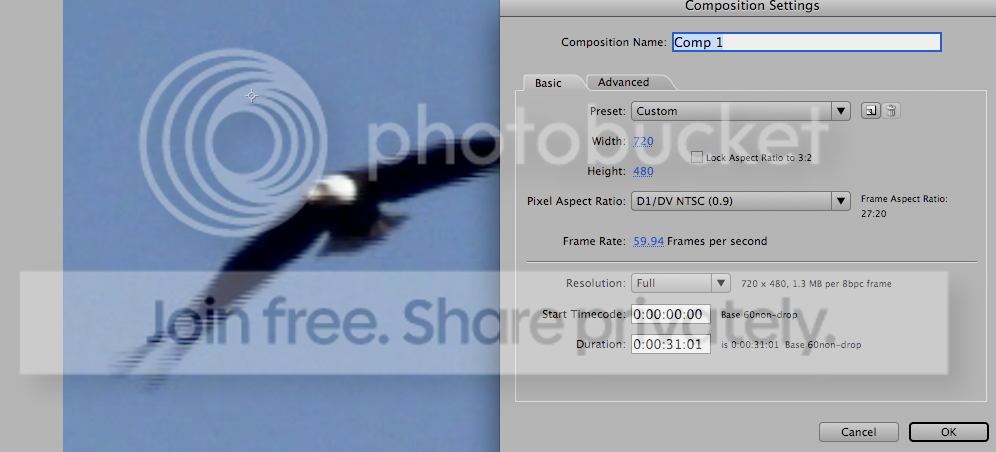
Using 59.94 in After Effects is a handy way to make a full frame out of each field. It works. It does not blend fields. Except you can see what I am getting with this particular footage. Why?
If the original source was blended, it would be impossible for the DVD player, or anything else, to un-blend it. If the original source was not blended, then After Effects would be able to pull those fields apart and make a full frame out of each.
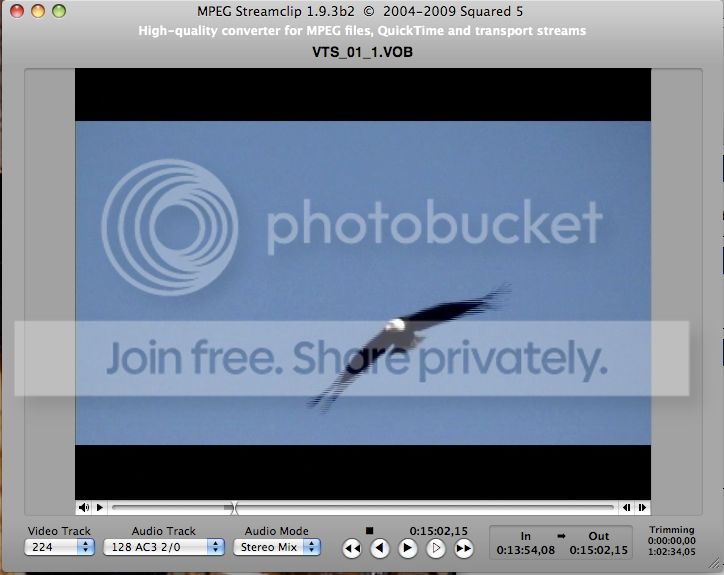
The only thing I can imagine is that Streamclip is choosing to blend fields on export, without being told to. Other DVDs I rip DO NOT DO THIS. They are fine. This DVD is different. I don’t get it.
I am over it though, the bald eagle is going to be frame blended, and everyone will just have to deal. 🙂
-
1. Screen cap from DVD player. Eagle is not frame blended.
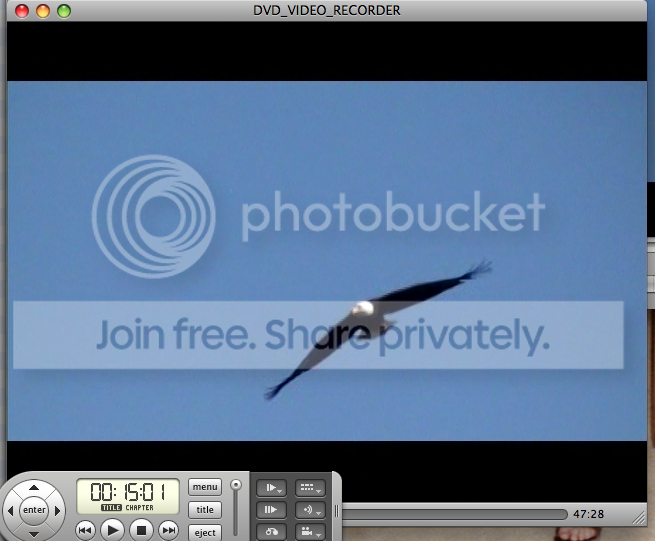
2. Screen cap from Streamclip, image is blended.
3. Streamclip export
, frame blending option not checked.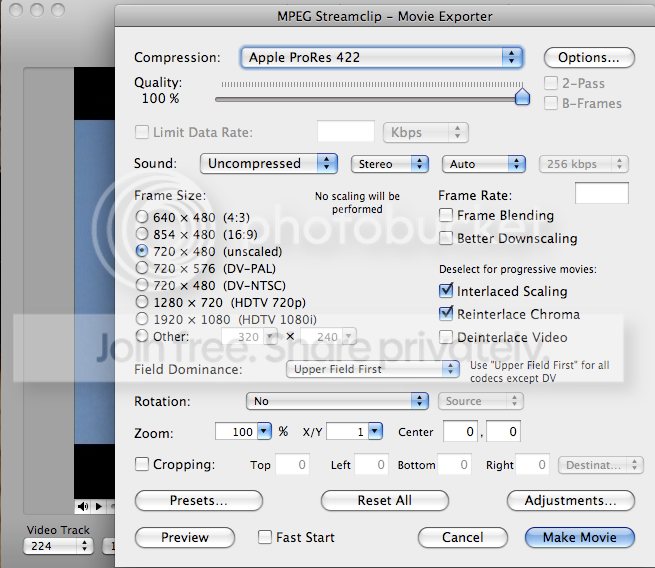
4. Resulting 29.97 footage, in After Effects, in a 59.94 comp, what should be one de-interlaced field made into one entire frame, appears to be a blend of two fields.