Forum Replies Created

  • I linked a check box to a check box inside a precomp using index

    comp(thisComp.layer(index-1).name).layer(“This is a full title”).effect(“Side title”)(“Checkbox”)

    looks at comp name in the layer above, then goes to a layer in that comp into its effect

    I dunno if thats what u need but i was searching for a solution for this issue and came across this thread.

    need to figure out how to find the text layer within the precomp

  • Hey Thanks for this! I used the first one and it works like a charm

    a=thisComp.layer(index-1).sourceRectAtTime();

    t=a.top;

    h=a.height;

    som = t+h/2;

    p=thisComp.layer(index-1).position[1]

    fs=text.sourceText.style.fontSize

    y1 = (p+h+fs);

    y2 = (p+som/2);

    x =thisComp.layer(index-1).position[0]

    try{

    thisComp.layer(index-1).text.sourceText;

    isText = [x,y1];

    }catch (e){

    isText = [x,y2];

    }

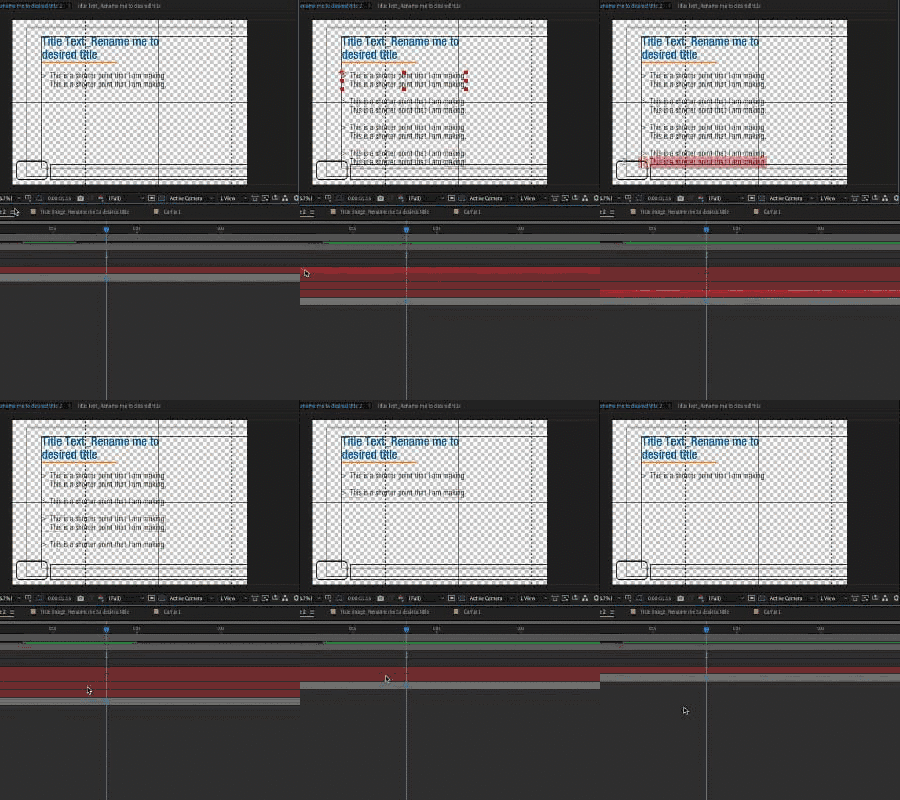
    This basically will space out any text layers below the above text layer by the font size but because the title its own comp I needed to calculate the spacing differently, seems to work cheers

  • Auric johnson

    October 1, 2020 at 3:13 am in reply to: Create Line Break After X Number of Characters

    Hey, This was really useful thanks

    txt = thisComp.name;

    if (thisComp.name.length > 55){

    for (i = 55; i > 0; i–) if (txt[i] == ” “) break;

    if (i > 0)

    txt.substr(0,i) + “\r” + txt.substr(i+1)

    else

    txt.substring(0,55) + “\r” + txt.substring(62,999);

    }else{

    txt

    }

    I tested it and had that same issue with the string length being exact so I removed the = from the >= seems to work okay now.

We use anonymous cookies to give you the best experience we can.
Our Privacy policy | GDPR Policy