Creative Communities of the World Forums

The peer to peer support community for media production professionals.

Activity Forums Adobe After Effects Expressions Is there expression or function that reads what type of layer, a layer is?

  • Is there expression or function that reads what type of layer, a layer is?

    Posted by Auric johnson on October 1, 2020 at 6:34 pm

    for instance if I were to type the expression/function (lets say its called .type) into a text layer source text, the text would say “text layer” if I were to have a comp above that text layer and typed the expression with an index-1 the text would say “comp”.

    I want to write an if statement that executes one function if there is a text layer above and another if there is a comp.

    something like
    if(thisComp.layer(index-1).type==”comp”)”its a comp”;”it can be text”

    so yea just wondering if such a function exists

    thanks,

    Auric johnson replied 5 years, 7 months ago 3 Members · 3 Replies
  • 3 Replies
  • Dan Ebberts

    October 1, 2020 at 7:19 pm

    Not exactly, but you could do something like this to test for a text layer:

    try{

    thisComp.layer(index-1).text.sourceText;

    isText = true;

    }catch (e){

    isText = false;

    }

    and something like this to test for a comp layer:

    try{

    isComp = thisComp.layer(index-1).source instanceof Comp;

    }catch (e){

    isComp = false;

    }

  • Filip Vandueren

    October 1, 2020 at 7:23 pm

    I don’t think so actually.

    Maybe it’s best to test for properties that only certain types of layers have ?

    l=thisComp.layer(2);
    layerKind="unkown";
    if (l.text) layerKind = "Text";
    else if (l.source) {
    layerKind = "Footage";
    if (l.source.duration ==0) {
    layerKind = "Solid/Null/Still";
    }
    if (l.source.numLayers!=undefined) layerKind = "Composition"
    } else if (l.cameraOption) layerKind = "Camera"
    else if (l.lightOption) layerKind = "Light"
    layerKind

    Can’t find a way to discern between Solids, Nulls and Stills though…

  • Auric johnson

    October 2, 2020 at 9:00 am

    Hey Thanks for this! I used the first one and it works like a charm

    a=thisComp.layer(index-1).sourceRectAtTime();

    t=a.top;

    h=a.height;

    som = t+h/2;

    p=thisComp.layer(index-1).position[1]

    fs=text.sourceText.style.fontSize

    y1 = (p+h+fs);

    y2 = (p+som/2);

    x =thisComp.layer(index-1).position[0]

    try{

    thisComp.layer(index-1).text.sourceText;

    isText = [x,y1];

    }catch (e){

    isText = [x,y2];

    }

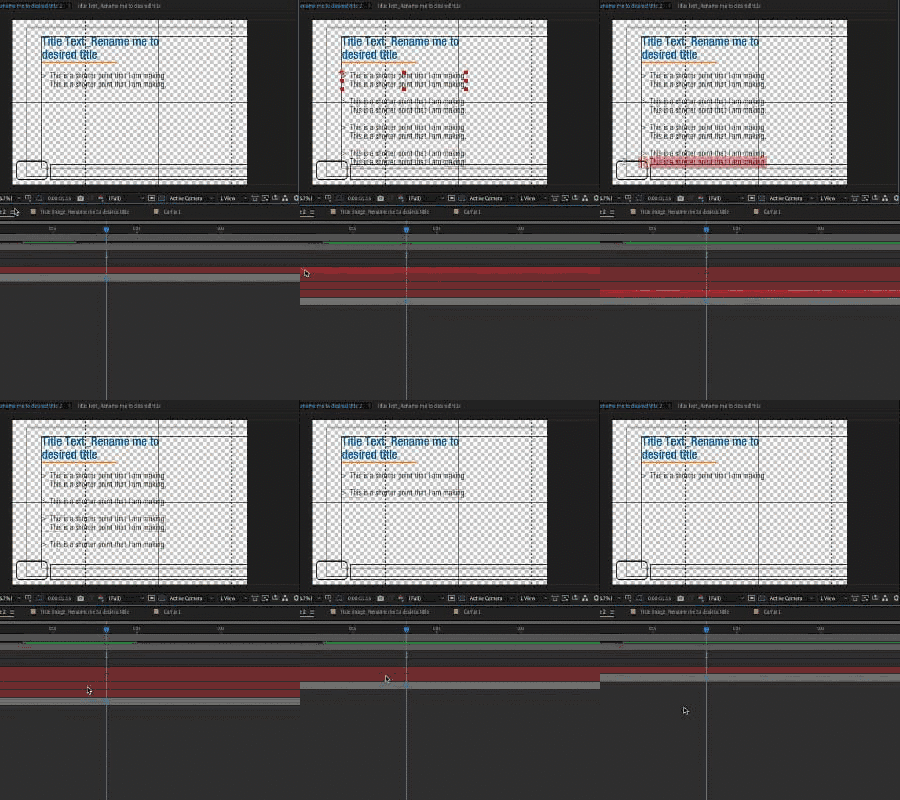
    This basically will space out any text layers below the above text layer by the font size but because the title its own comp I needed to calculate the spacing differently, seems to work cheers

We use anonymous cookies to give you the best experience we can.
Our Privacy policy | GDPR Policy