

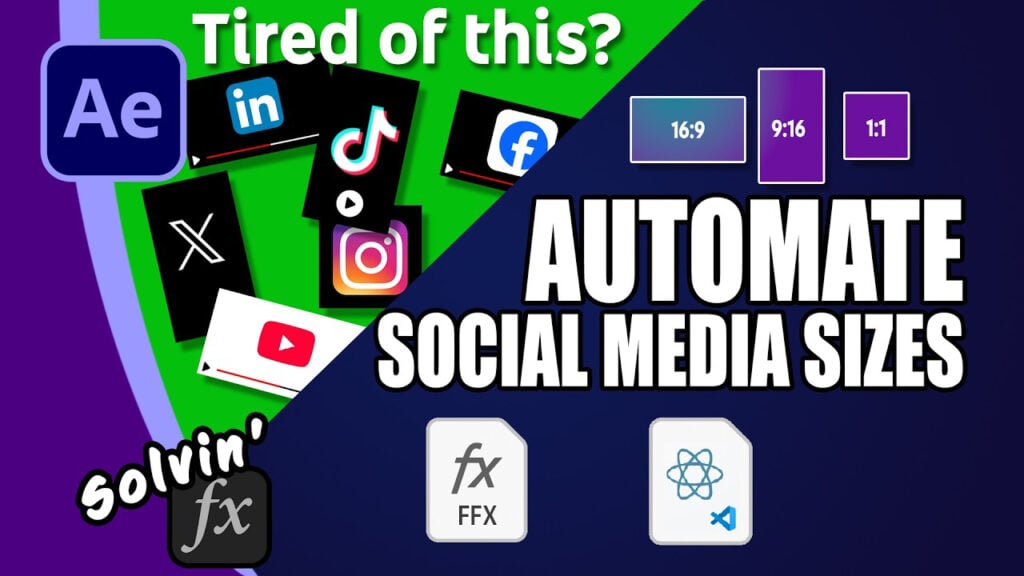
How I Automated Social Media Resizing in After Effects – Free Script

If your text keeps getting cut off on Instagram Reels, TikTok, YouTube Shorts or Facebook, you’re not alone. And did you know that Google has shared horizontal safe zones guides that really limit what you can place where, too?
In this video, I demonstrate my free Safe Zones preset that works for horizontal, vertical and square (16:9, 9:16, 4:5 and 1:1 resolutions). And I show off a script which automatically creates compositions in each format that allows you to alter all the positions and scales of your original layout. It uses Essential Graphics to do that and the script does that for you automatically, too!
If you just want the free tools, you can grab them from the link below, but if you’d like to learn how to write JSC code to automate your own AE workflow, I go through the code and explain each bit.
Can’t see this video? Click here!
Download the preset and script here. (Pay What You Want, including free)
Bonus: Code to Copy PDF
Get ShiveringCactus VFX as phone cases, T-shirts, mugs
Enjoying the news? Sign up for the Creative COW Newsletter!
Sign up for the Creative COW newsletter and get weekly updates on industry news, forum highlights, jobs, inspirational tutorials, tips, burning questions, and more! Receive bulletins from the largest, longest-running community dedicated to supporting professionals working in film, video, and audio.
Enter your email address, and your first and last name below!


Responses