

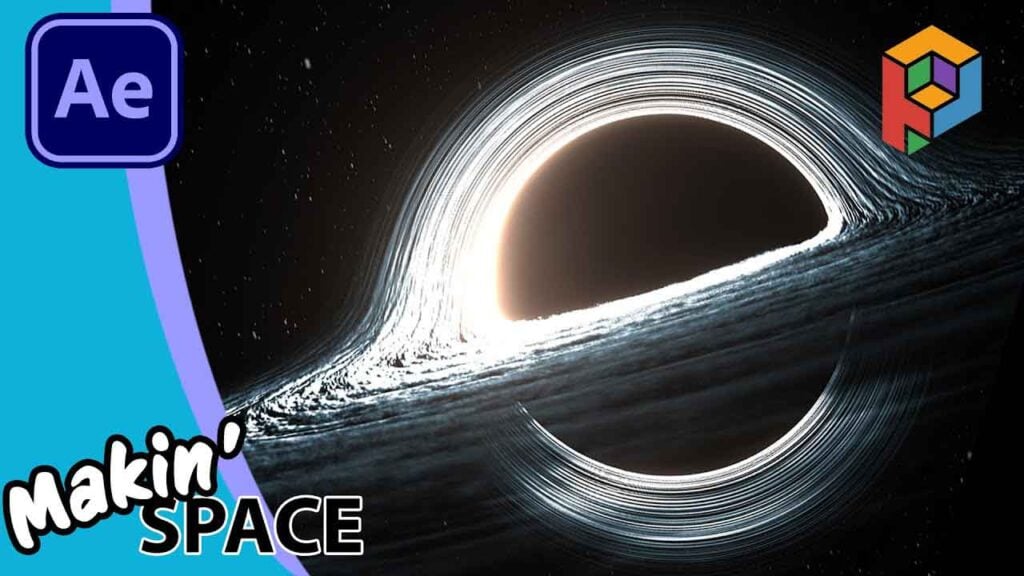
I found a Free Black Hole Plugin for After Effects!

Learn how to create a cinematic, 3D black hole in After Effects using the brand new (and free!) Black Hole plugin from ProductionCrate.
ProductionCrate recently released their Black Hole plugin as part of the LaForge suite. While the “subscription” messaging can be a bit confusing, this specific plugin is currently FREE for those on the free tier. In this tutorial, I’ll walk you through the slightly “weird” installation process via the Portal and LaForge, and then show you how to animate a scientifically-inaccurate (but cool looking) accretion disk formation.
We’ll cover:
- Navigating the LaForge / Portal installation.
- Understanding “Cloudy Ring Things” (Accretion Disks).
- Keyframing Mass, Lacunarity, and Noise for a “birth” animation.
- Using After Effects’ built-in Glow to make it pop.
- Adding a starfield background for the final cinematic look.
Can’t see this video? Click here! If you are in Safari, hover over “Safari” in your menu, click “settings for creativecow.net” and toggle the “Auto-Play” to “Allow All Auto-Play”.
Get ShiveringCactus VFX as phone cases, T-shirts, mugs.
Download the Starfields project.
Download the Quick Cheats template here.
Enjoying the news? Sign up for the Creative COW Newsletter!
Sign up for the Creative COW newsletter and get weekly updates on industry news, forum highlights, jobs, inspirational tutorials, tips, burning questions, and more! Receive bulletins from the largest, longest-running community dedicated to supporting professionals working in film, video, and audio.
Enter your email address, and your first and last name below!


Responses