

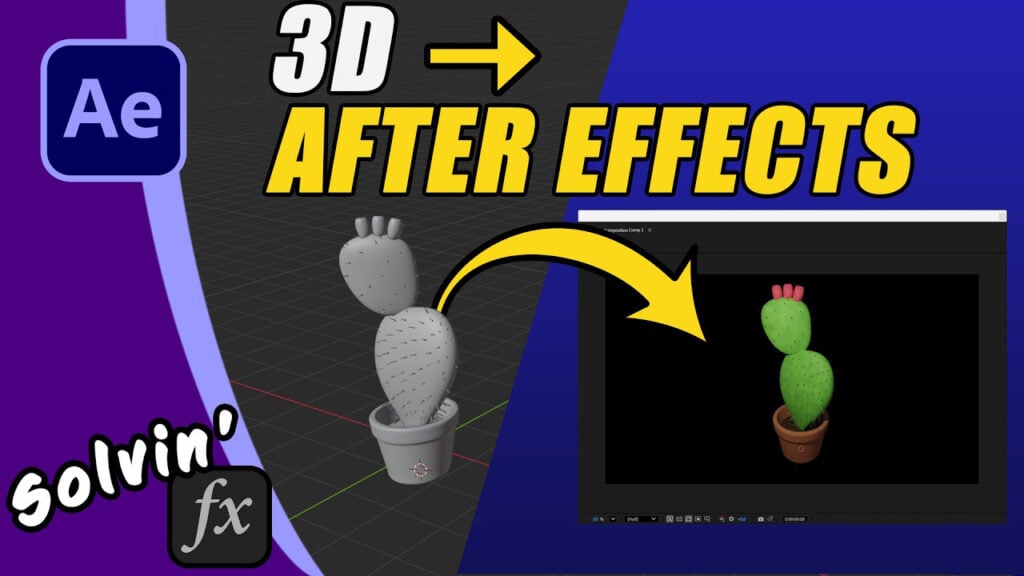
How to Import 3D Models into After Effects – OBJ, GLB, FBX

Directly inside After Effects you can import and animate 3D models in the timeline. Provided it is either an OBJ, GLB, and FBX file type. But importing them doesn’t always go smoothly. In this video I work through some common problems caused by missing textures, procedural materials, or Blender’s modifiers which can trip you up.

I start with a walkthrough of Bender-to-After Effects workflow, which is a fancy way of saying I explain how to convert a model that Blender can see (including enabling the add-ons for GLFT / GLB and FBX files). After we have a model After Effects can import, I talk about fixing missing textures, how to Bake a material into an image texture and how to apply modifiers.
I’m trying to make this guide useful AE users new to 3D models.
Can’t see this video? Click here! If you are in Safari, hover over “Safari” in your menu, click “settings for creativecow.net” and toggle the “Auto-Play” to “Allow All Auto-Play”.
Enjoying the news? Sign up for the Creative COW Newsletter!
Sign up for the Creative COW newsletter and get weekly updates on industry news, forum highlights, jobs, inspirational tutorials, tips, burning questions, and more! Receive bulletins from the largest, longest-running community dedicated to supporting professionals working in film, video, and audio.
Enter your email address, and your first and last name below!


Responses