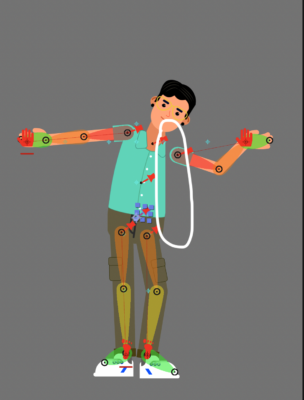
Sounds like you may have accidently created a clipping mask on the character, which can happen when a layer is accidently nested under another layer.
To check if this is the case, you can navigate to the Layers panel and see if there is a dotted line around the character layer, indicating that it is nested or clipped under another layer. If there is a dotted line, you can try clicking on the dot itself to unlock the nested layers. This will allow him to move the character layer independently of the other layers.
Alternatively, you can right-click on the character layer and navigate to the Transform property. From there, you can adjust the position of the character layer or use the Position tool to move it back into view. Let me know if you have other questions.