-
White dot’s appearing in Premier on imported videos and on exports
Hi everyone
I’ve been looking for a solution to my issue and haven’t come across anyone who has a similar issue. but when I import videos into my Adobe Premier, that video seems to get these weird dots on it, similar to but not like interlacing. I never looked into it as I thought it might be my graphics card just showing the dots on my side and no one ever mentioned they could see it before last week.
I tested this yesterday, and videos are fine, but once they’ve been imported into Premier they get the lines, and the lines remain on exports and can be clearly seen on the viewer in premier. I’m not sure how or why this happens.
It mostly occurs on darker areas of footage, or maybe it’s just more easily visible there.
I’d really appreciate any help with getting rid of this. if anyone has any solutions or experienced something similar.
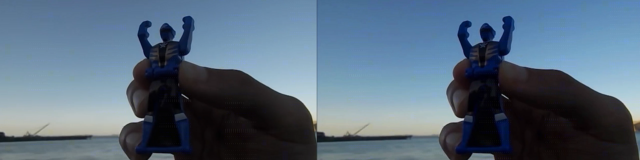
I’ve attached an example image of what it looks like. you can clearly see the dots on the hands. They move all over the place on each frame.
Thank you for your time in advance!