Creative Communities of the World Forums

The peer to peer support community for media production professionals.

Activity Forums A.I. What’s your workflow for cleaning dialogue recorded in noisy rooms?

  • What’s your workflow for cleaning dialogue recorded in noisy rooms?

    Posted by Shin Zoey on August 26, 2026 at 11:58 am

    Hi everyone,

    I’ve been dealing with interview and voiceover clips recorded in ordinary rooms, usually with fan noise, air conditioning or a bit of room hiss in the background.

    My usual approach is light noise reduction followed by EQ, but it can take a while, and pushing the settings too far makes the voice sound metallic. For some shorter clips I’ve also tried browser-based tools, including VoiceCleaner AI. The results were usable with less setup, although there’s obviously less control than with dedicated restoration software.

    I’m curious how others handle this. Do you clean dialogue directly inside your video editor, or send it to a separate application first? How much noise reduction do you normally apply before the artefacts become more distracting than the original noise?

    John Fishback replied 1 week, 5 days ago 3 Members · 2 Replies
  • 2 Replies
  • Mads Nybo jørgensen

    August 26, 2026 at 1:02 pm

    Hey Shin,

    Many NLE editors now comes with excellent noise reduction baked in.

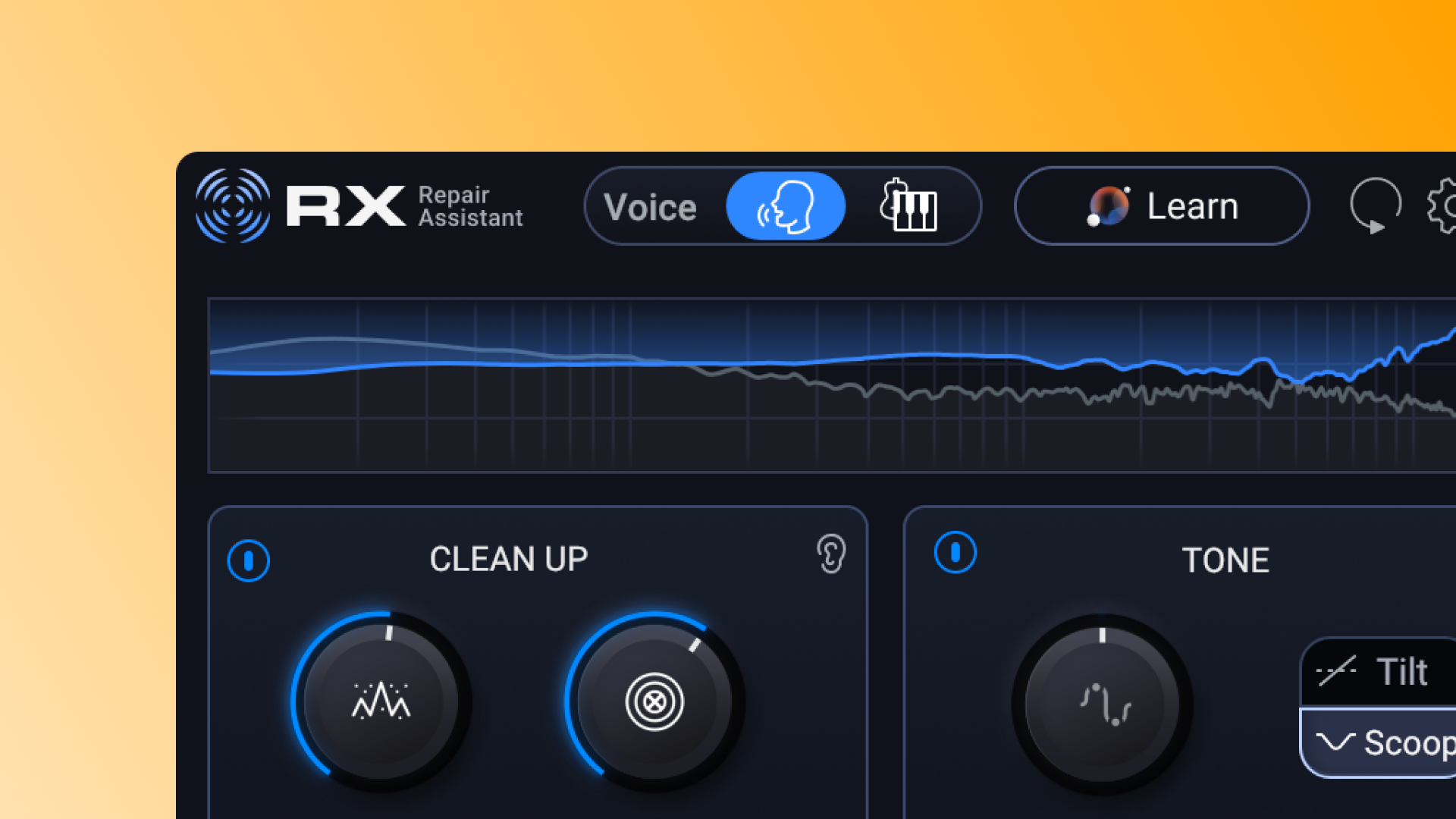
    If I have to go further, I use Izotope.
    Although I have the bigger suite, I originally got the starter plug-in pack, and never looked back:
    https://www.izotope.com/products/rx-elements
    (Izotope is now owned by BorisFX)

    Obviously, the spanner in the works is A.I..
    As in that many of the big A.I. engines out there can either clean up the track, or even vibe code the effect as a plugin for you.

    One thing to look out for, is that in the early days of Adobe PPro “new” noise reduction filter, it at times felt that Adobe transcribed the clip, then “learned” the voice characteristics, then in the back-ground, “re-recorded” the voice to the trascribed clip an d repaced the old noisy voice-track with that “clean” recording.
    This you might imagine, could give some hillarious results, involving phantom words in the middle of a sentence.
    Adobe is getting better, but no matter what you use for processing, you should still ensure that the spoken word remains the same…

    Hope this helps?

    Atb
    Mads

  • John Fishback

    August 26, 2026 at 1:56 pm

    I have four or five noise reduction suites and in the past used a combination of them to clean up difficult noise. Nowadays, my go-to plugin is dxRevive Pro. It’s rare that I need to use anything else.

    It handles simultaneously, broadband noise, hum, clicks, reverb, clipping, and restores missing frequencies in a voice.

    Thrre’s a standard and Pro version. The pro version allows fine tuning in different frequency bands and has more neural networks for focusing in on particular issues like low-end restoration. Also, it’s trained on multiple languages and runs locally, not in the cloud. Great plugin!

We use anonymous cookies to give you the best experience we can.
Our Privacy policy | GDPR Policy