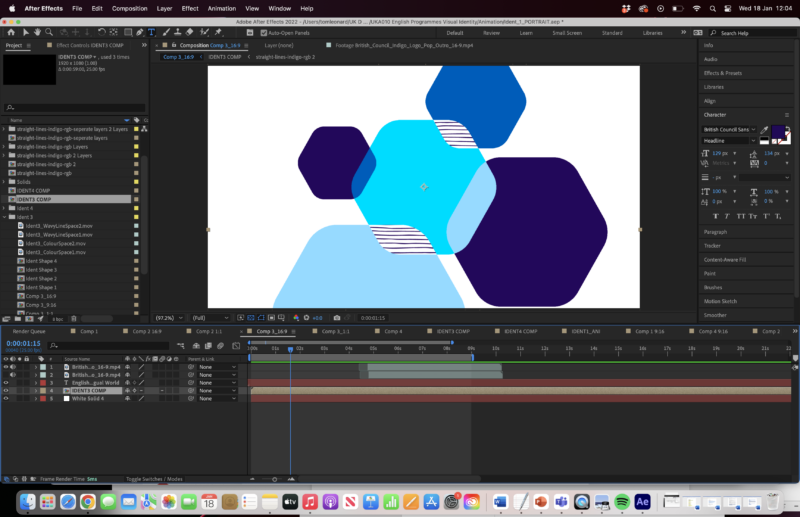
-
What is this artifact when exporting and how to get rid of it?
Hi,
I’m pretty much a newbie when it comes to After Effects and I’m sure this is a simple fix but I’d appreciate help in resolving it.
In my project the dark blue hexagon in the bottom right and the middle, turquoise hexagon overlap to create the light blue shape. I have precomposed the light blue shape, and it sits on a separate layer to the dark blue shape underneath it.
There is no outline or border to the shape in After Effects. When I export the animation there is a dark blue outline around the shape, almost as if there is motion blur turned on. I have turned off all motion blur but I am still getting the outline in the export.
Is there a way of resolving this in the export settings that I’m missing?
Thanks in advance for any help.