-
Vegas Pro 18 often locks up when clicking the Audio Event FX button on an event.
Hi there,
Stumped with this one, can anyone help?
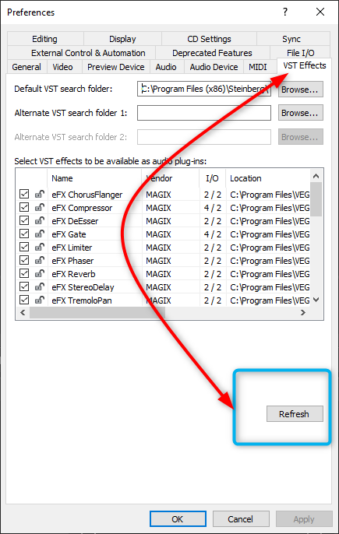
I’ve been using a couple of audio plugins on clips (events) using the FX button to the end of the audio event clip. Plugins are mostly Track EQ and eFXCompressor.
“Sometimes” I press the fx button to make changes and am faced with the windows spinny wheel mouse. This leads to either the vegas screen going white and windows asking whether to wait or close the program, or eventually the Audio FX window opening up but with no plugin contents showing. At this point closing the Audio FX window wil also lock up Vegas.
If the timeline was playing it will carry on doing so even though the GUI is locked up.
Hardware: intel 3820 i7 GPU AMD Rega64. Harware is rock solid. Fine on other stuff – Pro Tools and plenty of other fickle apps. It’s hardly ever turned off and it’s only vegas that crashes.
So now Fresh install Windows 10, and fresh install of Paid up Vegas Pro V18 527, Nothing else and still the same behaviour.
Vegas 14 and Vegas 17 have been fine and dandy except V17 would crash if i posted audio event attributes to a clip while it was playing.. So I’d only do that with the playback stopped.
V18 build 373 was also ok as far as I can remember but haven’t used it that much.. The issue appeared to start with an u/g to 527 but this is also a new project so any chance its the media I’m using?
Most crash/freeze help is to do with video. This is specifically to do with Audio FX. Any ideas?
Really stumped. And when it happens it seems to happen for a while, then works fine.