Creative Communities of the World Forums

The peer to peer support community for media production professionals.

Activity Forums Maxon Cinema 4D Uv out of Canvas

  • Kouraib Abdmalek

    April 9, 2026 at 8:41 am

    Hi Antonis,

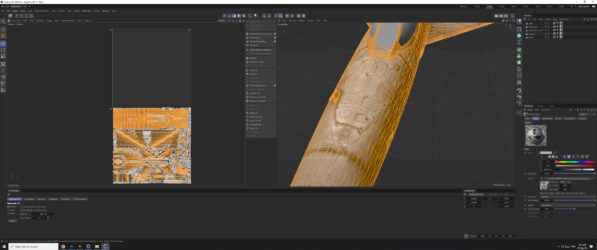
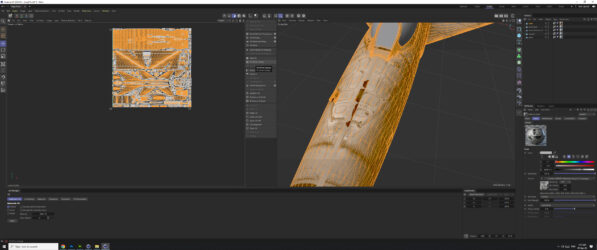
    The “fit to UV Canvas” command stretches UV coordinates to fit the entire canvas. It’s best used to increase the texture accuracy of a single object or to correct very small UVs coordinates after decompression. In your case, it seems best to simply select all the UVs and then drag them to the canvas to maintain proportion. I’ve tried to demonstrate this in the screen recording below. Let me know if you encounter any problems.

  • Antonis karidis

    April 9, 2026 at 4:41 pm

    Hello there

    Thanks for your reply ,yes i did it like that already but i found it very stupid that the size and everything of the existing uv is there and actually visible to cinema4d with the only problem that is out of place …. and i found it very annoying that the faction to put everything in its place like you said is spreading it out and it doesnt give you any other option ! My main problem was that if i export the obj file so i can use it to substance painter if i dont place the uv to canvas and leave it like that the model is all black when i bake the textures to substance !

    Anyway thanks again i thought i was doing something wrong but anyway Maxon things as usual !

    All the best

    Antonis

  • Kouraib Abdmalek

    April 10, 2026 at 10:33 am

    You’re very welcome, Antonis! I’m glad that was helpful to you.

We use anonymous cookies to give you the best experience we can.
Our Privacy policy | GDPR Policy