-
Using 3D Camera tracker spline from After Effects to attach an object to it.
Good morning everyone!
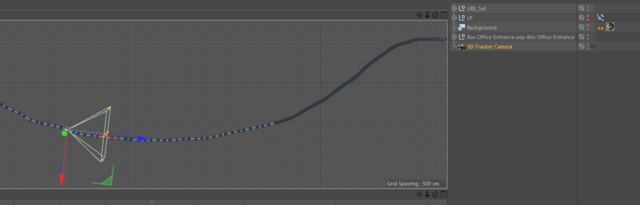
I have a video that I 3D tracked in After Effects and then imported into Cinema 4D. The video is over a minute long and it goes up and down in areas (Escalators). I need to place an object that travels along the spline path that the camera follows. So my thought was to copy the spline path that the camera is using, however, it is not allowing me to do that. I can only select 1 point at a time and not multiples. I can just copy the 3D camera tracker and place that into the attach to spline path, but that doesn’t work either. I would really like to avoid having to create a spline from scratch as this spline will be all over the place. Does anyone have any ideas that might help?