Creative Communities of the World Forums

The peer to peer support community for media production professionals.

Activity Forums Adobe After Effects Tracking drifts as it goes off screen [Mocha]

  • Tracking drifts as it goes off screen [Mocha]

    Posted by Daithí Salach on November 1, 2020 at 1:35 am

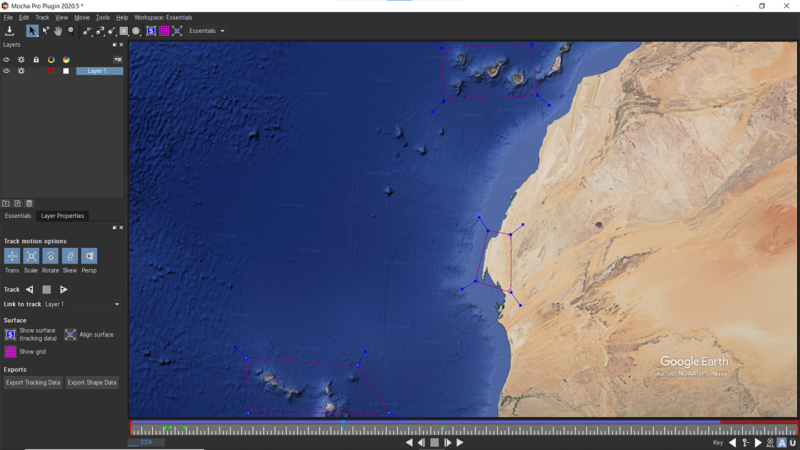
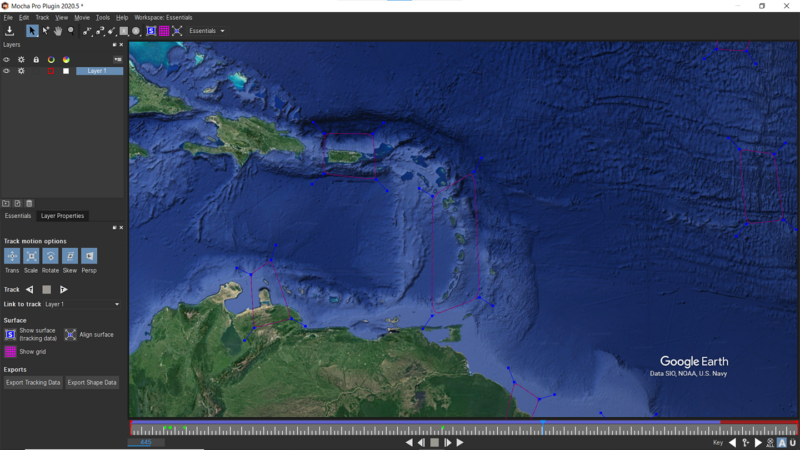
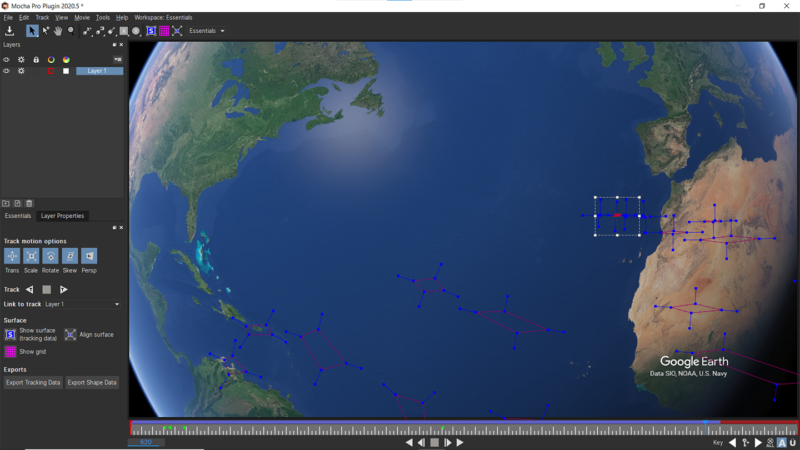
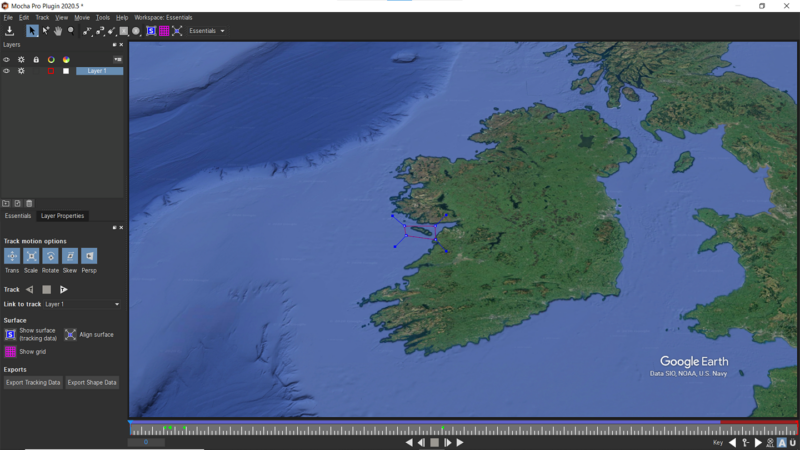
    I’m using Mocha to track a travel route on an animation I made in Google Earth Studio. The video starts zoomed in and follows a path to a number of destinations and then zooms out for an overview but no matter what I do the splines I created have drifted from their original placements so it’s impossible to display the route accurately.

    I hope the pictures show it clearly, splines that had been in Western Europe have moved to North Africa by the end.

    I’m a bit new to this so not sure how to tackle it, is there another way to approach this or am I missing something obvious? Thanks in advance…

    Brendon Murphy replied 5 years, 6 months ago 2 Members · 1 Reply
  • 1 Reply
  • Brendon Murphy

    November 1, 2020 at 5:41 pm

    Try tracking a much larger area so Mocha has more data to work with. Mocha tracks pixel patterns, so you will not have much luck in any ocean area where its blue with no other detail.

    Making a hipass version of your animation will bring out more details in your map for tracking. Google “After Effects hipass”.

We use anonymous cookies to give you the best experience we can.
Our Privacy policy | GDPR Policy