-
Stroke Effect on an Object Matte
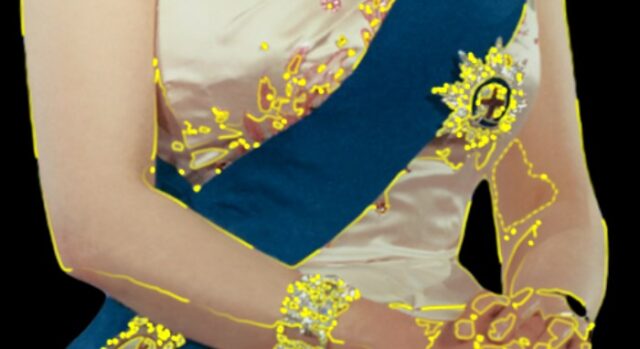
I’m playing around with the object matte tool. My goal is to use the path of the mask generated by the matte tool as the source for the stroke effect. I’d have the first key frame have Start and End both set to 0% and the later keyframe would have the end set to 100%.
I am able to generate the Selection->Add Object attributes to my source image (it’s a static picture if that matters). Under the Add Object is Path and also Stroke Options. I can’t determine what the Stroke Options (Hardness and Opacity) do with the object, but it doesn’t appear to be the stroke effect that I want.
The Path attribute seems like I should be able to use that with the stroke effect, but when I add the stroke effect, that object path is not an option for its Path input. I tried copying the Object Path and pasting it to the Stroke Path, but that gave me an error.
I tried creating a solid and added a simple mask to it. I then pasted the Object Path into the Mask’s Mask Path attribute. It didn’t work.