Creative Communities of the World Forums

The peer to peer support community for media production professionals.

Activity Forums Adobe After Effects Speed ​​chart

  • Speed ​​chart

    Posted by Droga Barin on April 19, 2024 at 6:53 pm
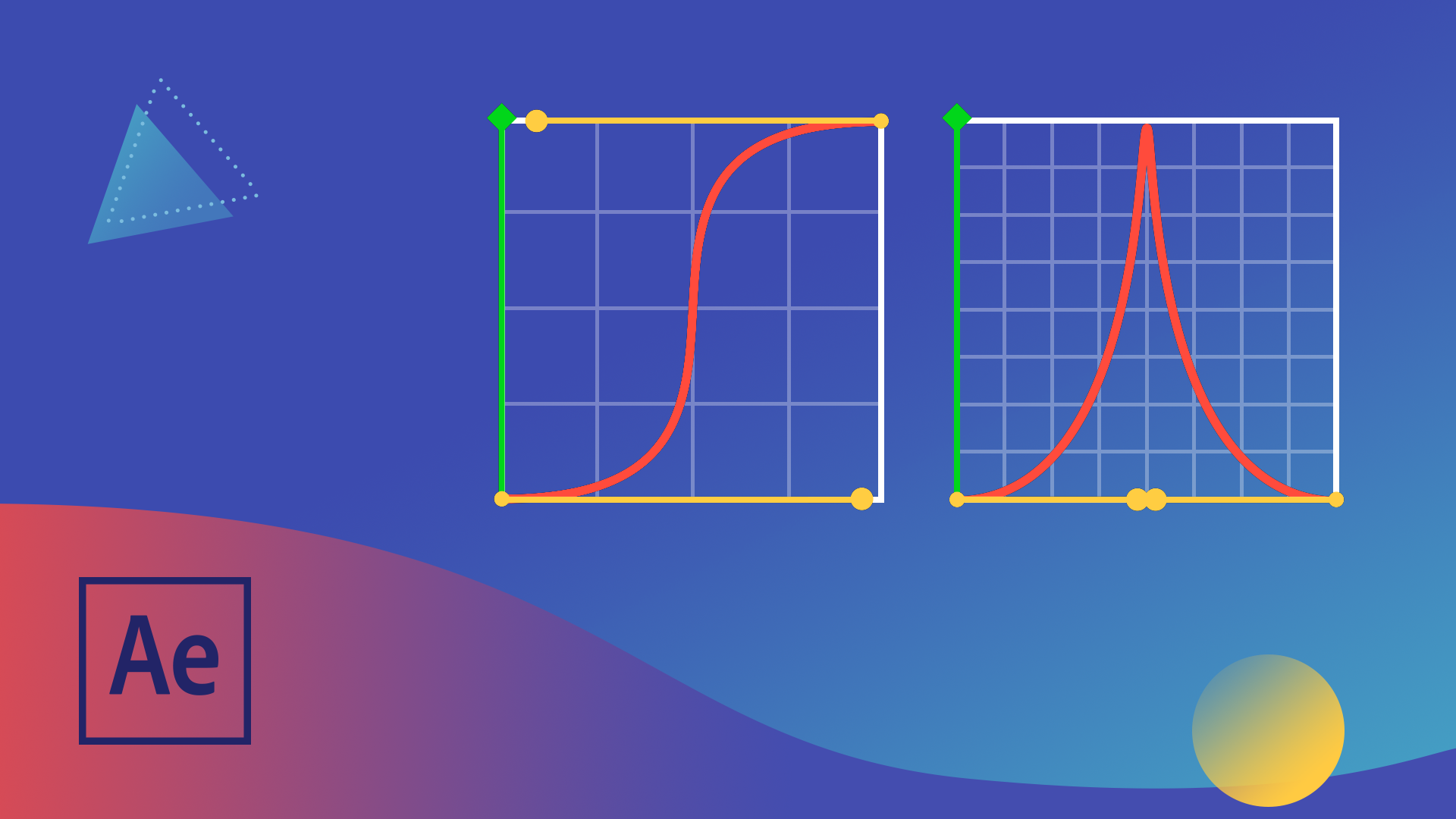
    Hello, I have a problem with animation smoothness. Just the day before yesterday I made the smoothness I needed for the first text, but I forgot how I did it.. It turns out that on the speed diagram I moved both sliders to the left edge, but, as I said earlier, I don’t remember how I did it the day before yesterday , and don't know how to make all the text have the same fluidity. Please tell me how to move it completely to the far edge of the animation. that no matter how much I try to show the same smoothness today, I can only pull the slider to the end, and not all the way. Please, I REALLY need help, all my work is costing me because of this problem.
    Droga Barin replied 2 years ago 3 Members · 3 Replies
  • 3 Replies
  • John Fishback

    April 19, 2024 at 8:20 pm

    I’m not an expert AE user and am unsure what sliders you’re referring to. Hopefully this helps. Right-click on the position keyframe and look to the bottom of the list that opens for Animation Assistant. Ease and Easy Ease will smoothly stop the move. If the text layers are the same length, they should all move the same way.

  • Walter Soyka

    April 19, 2024 at 8:49 pm

    I think the value graph is a lot easier to understand intuitively than the speed graph. Some great notes here:
    https://www.schoolofmotion.com/blog/graph-editor-after-effects

    My whole team uses Flow from Aescripts to help keep our motion curves consistent:
    https://aescripts.com/flow/

  • Droga Barin

    April 20, 2024 at 3:55 am
    No, look how I did it... I turned both sliders to the left edge of the animation, due to which I got a very sharp animation at the beginning, and a very smooth one at the end, which is exactly what I wanted. But I don't remember pulling the right slider more than halfway. Like, I haven’t tried to repeat this now, I can only pull the slider to maximum in the middle

    Нет, посмотрите, как я это сделал… Оба ползунка я повернулся к левому краю анимации, за счет чего в начале у меня получилась очень резкая анимация, а в конце очень плавная, а именно это то, что я хотел . Но я не помню, как я тянул правый ползунок больше половины. Мол, я сейчас не пробовал это повторить, могу только ползунок вытянуть на максимальную посередине

    https://youtu.be/2isof9hNRgA

    Some contents or functionalities here are not available due to your cookie preferences!

    This happens because the functionality/content marked as “Google Youtube” uses cookies that you choosed to keep disabled. In order to view this content or use this functionality, please enable cookies: click here to open your cookie preferences.

We use anonymous cookies to give you the best experience we can.
Our Privacy policy | GDPR Policy