-
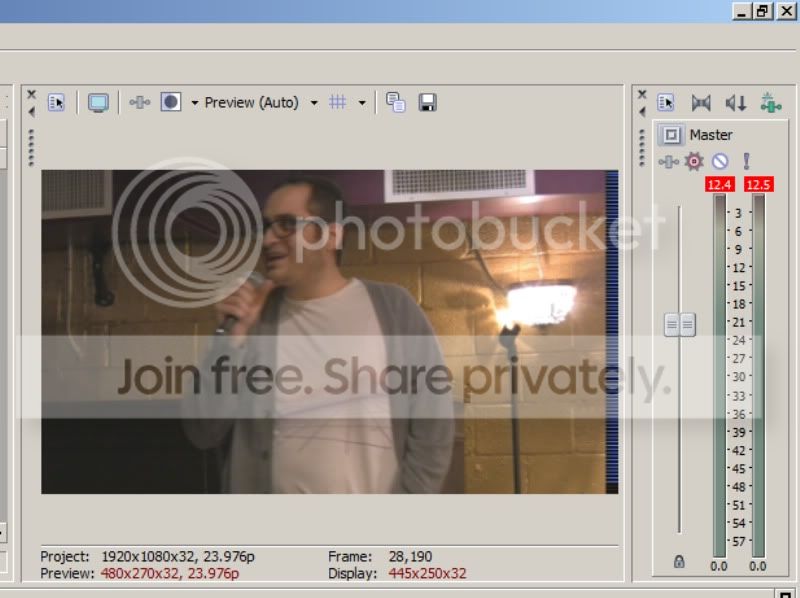
Some kind of junk video on preview window
Hey guys,
I just started using Cineform Neoscene to capture footage from my Canon Vixia HV30 to take 24fps footage out of the 60i wrapper. I’m still on the trial version.
Everything basically works fine and I’ve rendered video without any problems. My issue is that in the preview window there is a black bar on the right side, and, almost like an audio meter, has bars of varying colors (I’ve seen white, people, and greenish/yellow/reds) jumping up and down and running through this small black bar on the right. It’s annoying.
It only happens when the preview window is set to Preview: Auto or Draft: Auto or Quarter. At any higher setting it goes away.
Does anyone know how to do away with this? I like to keep the preview quality low so I don’t tax my computer unless I want to see something in detail.
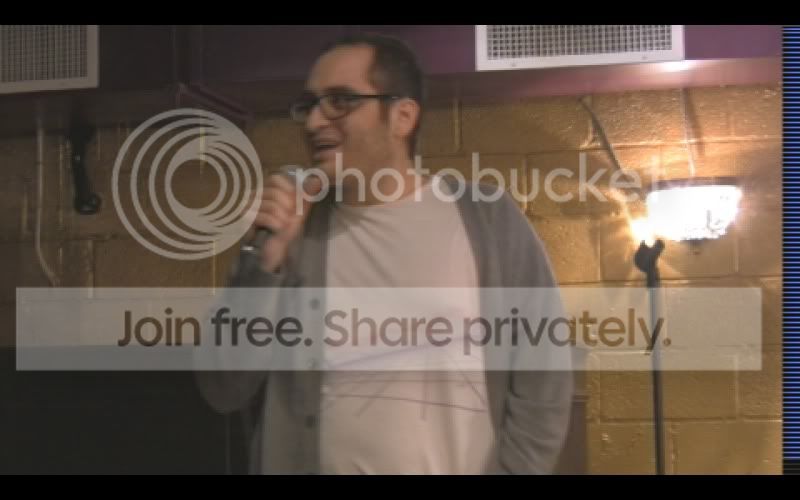
Attached are two screencaps of what I’m seeing. Notice the bar on the right.