-
RSMB Issue
Hi all,
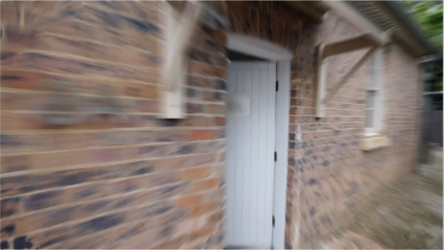
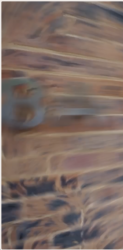
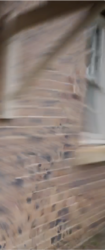
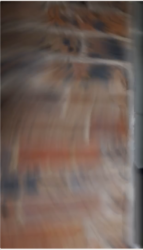
I recently purchased ReelSmart Motion Blur for Premiere Pro, hoping it would solve the lack of motion blur in my speed-ramped edits. Upon using it, I am finding it not looking as smooth as expected. I am getting this strange warping issue (visible in both the program monitor and the exported file). It doesn’t look like the motion blur is travelling in the same direction as the footage and there’s some messy blur happening. There are even frames with bits that have no blur for some reason.
My method of applying the effect is just placing an adjustment layer on the layer above my speed-ramped footage with the RSMB effect applied – Blur Amount: 1, Motion Sensitivity: 70.00.
Please see attached export/screenshots for reference.
Is there something I’m doing wrong?
Macbook Pro 16″ 2021
Chip: Apple M1 Max
Memory: 64GB RAM
MacOS: 13.2.1
Premiere Pro Version 23.2.0
Thanks in advance