

-
psd files into HD timeline
I’m trying to import a psd with layers (didnt work flattened either) into an HD timeline. The image looks fantastic UNTIL I render the timeline, then it becomes very pixilated, blurry and overall bad image quality.
The psd im using was originally an illustrator vector logo image that I brought into photoshop. The photoshop image is 1280×720, 600dpi, square pixels.
I also tried going into motion first exporting it and bringing it in as a mov, going straight from illustrator and a variety of different settings that didnt work either.
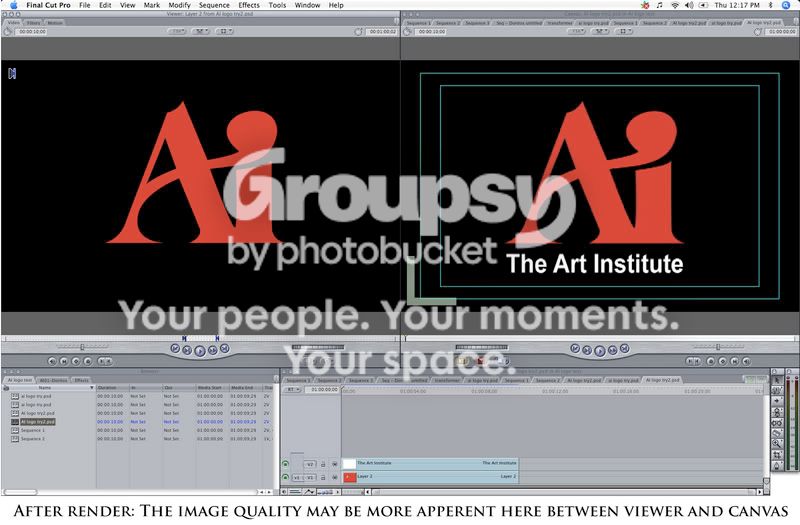
(no i dont go to ai and i cant ask a teacher, i just recreated the logo for a video spoof)
The image doesn’t look as bad in this photo but it is very poor quality.
If anyone can help I would appreciate it. Thanks!
-b
Sorry, there were no replies found.